Point of Sale (Pos)
What Is a Point of Sale (POS)?
A point of sale (POS) is the place or stage in a commercial transaction where a customer purchases goods or services and the seller records the sale. In retail and ecommerce operations, the term also commonly refers to the hardware and software used to enter purchases, calculate amounts due, accept or record payment, and issue receipts. A shop checkout is a physical point of sale; an online checkout performs a comparable transaction function, although merchants often use POS system specifically for their in-person selling technology.

The distinction between the transaction location and the supporting system matters. A point of sale is not necessarily a particular device, and a POS system is not simply a card reader. Depending on its configuration, the system may also exchange information with inventory, order management, accounting, and fulfillment applications. These connections place POS data at the boundary between customer-facing sales activity and the operational processes that supply, deliver, or receive returned merchandise.
What a POS System Includes
A POS system combines transaction software with the equipment and services needed for a particular selling environment. Not every installation includes the same components, and a function available through an integration should not be assumed to be built into the POS itself.
- Sales interface: Software through which staff select products, enter quantities, apply authorized discounts, and create a transaction record.
- Product and pricing data: Records identifying the items offered for sale and the prices or pricing rules applied to them.
- Input equipment: Devices such as barcode scanners, keyboards, touchscreens, or weighing equipment, where appropriate.
- Payment interface: A connection to payment equipment or services, alongside facilities for recording other supported payment methods.
- Receipt facilities: Printed or electronic records showing the transaction details.
- Operational connections: Interfaces that may send sales, inventory, return, or accounting information to other business systems.
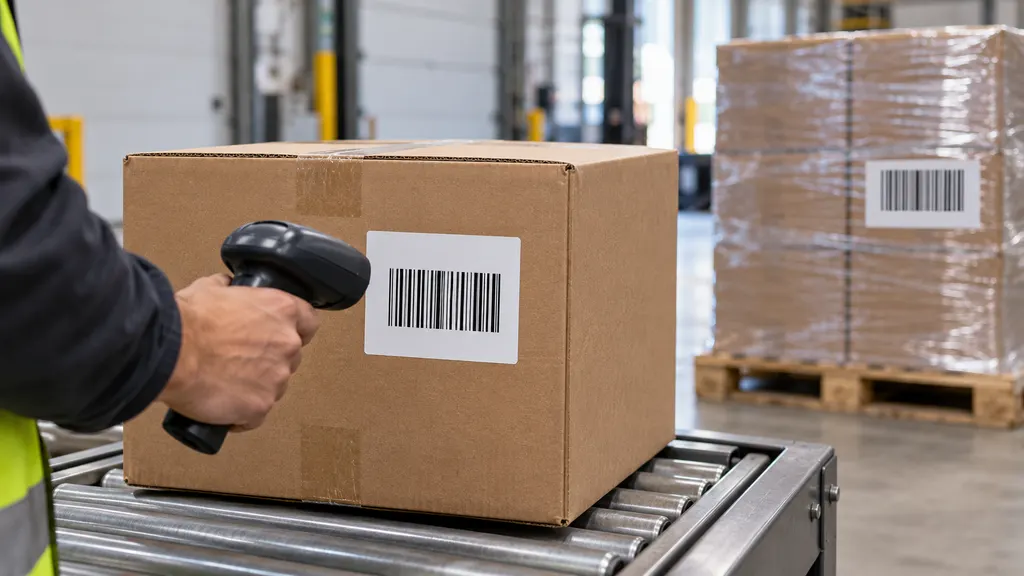
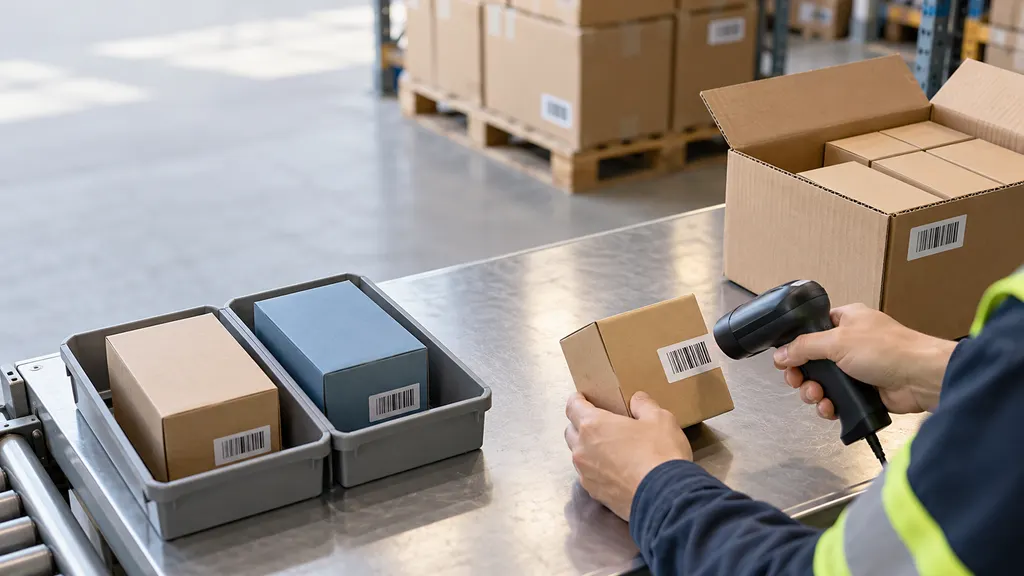
A barcode scanner captures an identifier; it does not independently establish the correct selling price or available quantity. The associated software must interpret the identifier and retrieve the relevant records. GS1 barcode standards support standardized identification and data capture, but using a standardized barcode does not by itself guarantee that separate merchant systems hold consistent product information.
How a POS Transaction Works
The following sequence describes a straightforward retail purchase. Actual workflows differ according to the payment method, system configuration, and whether goods are handed over immediately or fulfilled later.
- Identify the items. The seller scans a barcode, searches a product catalog, or enters an item manually. The transaction records the selected product and quantity.
- Calculate the amount due. The system applies the configured prices, eligible discounts, and relevant tax rules. Correct results depend on accurate configuration and applicable requirements.
- Accept or record payment. The customer pays using a supported method. An electronic payment may involve separate authorization and processing services; the POS is not itself the entire payment network.
- Record the sale. The system stores transaction details and produces a receipt or other confirmation. A successful payment authorization should not be confused with final settlement of funds.
- Update connected operations. Where integrations exist, transaction information may update stock records, financial records, or a customer order awaiting fulfillment.
- Hand over or fulfill the goods. The customer may take the items immediately, collect them later, or receive a shipment. Recording the sale does not establish that delivery has occurred.
These events do not always happen simultaneously. For example, a retailer may accept an order and payment in a store but arrange shipment from a warehouse. The commercial transaction and the physical movement of goods then follow related but separate workflows.
Role in Ecommerce and Inventory Operations
For a business selling through both stores and websites, POS records can contribute to a shared view of sales and inventory. This requires compatible product identifiers, defined stock locations, and reliable exchange of transaction information. A connection between systems does not automatically mean that every update occurs immediately or that every system uses the same definition of available stock.
On-hand stock describes inventory recorded at a location, while stock available for sale may exclude quantities reserved for existing orders or otherwise unavailable. A POS sale can therefore affect more than a single inventory number. The operational result depends on whether the item is being taken away, reserved for pickup, or allocated to a later shipment.
For example, a retailer may sell a jacket at a store counter and arrange delivery from a distribution center. The store POS records the purchase, while an order management process determines the fulfillment location. Warehouse staff then pick and pack the item, and shipping processes create the shipment and any associated tracking information. The POS transaction number, order number, and tracking number identify different records and should not be treated as interchangeable.
POS sales data can also inform replenishment decisions. However, sales records alone do not establish the full stock position: receipts, transfers, returns, damage, and inventory adjustments may also need to be considered.
POS and Related Terms
| Term | Main function | Relationship to POS |
|---|---|---|
| Cash register | Records sales and supports checkout activities, particularly cash handling. | Functions can overlap with a POS system; a networked POS may connect checkout to broader business records. |
| Payment terminal | Provides an interface for accepting supported electronic payments. | May be integrated with the POS or operated separately; it is not necessarily the complete sales system. |
| Payment gateway | Facilitates the exchange of payment information with payment-processing services. | Supports the payment workflow rather than inventory management or physical fulfillment. |
| Order management system | Coordinates order records and fulfillment workflows. | May receive orders originating at a POS and coordinate their subsequent processing. |
| Warehouse management system | Controls warehouse activities such as receiving, put-away, picking, and packing. | May fulfill an order created through a POS, but serves a different operational purpose. |
| Shipment tracking | Provides information about a shipment's movement or delivery status. | Relates to fulfillment after shipment creation, not proof that a retail sale was recorded. |
These boundaries describe functions rather than mandatory product categories. A single software suite may combine several functions, while another business may use separate applications for each. The important question is which system controls each record and how changes are communicated.
Returns, Refunds, and Inventory Accuracy
A POS may support looking up an original transaction, recording a return, issuing a refund, or processing an exchange. These actions are related but distinct. A return concerns goods coming back into the seller's control; a refund concerns money being returned to the customer. One does not automatically prove that the other has occurred.
Returned merchandise also requires an inventory decision. An item that is received back may be suitable for resale, require inspection, or need to be kept out of sellable inventory. Recording a refund should therefore not automatically be interpreted as confirmation that the item is available for another customer.
For example, a customer may return an online purchase to a physical store. If the merchant supports that workflow, the store system needs access to sufficient order and payment information to process the transaction correctly. The returned item must also be assigned an appropriate location and condition. Whether this is permitted depends on the merchant's policies and system capabilities; the presence of a POS terminal alone does not establish eligibility.
Cross-Border Commerce Considerations
In cross-border ecommerce, a POS-originated order may require additional information before international fulfillment can proceed. A sales receipt can document the retail transaction, but it should not be assumed to satisfy every requirement for a commercial invoice, customs declaration, or other shipping document. Required information depends on the shipment and the applicable jurisdictions.
Currency fields also need clear interpretation. A displayed selling currency, the currency used for payment, and the currency in which the merchant receives settlement may differ. These are separate payment and accounting attributes, not interchangeable measures. Likewise, tax recorded during checkout does not by itself establish that all import duties, taxes, or destination charges have been addressed.
The POS therefore supplies part of the commercial record rather than replacing customs, shipping, or payment-compliance processes. Its relevance to international fulfillment lies in the accuracy and completeness of the information passed downstream.
Operational Checks and Limitations
When assessing how POS information supports ecommerce logistics, the following checks help clarify system behavior without assuming that every installation works alike:
- Product identity: Confirm that product variants and units of sale map correctly across the POS, online catalog, and warehouse records.
- Inventory timing: Establish which event reserves stock, reduces on-hand quantities, or releases a reservation after cancellation.
- Location assignment: Distinguish the location that records the sale from the location that supplies the goods.
- Transaction references: Preserve links between sales, payments, orders, refunds, and shipments without replacing their separate identifiers.
- Interrupted connections: Determine which functions remain available offline and how pending records are reconciled after reconnection. Offline sales capability does not necessarily imply offline electronic payment acceptance.
- Return handling: Separate financial reimbursement from receipt, inspection, and restocking of merchandise.
- Payment security: Identify where payment account data is handled and which security responsibilities apply. PCI Security Standards Council terminology distinguishes payment-related technologies and environments; merely calling a product a POS does not demonstrate compliance.
QA
Does POS mean the checkout location or the checkout system?
It can mean either. Point of sale identifies where or when a purchase transaction occurs; POS system refers to the technology supporting that transaction. Context determines the intended meaning.
Is a POS system the same as a card reader?
No. A card reader handles a specific part of payment acceptance. A POS system records the sale and may also manage products, receipts, and connections to other business systems.
Does a POS sale mean an order has been shipped?
No. Goods may be handed over immediately, collected later, or shipped separately. Sale, payment, fulfillment, and delivery statuses describe different events.
Can POS and ecommerce inventory be synchronized?
They can be connected through shared software or integrations. Accuracy depends on consistent product records, inventory rules, update timing, and the handling of returns, cancellations, and other stock movements.
Sources
- Cambridge Dictionary: Point of sale — Reference definition and commercial usage of the term.
- GS1: Barcodes — Standardized product identification and barcode-based data capture relevant to checkout operations.
- PCI Security Standards Council: Glossary — Payment-security terminology, including point-of-sale and payment-processing concepts.