How to Manage Returns on Shopify: Setup, Processing, Refunds, and Exchanges
To manage returns on Shopify, publish a clear return policy, configure the return options available in your store, and handle each request against its original order. Then arrange return shipping, inspect the merchandise, update inventory, and issue the appropriate refund or exchange. Treat these as separate steps: creating a return does not, by itself, mean the customer has been refunded or the item is ready to sell again.

This guide is for Shopify merchants and operations teams handling physical-product returns. Shopify admin labels and available options can vary by store configuration, payment method, fulfillment setup, and location, so check the final transaction summary before confirming any financial or inventory change.
Understand what you are processing
A return, a refund, and an exchange are related, but they do different jobs. Keeping them separate helps prevent duplicate payments, premature restocking, and replacement orders that never reach fulfillment.
| Action | Purpose | What to verify |
|---|---|---|
| Return | Records merchandise being sent back against an order. | Correct items, quantities, eligibility, and shipping instructions. |
| Refund | Sends an approved amount back through an available payment route. | Amount, payment destination, shipping treatment, and previous refunds. |
| Exchange | Replaces purchased merchandise with another item or variant. | Replacement stock, price difference, payment status, and fulfillment. |
| Restock | Returns eligible inventory to a sellable location. | Actual receipt, condition, quantity, and destination location. |
For example, a damaged item might qualify for a refund without being returned. A size exchange might require a return and a replacement shipment without a full refund. Neither situation should automatically put the original item back into sellable inventory.
Set up your return policy and operating rules
Write the policy before configuring the workflow
In Shopify admin, go to Settings > Policies to add or review your return and refund policy. Shopify’s policy documentation explains how store policies are added and displayed. Review any generated wording against your actual practices and applicable consumer law rather than publishing it unchanged.
Customers should be able to determine the following before purchasing:
- Which products are eligible, including how you handle personalized goods, sale items, and hygiene-sensitive products.
- When a request must be submitted and whether a separate deadline applies to shipping the item back.
- What condition the merchandise must be in and which accessories or packaging must be included.
- Who pays return shipping and whether any permitted deductions apply.
- Whether original shipping charges are refundable.
- Which resolutions are offered: refund, exchange, or store credit where supported.
- How customers should report damaged goods, incorrect items, or missing components.
- What happens after inspection and how customers receive updates.
Distinguish a change-of-mind return from a faulty-product complaint. A store policy cannot override mandatory consumer rights. International merchants should also explain return-address requirements and provide appropriate customs instructions rather than assuming every customer can use the same domestic process.
Align Shopify settings with the published policy
Review Shopify’s return rules and customer self-serve return options where available. These settings can help structure eligibility and customer requests, but they are not a substitute for checking unusual cases. Use Shopify’s returns documentation to confirm the setup supported by your store.
If you enable self-serve requests, test the customer-account experience with a suitable test order. Confirm that customers can identify the correct purchase, select eligible items, submit their request, and understand what happens next. A submitted request should not be presented as an approved refund unless your actual workflow authorizes that outcome.
Assign responsibilities before the first return arrives
Decide who approves exceptions, who receives parcels, who grades condition, and who can issue refunds. Give staff the permissions they need without granting unnecessary access. For third-party fulfillment, agree on how warehouse receipts and inspection results reach the person processing the Shopify order.
Keep one operational record per return. At minimum, record the order reference, items, quantities, reason, approved resolution, return tracking if available, inspection result, and financial outcome.
Process a return from request to receipt
1. Find the original order and check eligibility
Open Orders in Shopify admin and select the customer’s order. Check the fulfillment and payment history, the items already returned or refunded, and any notes from support. For a partial return, verify the exact variant and quantity rather than relying on a general product name.
Assess the request against the policy that applied to the purchase, while accounting for applicable legal rights. If you make an exception, record why. This gives the next staff member enough context to avoid reversing an approved decision.
2. Create or review the return
Use the return action available on the order, or review the customer’s submitted request if self-serve returns are enabled. Select the items and quantities, record the reason, and review the proposed resolution. Follow the current Shopify interface rather than assuming every order exposes identical controls.
Do not use a refund as a shortcut for recording an incoming parcel. If merchandise must come back, retain a return record or another reliable receiving reference so the warehouse can identify it.
3. Provide shipping instructions
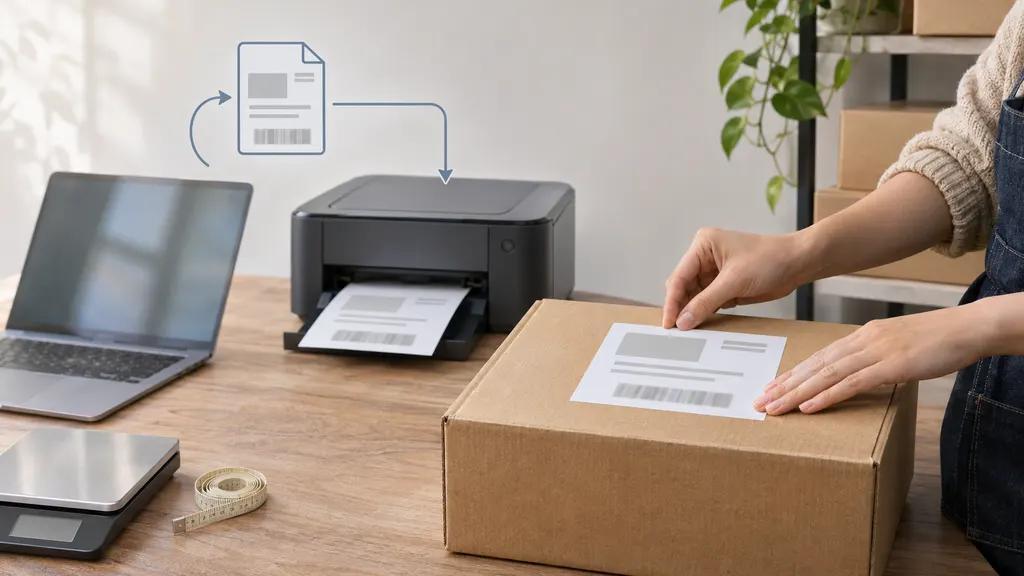
Tell the customer which address to use, how to package the item, what reference to include, and whether a label is supplied. If the customer arranges shipping, state any tracking requirements clearly. Never promise that Shopify can generate a return label for every route; label availability depends on the supported shipping service and shipment circumstances.
Shopify’s return-label documentation should be checked before building a workflow around native label purchasing. When that option does not fit, use an appropriate carrier or shipping service and retain the shipment reference with the return record.
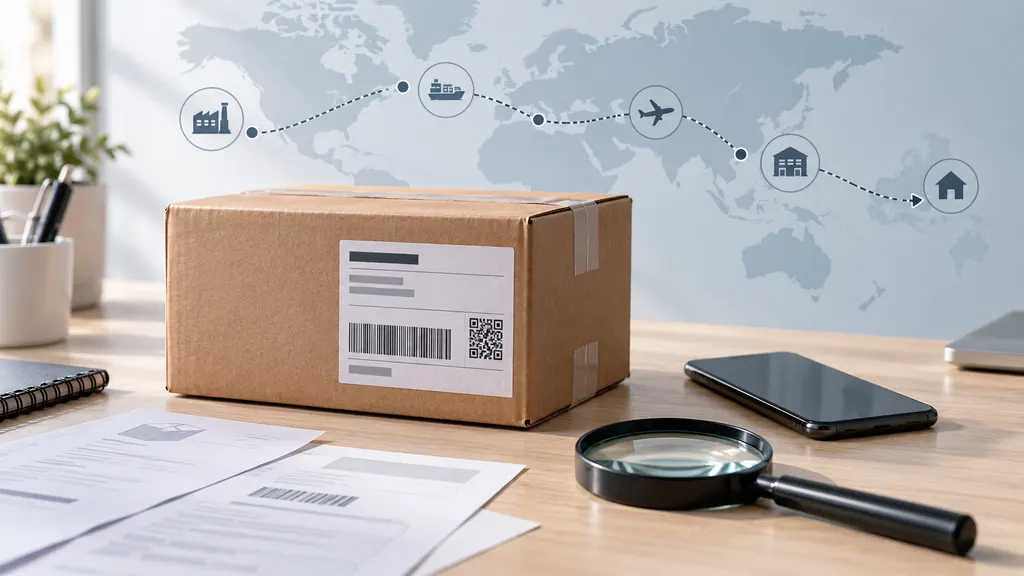
4. Monitor the shipment without confusing delivery with acceptance
Tracking can help identify a parcel that has not moved, a failed delivery, or a shipment delivered to the return facility. However, a delivered scan is not proof that the correct product arrived in acceptable condition. Keep transit status separate from warehouse inspection status.
Tell customers when you are waiting for shipment, receipt, or inspection. Specific updates are more useful than repeatedly saying the return is being processed.
5. Inspect and record the outcome
At receipt, match the parcel to the order and count the returned units. Check the variant, condition, accessories, and any identifying information relevant to the product. Record discrepancies before issuing a resolution that depends on inspection.
- Sellable: return to the appropriate inventory location after inspection.
- Damaged or incomplete: keep out of sellable stock and follow the documented resolution process.
- Wrong item received: investigate and contact the customer before finalizing the return.
- No physical return required: document the authorization and do not add inventory that never arrived.
Issue the correct refund
Open the original order and use the applicable refund or return-processing action. Review the refundable items, quantities, shipping amount, any permitted adjustments, and the payment destination shown in Shopify. A refund can be appropriate without a physical return, but that should be an intentional decision.
Before confirming, check these five points:
- Item amount: use the actual order amounts, accounting for discounts rather than the product’s current catalog price.
- Shipping: decide separately whether original shipping should be refunded under the policy and applicable law.
- Tax and adjustments: review Shopify’s calculated summary and investigate unexpected amounts before proceeding.
- Previous transactions: check for earlier partial refunds, pending actions, or an active payment dispute.
- Restocking: select inventory changes only for quantities that should genuinely return to sellable stock.
Do not assume a refund can be reversed after submission. If you are unsure about the amount or destination, resolve the uncertainty first. Orders paid through multiple methods, manual payment methods, or external providers can require different handling; follow the options and provider instructions relevant to that transaction.
Tell the customer the amount refunded and the destination indicated by the payment workflow. Avoid guaranteeing a universal arrival date: submission of the refund and its appearance on the customer’s account are different events. Shopify’s refund guidance provides further details on processing and limitations.
Handle exchanges without losing the payment or inventory trail
An exchange has two sides: resolving the returned merchandise and supplying the replacement. Before promising one, verify that the requested variant is available and decide whether it will ship before or after inspection.
Where Shopify’s exchange workflow is available for the order, use it to record the replacement items and review the resulting balance. Do not assume an exchange is financially neutral just because the products have the same listed price. Original discounts, tax treatment, replacement pricing, and shipping can affect the outcome.
- Equal-value replacement: confirm that the actual transaction balance is zero.
- Higher-value replacement: collect any amount due through the supported payment process before fulfillment, unless an authorized exception applies.
- Lower-value replacement: review and issue the appropriate difference through the supported workflow.
- Unavailable replacement: offer a clear alternative rather than leaving the customer waiting indefinitely.
If you need to use a separate replacement order, cross-reference it with the original return and record how payment was handled. Avoid both refunding the original purchase in full and sending an unpaid replacement unintentionally. Confirm that the replacement reaches the correct fulfillment queue.
When to consider a dedicated returns app
Start with Shopify’s native workflow when staff can reliably review requests, communicate instructions, and reconcile returns without excessive manual work. Consider a dedicated returns app when repeated handoffs cause problems—for example, staff re-enter request details, customers cannot follow progress, or exchange decisions are difficult to coordinate.
A relevant option to evaluate is 17RETURNS, also listed in the Shopify App Store. Check its current listing and documentation against your actual requirements rather than assuming every returns app handles labels, refunds, exchange payments, or warehouse synchronization in the same way.
Before installing any app, test a partial return, a discounted item, an exchange with a price difference, and a damaged product that must not be restocked. Confirm which system controls approval, money movement, inventory, and customer notifications. Review current charges, permissions, regional support, and any external service requirements before committing.
Close the return only after reconciliation
A return is operationally complete when the merchandise, money, and customer communication agree. Use a final check rather than treating a refund notification as proof that every task is finished:
- The received items and quantities match the recorded outcome.
- The refund, store credit, or exchange has been completed as authorized.
- Inventory reflects the inspection result at the correct location.
- Any replacement has entered fulfillment or has a documented next action.
- The customer has received a clear resolution message.
- Exceptions and supporting notes remain attached to the relevant records.
Review recurring return reasons separately from individual processing. Repeated size issues may call for better fit guidance; repeated wrong-item returns may require a picking check. Use consistent reason categories so those patterns are visible instead of buried in free-text notes.
FAQ
Can I refund a Shopify order without asking for the item back?
Yes. A refund does not always require a physical return. This can be appropriate for an authorized damaged-item resolution or another agreed exception. Record the reason and do not restock merchandise that has not been received.
Does creating a return automatically refund the customer?
Do not assume it does. Recording the return and issuing the refund are distinct actions, although a configured workflow or app may connect them. Check the order’s payment history to confirm whether money has actually been refunded.
Can customers request returns themselves?
Shopify offers self-serve return requests through supported customer-account setups. Review the requirements, enable the applicable settings, and test the experience. Customers still need clear eligibility rules and instructions about approval and shipping.
Should I refund as soon as tracking says delivered?
Not automatically. Delivery confirms a carrier event, not the parcel’s contents or condition. Follow your disclosed policy and legal obligations, and use inspection when the resolution depends on what was returned.
Who pays for return shipping?
That depends on the reason for the return, the published policy, and applicable consumer law. State the arrangement before purchase and confirm it in the return instructions. Do not apply a change-of-mind shipping rule automatically to faulty or incorrect goods.