How to Track a Package When You Don’T Know the Carrier
If you do not know which carrier has your package, start with the tracking number rather than guessing the delivery company. Check the order confirmation, shipping email, seller account, package label, and payment records for clues, then enter the number into a multi-carrier tracking service such as 17TRACK. If the number is not recognized, verify the characters, allow time for the first scan, and ask the sender to confirm the carrier and tracking details.
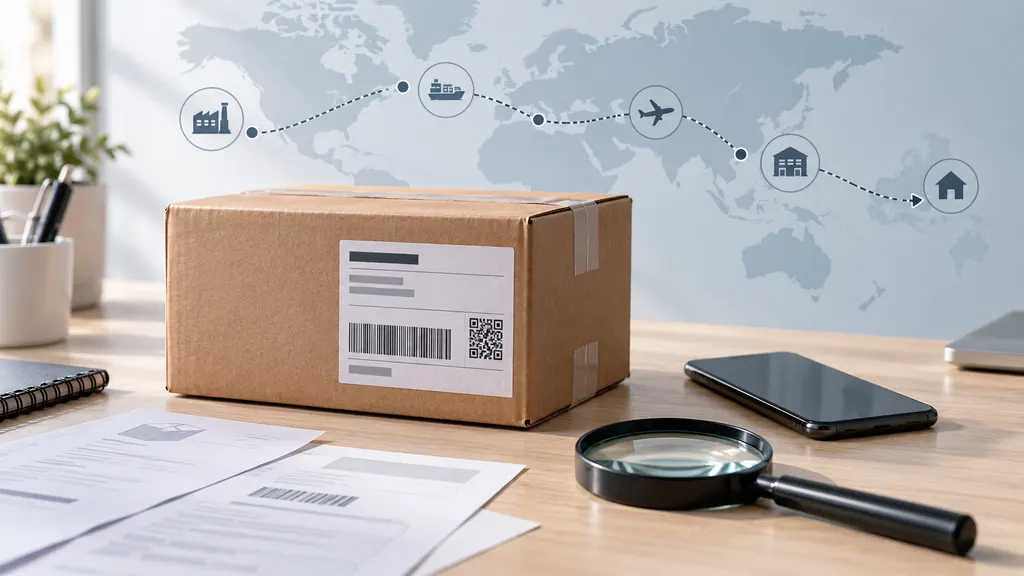
A missing carrier name is common with marketplace orders, international shipments, consolidators, postal handoffs, and economy delivery services. The carrier may also change during transit, so the first company shown by the seller may not be the company responsible for the final delivery.
Why the carrier may be unclear
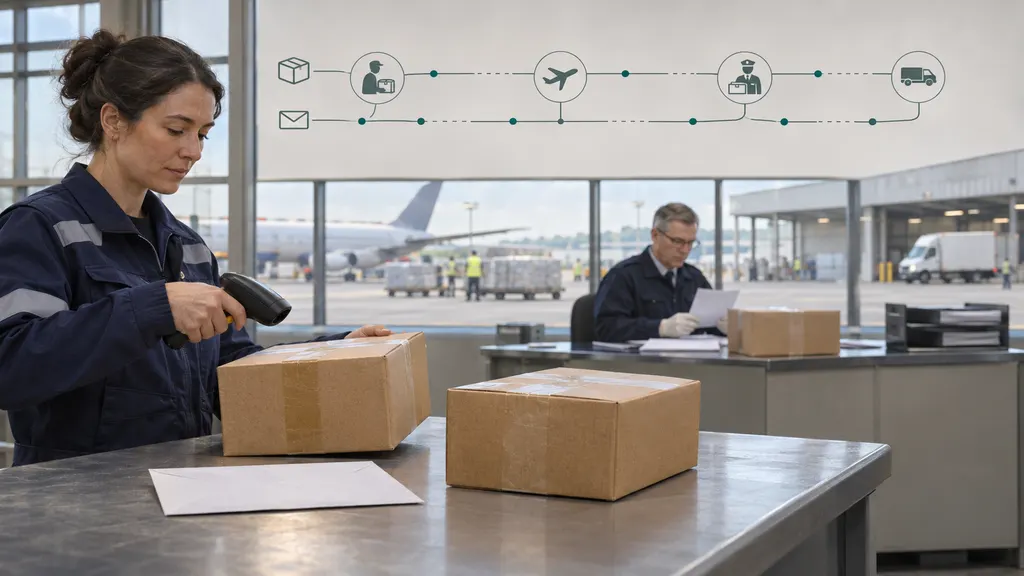
Online sellers do not always display the carrier prominently. A seller may use a fulfillment partner that selects the shipping company after the order is placed. International shipments can move through an origin postal operator, a line-haul provider, customs intermediaries, and a destination postal service. Some tracking numbers are created before the parcel reaches a facility, while others are replaced or supplemented with a local delivery number later.
The tracking number itself may offer a clue, but it is not always enough to identify the carrier with certainty. Number length, prefixes, suffixes, and letter combinations vary by service and country. Similar formats can be used by different logistics providers, and a number that looks like a postal identifier may belong to a partner service. Treat the format as a starting point, not proof.
How to identify the carrier
1. Check the order and shipping records
Look in the places most likely to contain the original shipping information:
- The order confirmation and shipment notification email
- The seller’s order page or marketplace account
- The shipping label, dispatch notice, or warehouse message
- The seller’s returns or delivery instructions
- A delivery attempt card, text message, or courier notification
Search your email for terms such as “shipped,” “dispatch,” “tracking,” or “delivery.” Also search for the tracking number itself. Some sellers place the carrier name in a separate field or link, while others show only the tracking number.
2. Inspect the tracking number carefully
Copy the number directly instead of typing it manually. Check for spaces, missing characters, and characters that are easy to confuse, such as the letter O and the number 0, or the letter I and the number 1. Do not add punctuation unless it appears in the original record.
The number may include a shipment identifier, a parcel identifier, or a reference number that is useful only to the seller. An order number and a tracking number are not necessarily the same. If a tracking page rejects the number, confirm which type of number you are using before concluding that the parcel has no tracking.
3. Try a multi-carrier tracker
A multi-carrier service can be useful when the carrier is unknown or when a shipment passes between logistics providers. Enter the tracking number into 17TRACK and review whether it identifies a carrier or returns an event history. The result may also show that the number is associated with more than one possible carrier, so compare the destination, shipment origin, event dates, and latest scan with your order.
A tracker is not a substitute for the carrier’s own records. It can help you discover the likely carrier and interpret available events, but the sender or carrier remains the best source for corrections, address changes, claims, and delivery disputes. If a result appears inconsistent, use the carrier’s official tracking page once the carrier has been identified.
4. Test likely carrier websites
If the shipment origin, destination, or number format suggests a carrier, you can try the official tracking pages for likely providers. Use the same number exactly as supplied. A failed search does not prove that the carrier is not involved: the number may be for a partner, the data may not have been transferred, or the first scan may not have occurred.
For example, you can check the official tracking tools of USPS, UPS, FedEx, or DHL when one of those companies is a plausible match. Use the official domain rather than a lookalike site, particularly if a message asks for payment or personal information.
What to do when the tracking number shows no result
A blank result can have several explanations. The sender may have created the label but not handed over the parcel. The carrier may not have uploaded the first event yet. The number may belong to a regional partner whose data is not available through the page you used. It may also be an order reference, an internal warehouse reference, or a number with a typing error.
Use this sequence before escalating:
- Copy the number again from the original email or account page.
- Try a multi-carrier tracker and the most likely official carrier page.
- Check the shipment date and whether the seller promised a handling period before dispatch.
- Look for a second tracking number, especially for an international or marketplace order.
- Ask the seller to confirm the carrier, tracking number, origin country, destination country, and handoff status.
Avoid repeatedly refreshing a page as a substitute for contacting the sender. A seller can often see shipping details that are not visible to the recipient, including the original label, a partner reference, or a corrected address. Keep screenshots and copies of messages if the delivery is time-sensitive or a marketplace dispute may be needed later.
How to read the result after the carrier is identified
The first useful result may identify the carrier without showing a recent movement. Separate these situations:
- Label created: shipping information exists, but the available event may not confirm physical acceptance by the carrier.
- Accepted or received: the carrier has recorded a parcel event, although the shipment may still be waiting for sorting or transport.
- In transit: the parcel has recorded movement or processing, but this wording does not necessarily provide a delivery date.
- Customs or import processing: the shipment may require information, payment, or clearance activity, depending on the destination and the carrier’s instructions.
- Out for delivery: the parcel has entered a delivery stage, but the timing can still change.
- Delivered: check the delivery location, proof of delivery, household members, building reception, and nearby safe places before reporting a missing parcel.
Tracking language differs between carriers and services. A status is evidence of a recorded event, not a complete explanation of everything happening to the parcel. When an event is unclear, compare the timestamp, location, and next available update rather than relying on one phrase in isolation.
When a shipment has more than one carrier
International and economy shipments often involve handoffs. The original tracking number may continue to display events, or a destination carrier may assign a local number. If the seller supplies a second number, keep both. The first number can explain the export and transit stages, while the second may be more useful for local delivery.
A handoff can create a period with few visible updates. That gap does not by itself prove that the parcel is lost. Compare the promised delivery window with the latest event and contact the sender if the shipment is outside that window, the address is incorrect, customs requests action, or the status has remained unchanged for an unusually long period.
When to contact the seller, carrier, or marketplace
Contact the seller first when you do not know the carrier, the number is invalid, the parcel has not received an acceptance scan, or the shipment was purchased through a marketplace. The seller is usually the party that can verify the shipping contract and open an investigation with its logistics provider.
Contact the carrier when the carrier is confirmed and the tracking record contains a specific delivery problem, address issue, customs request, or delivery scan that does not match what happened. The carrier may limit what it can disclose to a recipient, especially when the sender owns the shipping account.
Contact the marketplace or payment provider only after checking its deadlines and dispute rules. Keep the order number, tracking number, seller messages, promised delivery date, and screenshots of tracking events together. Do not send sensitive payment information through an unverified tracking link.
A practical decision path
Use the following short process when you need to track a package but the carrier is unknown:
- Find the exact identifier. Distinguish the tracking number from the order number.
- Search the seller’s records. Look for the carrier name, a second number, or a shipment link.
- Run the number through a multi-carrier tool. Review the suggested carrier and events.
- Confirm through an official carrier page. Do not rely on an unverified message or unfamiliar payment page.
- Check the timing. A newly created label may not have a physical scan yet.
- Escalate with evidence. Ask the sender to verify the carrier and investigate when the result remains unclear or the delivery window has passed.
The most reliable answer usually comes from combining sources: the seller’s shipment record, a multi-carrier lookup, the carrier’s official events, and the delivery promise. No single tracking page can identify every partner or explain every handoff, so preserve the original information while you investigate.
FAQ
Can I track a package without knowing the carrier?
Often, yes. Start with the tracking number in a multi-carrier tracking service, then confirm the result on the likely carrier’s official website. If the number is not recognized, ask the sender to verify that it is a tracking number and not an order or internal reference.
Can the tracking number identify the carrier?
It may provide a clue, but the format is not always conclusive. Different providers can use similar identifiers, and international shipments may receive a second local number. Treat format-based identification as provisional until a carrier system or the sender confirms it.
Why does tracking say that no information is available?
The label may have been created before the first physical scan, the number may be incorrect, or the shipment may be handled by a partner whose events have not been transferred. Recheck the number, allow time for an initial scan, and contact the seller if the result remains blank.
What if the tracking page says delivered but I cannot find the package?
Check the delivery location, building reception, household members, neighbors, and safe-place instructions. Then review the carrier’s proof-of-delivery information and contact the seller or carrier promptly. Keep a record of the delivery event and your communications.
Should I use a link in an unexpected delivery message?
Use caution. Instead of opening an unexpected payment or address-update link, go directly to the seller’s account, the carrier’s official website, or a recognized tracking service. Do not provide payment credentials or identity information until the shipment and website have been independently verified.