How to Track Orders across Multiple Carriers from One Dashboard?
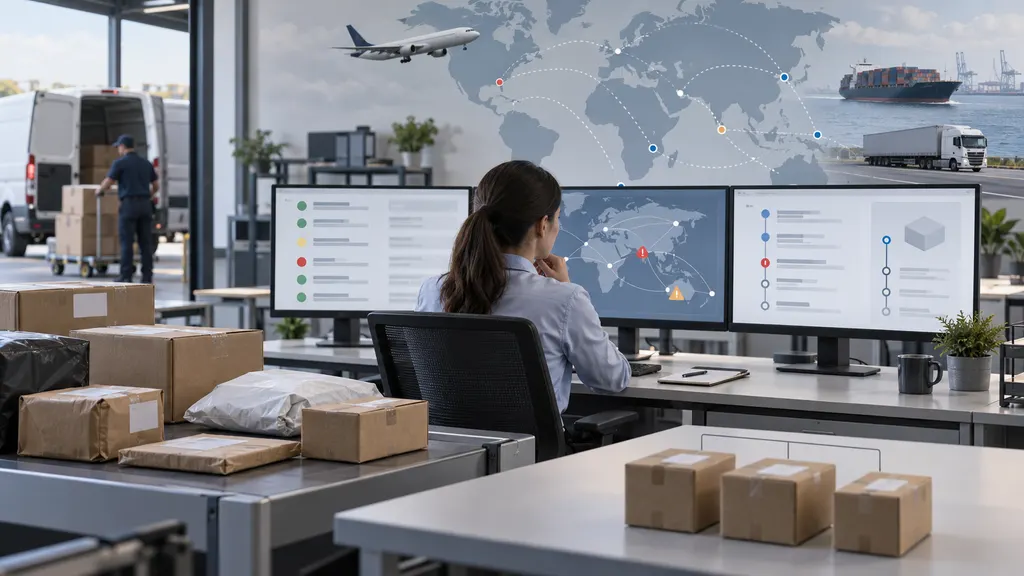
You can track orders from multiple carriers in one dashboard by using a multi-carrier tracking platform, connecting your store or order system, and matching each shipment to its carrier and tracking number. The right setup combines carrier status updates, exception monitoring, customer notifications, and order-level context instead of requiring staff or customers to check every carrier website separately.
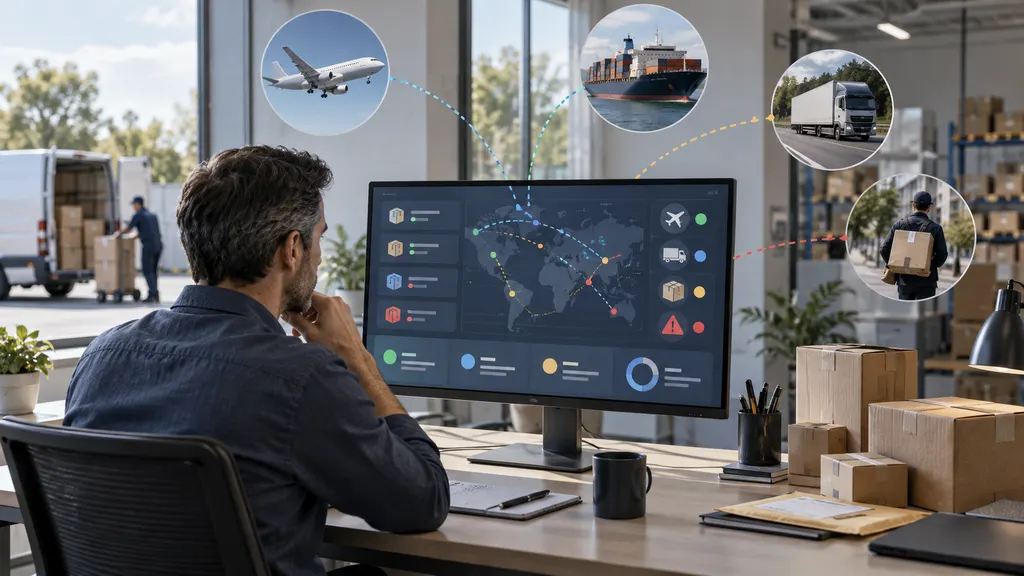
The main decision is whether you need a simple parcel-tracking dashboard, an ecommerce post-purchase tool, or an API connected to an existing OMS, ERP, or customer-service system. Each option solves a different operational problem.
What a multi-carrier tracking dashboard should do
A useful dashboard should bring shipment events from different carriers into a consistent view. Carrier terminology and event sequences are not always identical, so the dashboard should make it easy to distinguish between statuses such as label created, in transit, delayed, out for delivery, delivered, and exception.
At a minimum, look for these functions:
- Support for the carriers and shipping services used by your business.
- Automatic or guided carrier identification from the tracking number.
- A searchable list of shipments with the latest available event.
- Filters for delayed, exception, delivered, and still-in-transit shipments.
- A way to connect tracking numbers with order, customer, or SKU information.
- Notifications or integrations that fit your customer-service workflow.
Carrier data is also subject to the carrier’s own scan activity. A dashboard can consolidate available updates, but it cannot create a new scan when a parcel has not been processed or when a carrier has not published a status.
Choose the right tracking setup
| Use case | Suitable setup | What to verify |
|---|---|---|
| A consumer tracking a few parcels | Web or mobile tracking dashboard | Carrier recognition, status visibility, and supported tracking numbers |
| An online store managing customer orders | Ecommerce tracking app or post-purchase platform | Store connection, branded tracking, notifications, and order matching |
| A retailer or 3PL managing high shipment volume | Tracking API connected to an operational system | Authentication, request limits, webhooks, data fields, and error handling |
How to set up one-dashboard tracking
1. List your actual carriers and services
Start with the carriers that appear in your orders, including postal operators, express carriers, regional couriers, freight providers, and last-mile services. Do not select a platform based only on a general claim of broad coverage. Check whether it supports the specific carrier names, service types, and destination markets that matter to you.
2. Decide what an order means in your workflow
An order and a shipment are not always the same record. One order may contain several parcels, or a single parcel may be split across fulfillment events. If you only paste tracking numbers into a dashboard, you may see shipment status without complete order context. Stores should verify how the tool maps tracking numbers to orders, customers, fulfillment records, and notifications.
3. Import or connect tracking numbers
For occasional use, manual entry may be enough. For recurring operations, connect the ecommerce platform, warehouse system, shipping software, or internal order database. An API-based setup is more appropriate when tracking data needs to flow into existing customer-service, order-management, or analytics systems.
Before going live, test common tracking-number formats and confirm how the system handles invalid numbers, duplicate shipments, changed tracking numbers, and multi-package orders.
4. Normalize statuses without hiding carrier detail
A shared status such as “in transit” is useful for filtering, but operations teams may also need the carrier’s original event and location. Keep both where possible: a normalized status for fast action and the carrier event for investigation or customer support.
5. Create exception views
The dashboard becomes valuable when it helps people act before a customer contacts support. Create views for shipments with no recent movement, delivery exceptions, failed delivery attempts, address problems, customs-related events, and parcels marked delivered but reported missing. The exact alert logic depends on the data available from each carrier and the capabilities of the selected platform.
6. Test customer-facing updates
Customer notifications should use clear language and should not promise a delivery time that the carrier has not confirmed. Check the timing, sender identity, tracking link, localization, and behavior when a shipment changes from delayed to delivered. If several carriers are used, make sure the customer experience does not expose confusing carrier-specific terminology without context.
Using 17TRACK for a multi-carrier workflow
17TRACK is directly relevant when the requirement is to view shipment tracking across carriers rather than visit each carrier website separately. Its public tracking product is designed for entering and viewing parcel tracking information, while its Shopify app is positioned for store-based order tracking and post-purchase use. Businesses that need to place tracking data inside their own systems can evaluate the 17TRACK Tracking API and its developer documentation.
The best fit depends on the action owner. A consumer may need the web or app tracking experience. A Shopify merchant may need the store integration. A technical or operations team may need an API rather than another standalone dashboard. Review the relevant official product documentation before assuming that a particular integration, notification workflow, or carrier is supported for your use case.
How to compare dashboards before choosing one
Run a small proof of concept using real but non-sensitive examples from your shipping mix. Include at least one domestic shipment, one international shipment, one delayed or exception shipment, and one order with multiple packages if those cases occur in your business.
Compare the results using the same questions:
- Was the carrier identified correctly?
- How quickly did new events appear after the carrier published them?
- Can users find shipments by order number, tracking number, or customer reference?
- Are exceptions easy to filter and assign?
- Can the system distinguish separate parcels within one order?
- Can customer-service staff see enough event detail to answer delivery questions?
- Does the integration fit current privacy, security, and retention requirements?
A platform with many listed carriers is not automatically the best operational choice. Reliable order matching, usable exception handling, and integration quality may matter more than a broad but untested coverage claim.
Common mistakes to avoid
- Tracking only the carrier website: This creates fragmented work when different shipments use different carriers.
- Confusing label creation with movement: A label may exist before the carrier records a physical acceptance scan.
- Ignoring order-to-shipment mapping: Shipment visibility alone may not tell support which items or customers are affected.
- Using one alert rule for every carrier: Event names, scan timing, and delivery practices vary.
- Promising a resolution based on a stale event: Staff should check the latest carrier event and escalation process before making commitments.
FAQ
Can one dashboard track orders from different carriers?
Yes, a multi-carrier tracking platform can consolidate shipment updates from supported carriers. The exact result depends on carrier support, tracking-number validity, available carrier events, and whether the platform is connected to your order system.
What is the difference between order tracking and shipment tracking?
Shipment tracking follows a parcel through carrier events. Order tracking adds business context such as the customer, order number, items, fulfillment status, and sometimes multiple packages. A basic tracking page may provide the first without providing the second.
Do I need an API to track multiple carriers?
Not always. A web dashboard or ecommerce app may be sufficient for manual or store-based workflows. An API is more suitable when tracking events must be synchronized with an OMS, ERP, help desk, warehouse platform, or custom application.
Why has a tracking status not changed?
Possible reasons include no new carrier scan, a delay between the physical event and publication of the update, an invalid or incorrect tracking number, or a carrier-specific event that has not yet been translated into a visible status. Check the original carrier record when the issue affects a customer or an operational decision.
What should I test before adopting a tracking platform?
Test the carriers, destinations, tracking-number formats, multi-package orders, exception statuses, update timing, search fields, notifications, and integration behavior that reflect your real shipping workflow. A short proof of concept is more reliable than choosing from carrier-count claims alone.