Is Best Buy Shipping Reliable? Delay Risks by Carrier and Delivery Option?
Best Buy shipping can be a reasonable choice when the delivery estimate leaves room for a delay, but no carrier or delivery option guarantees that an order will arrive on time. The most useful distinction is between a shipped parcel, a scheduled delivery, and store pickup: each has different points where an order can be held up. If you need an item for a fixed date, check the option and estimated date shown for that specific item at checkout, then leave a buffer rather than treating the estimate as a promise.
There is no dependable public, order-level on-time rate that lets shoppers rank Best Buy’s carriers or delivery options across every product and location. Reliability is better judged against your own order: where the item is available, who is handling the next step, whether tracking has started, and how much time remains before you need it.
Which Best Buy delivery option has the least uncertainty?
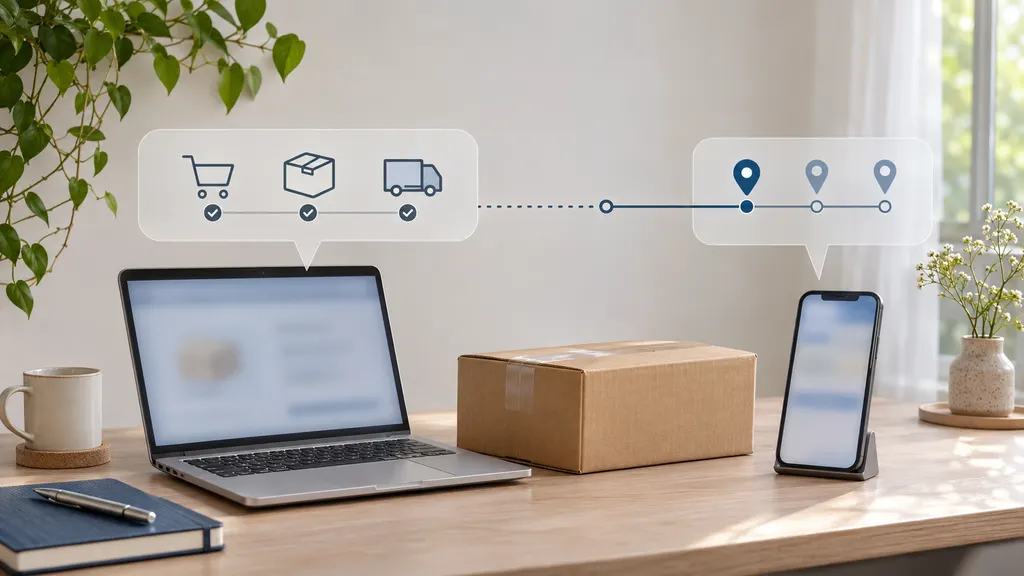
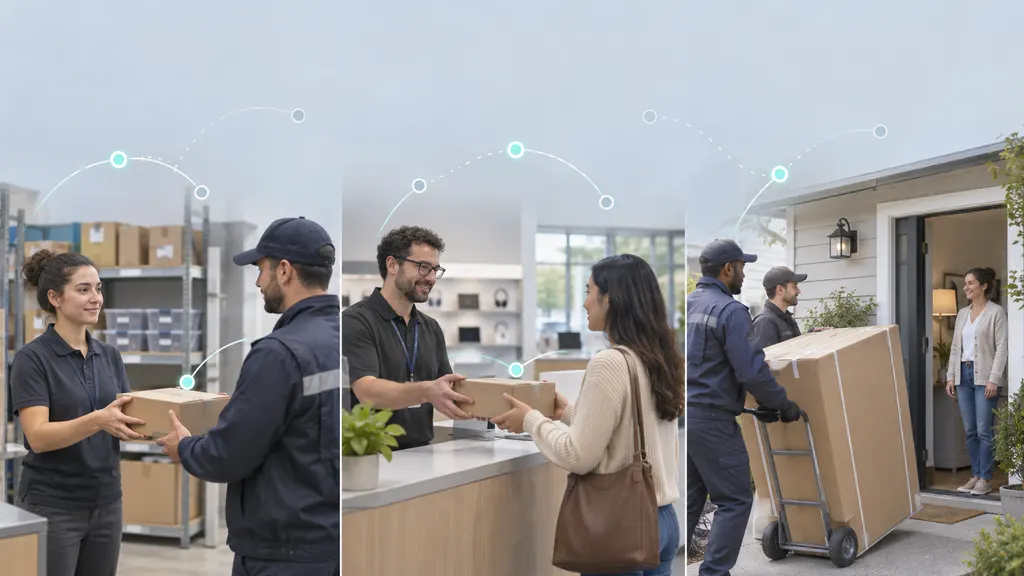
Start with the handoffs. A parcel shipped to your address must be prepared, handed to a carrier, moved through its network, and delivered. Store pickup avoids the carrier leg, but the store must first confirm that your particular order is ready. Scheduled delivery for a large item avoids the ordinary parcel route, yet adds an appointment and, potentially, access or installation requirements. None is universally the most reliable.
| Option | Where delays can occur | Best check before relying on it |
|---|---|---|
| Parcel shipping | Order processing, carrier handoff, transit, or final delivery | Confirm the item-specific estimate and watch for the carrier’s first physical scan. |
| Store pickup | Inventory confirmation and preparation at the selected store | Wait for the ready-for-pickup confirmation before traveling. |
| Scheduled delivery or installation | Product availability, appointment capacity, route planning, or site access | Confirm the appointment details and any preparation instructions for your order. |
For a small item needed soon, pickup is often the simpler path after the store confirms it is ready. That is a practical judgment about removing a carrier handoff, not a claim that every pickup order is faster than shipping. If the selected store cannot prepare the order promptly, an available shipping option may be more useful. For appliances and other large items, judge the confirmed appointment and your ability to receive the delivery rather than comparing the order to an ordinary package.
How carrier choice changes the delay risk
Best Buy shoppers generally should not assume they can select a particular parcel carrier for every order. The carrier and tracking number become useful once the shipping details appear in the order record. UPS, FedEx, and USPS each provide tracking tools, but the logo on a tracking page does not, by itself, establish which will deliver your item sooner. Service, origin, destination, weather, network conditions, and the time the carrier actually receives the package all matter.
UPS or FedEx parcel delivery
For a parcel handled by UPS or FedEx, check the carrier’s own tracking page after Best Buy provides a tracking number. Look for a physical acceptance or pickup event, the latest location or delivery status, and any exception notice. A label-created status is useful because it shows that shipping information has been submitted; it does not necessarily show that the carrier has the parcel. If a new estimated date appears, use it to revise your plans, but keep in mind that estimates can change while a shipment is moving.
USPS delivery
For a USPS shipment, the same basic distinction applies: a tracking number or pre-shipment entry is not the same as an acceptance scan. Once USPS has the item, its tracking history can help you distinguish ordinary movement from a delivery attempt or an exception. Check the actual scan wording instead of drawing conclusions from a period with no visible update. Scans are checkpoints, not a continuous view of the package.
Large-item and appointment-based delivery
Do not assess an appliance or other scheduled delivery solely by the standards of a parcel-carrier tracking page. An appointment can be affected by product readiness, the delivery team’s schedule, address access, and whether the site is prepared for the service ordered. Review the order’s appointment messages and preparation instructions. If the item is needed for a move, installation, or contractor visit, avoid making an irreversible arrangement based only on an initial estimate.
The practical carrier comparison: compare what is happening to your shipment, not unsupported claims about which carrier is best. A parcel with a confirmed acceptance scan and steady movement offers more actionable information than an unscanned label, regardless of carrier. If two checkout options have different estimated dates, those item- and address-specific estimates are more relevant to your purchase than a general carrier reputation.
Where a Best Buy order can lose time
Most delivery questions become easier once you identify who controls the next step. The same word, “delay,” can describe an item that has not left the retailer, a package moving slowly through a carrier network, or a scheduled delivery that needs a new appointment. Those situations call for different checks.
- Before shipment: Review the Best Buy order status and the item’s estimated shipping or delivery details. If there is no carrier acceptance event, contacting the carrier may not resolve a processing or handoff question.
- After carrier acceptance: Use the tracking number on the carrier’s site to check scans, exceptions, delivery attempts, and any updated estimate. If the shipment has an exception, follow the instructions shown by the carrier and review the retailer’s order information.
- At final delivery: Confirm the delivery address, watch for an attempted-delivery notice, and check whether the carrier says the package was delivered. A delivered scan warrants prompt investigation if you cannot locate the item.
- For pickup or appointments: Use the retailer’s ready-for-pickup or scheduling confirmation. A parcel tracking number, if one exists elsewhere in the order, is not a substitute for confirmation that a pickup item or delivery team is ready.
A single order may also contain more than one item. Do not assume all items share one shipment, one tracking number, or one arrival date. Check each item’s fulfillment details before reporting that the entire order is late.
How to choose when the arrival date matters
Before placing the order, verify the exact product and variant, the delivery address or selected store, and the estimate displayed for the option you intend to use. Recheck the estimate immediately before submitting the order; an earlier product-page message may not reflect the final fulfillment choice. For pickup, consider whether you can wait for the ready notification and reach the store during its operating hours. For scheduled delivery, confirm that someone can receive the item and that any required access or preparation is possible.
If missing the date would cause a significant problem, make a backup plan before ordering. A birthday, departure, installation appointment, or work deadline leaves less room for an unexpected processing or transit delay than an ordinary purchase. A quicker-looking estimate is not enough if the order has not been confirmed or the item’s availability changes. Conversely, once pickup is confirmed ready, you can act without waiting for a parcel to cross a carrier network.
After ordering, keep the order confirmation, monitor Best Buy’s order status, and use the carrier tracking number when one is assigned. If you are tracking parcels from several carriers, a multi-carrier tool such as 17TRACK Tracking can provide an additional place to check shipment updates. It cannot make a Best Buy order ship sooner or replace Best Buy’s order and pickup information; the retailer and the handling carrier remain the sources to check when an estimate changes or a shipment needs attention.
What to do when your order appears late
First, separate an overdue estimate from an actual exception. Check the latest Best Buy order details and, for a shipped parcel, open the tracking number on the carrier’s site. Note the last physical scan, any revised estimate, and any message about an attempted delivery. Save relevant order and tracking details so you can explain the issue without guessing when the package moved.
If the order has not been handed to a carrier, ask Best Buy about the order status and available options. If the carrier has the parcel and reports a delivery exception, review its instructions; some exceptions require an address check or another delivery arrangement. For a pickup order, do not travel merely because the original estimate has passed—check whether you have received the ready confirmation. For a scheduled delivery, refer to the appointment communication and contact the appropriate Best Buy support channel if the appointment needs clarification.
If tracking says “delivered” but the item is missing, check the delivery location and any proof or notes provided, then promptly report the discrepancy through the relevant carrier and Best Buy support channels. Avoid assuming that a missing package and a late package have the same cause or the same remedy. Keep communications factual: the order number, tracking number, recorded delivery status, and what you checked are more useful than an unsupported claim about where the item went.
FAQ
Does a Best Buy delivery date mean the package is guaranteed to arrive that day?
Do not treat an estimated date as a guarantee unless the terms presented for your specific order explicitly say so. Check the final checkout details and subsequent order updates. If the item is needed for an immovable event, allow extra time or arrange an alternative.
Why does my Best Buy order show a tracking number but no carrier movement?
The shipping information may have been created before the first physical carrier scan. Check Best Buy’s order status as well as the carrier tracking page. If the expected handoff or delivery date passes without meaningful progress, contact Best Buy about the order rather than assuming the carrier already has it.
Is store pickup safer than shipping for a time-sensitive purchase?
It can remove the parcel-transit leg, which makes it attractive when a nearby store confirms the item is ready. It is not a guaranteed shortcut: inventory or order preparation can still affect when pickup becomes available. Wait for the ready-for-pickup message before going to the store.
Can I choose UPS, FedEx, or USPS for my Best Buy order?
Do not assume carrier selection is offered for a particular item or address. Review the options displayed at checkout and the carrier information supplied after shipment. If a specific carrier is necessary for your location, check what the order actually offers before you buy.
Who should I contact if tracking stops updating?
Identify the last confirmed step first. If the order has not reached a carrier, start with Best Buy’s order information and support. If the carrier has accepted the parcel, review its tracking details for exceptions or delivery instructions. Best Buy remains an appropriate contact for questions about the purchase or an unresolved delivery problem.
Sources
- Best Buy Customer Service — order, shipping, delivery, and pickup support entry point.
- UPS Tracking Support — guidance on tracking information and shipment status.
- FedEx Tracking — carrier tracking and delivery-status entry point.
- USPS Tracking — carrier tracking entry point.
- 17TRACK Tracking — optional multi-carrier shipment-tracking tool.