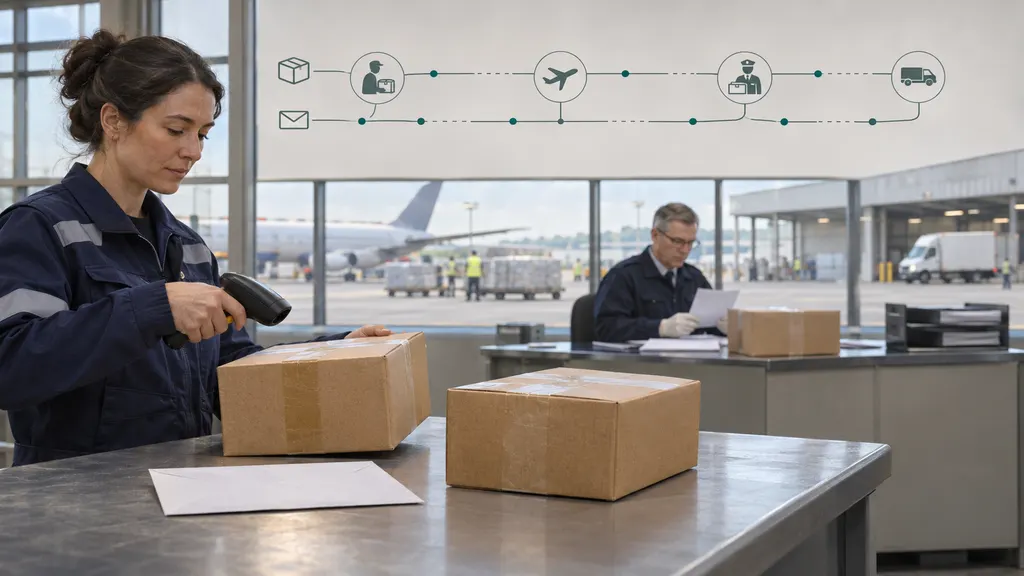
Evri Tracking Statuses: Meanings, Missed Deliveries, and When to Contact Evri
Evri tracking statuses describe the latest recorded stage of your parcel’s journey, from shipment information being received to delivery or a delivery problem. A missed-delivery update does not automatically mean you need to book another delivery, and a gap between scans does not by itself prove that a parcel is lost. Check the latest event, any delivery instructions, and the retailer’s promised delivery date before deciding whether to wait, contact Evri, or ask the sender to investigate.
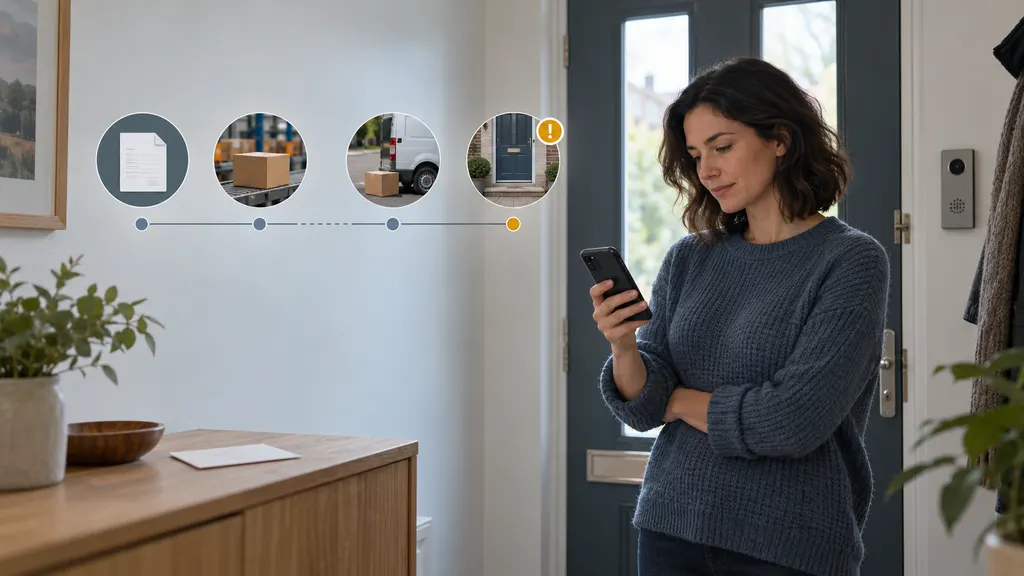
This guide is mainly for recipients waiting for a parcel. Status wording can vary between Evri’s tracking page, retailer notifications, and other tracking services. The descriptions below explain common tracking stages rather than reproduce a complete list of Evri’s exact messages.
How to read your Evri tracking update
Start with Evri’s official tracking page and the tracking number supplied by the sender. An order number identifies your purchase with the retailer; it is not necessarily the parcel’s tracking number.
Read the latest event together with its timestamp and any supporting detail. A status heading may be broad, while the accompanying message explains whether the parcel is awaiting handover, moving through the network, or affected by a delivery issue.
- Check the event time: An update describes a recorded event, not necessarily the parcel’s live location.
- Read the preceding events: An information-received message followed by a depot scan means something different from an information-received message with no further activity.
- Separate estimates from completed events: An expected delivery date or window is not confirmation that delivery has happened.
- Look for an instruction: A request to provide information or check a delivery location deserves more attention than a routine transit update.
What the main Evri tracking stages mean
| Tracking stage or message type | Practical meaning | What to do |
|---|---|---|
| Shipment information received or awaiting parcel | Electronic shipment details exist, but this alone does not establish that Evri has physically received the parcel. | Check the sender’s dispatch information. Ask the sender about handover if the delivery commitment is at risk. |
| Collected, received, or accepted into the network | A recorded event indicates that the parcel has entered a physical handling stage. | Follow later scans and the delivery estimate. Collection is not the same as being ready for delivery. |
| At a hub, depot, or moving through the network | The parcel is being processed or transported between handling points. | Watch for the next update. A location scan does not provide a live route or exact arrival time. |
| With the courier or out for delivery | The parcel has reached the local delivery stage. | Check the delivery information and make access arrangements where possible. Do not treat an estimate as a guaranteed appointment. |
| Delivery attempted or unable to deliver | Delivery was not completed. The accompanying explanation matters more than the heading alone. | Read the next-step instructions and check for a delivery card or notification. |
| Delayed or delivery exception | Something has interrupted the expected progress. This does not, by itself, establish loss. | Check whether action is requested and whether the promised delivery date has passed. |
| Delivered | The tracking record shows a completed delivery event. | Check any delivery details or photograph. Report a discrepancy if you cannot locate the parcel. |
| Returning to sender | The parcel is on a return path rather than continuing normally to the recipient. | Contact the sender about the order outcome. Do not assume a replacement or refund has already been arranged. |
Why “dispatched” and “received by Evri” can differ
A retailer may mark an order as dispatched when it creates a label or completes its own warehouse process. That notification is not necessarily evidence of a physical handover to the carrier. If tracking still shows only shipment information, the sender is best placed to check whether the parcel has actually left its operation.
Equally, a missing acceptance scan does not conclusively prove that the sender still holds the parcel. Ask for clarification rather than treating either system’s wording as a complete account of what happened.
What to do after a missed Evri delivery
First establish whether the parcel was actually undelivered. A delivery notification may instead say it was left in a particular location or received by someone else. If the record says an attempt failed, follow this sequence:
- Read the full tracking message. Look for the stated reason and any information about what happens next.
- Check your card and notifications. Compare them with the official tracking record, especially if the messages appear inconsistent.
- Check the delivery address. Compare the address on your order confirmation with the intended destination, including the flat number and postcode. Tell the sender if it is wrong.
- Identify access problems. A locked entrance, unclear building number, or entry system may need attention before another attempt.
- Use only the options offered for that parcel. If the official tracking journey provides a delivery preference or another action, read its conditions before submitting it.
Do not assume that every parcel can be redirected, left in a safe place, or sent to a collection point. Available choices may depend on the shipment and its current stage. A requested preference is also not proof that the parcel has already been delivered that way.
If tracking says another attempt will take place and no action is requested, monitor that instruction rather than creating a separate booking through an unfamiliar website. If the message is unclear, repeated attempts fail, or the address needs a correction that you cannot make, contact Evri through its official help route and alert the sender.
Tracking has stopped updating: wait or investigate?
There is no single waiting period that sensibly covers every tracking gap. An overnight pause during transit is different from a parcel remaining at the information-received stage after the retailer’s delivery deadline. Use the delivery commitment and the actual message, not an arbitrary number of hours.
Monitoring is usually reasonable when
- The parcel has a recent transit event and remains within the expected delivery period.
- Tracking gives a revised estimate without asking you to act.
- The latest event describes normal processing rather than a delivery problem.
Contact is more useful when
- The retailer’s promised delivery date has passed and tracking does not explain what will happen next.
- The record requests information or shows a problem you may be able to resolve.
- Repeated unsuccessful delivery events appear without a clear next step.
- The parcel is marked delivered but cannot be found.
- Tracking indicates a return to sender, damage, or another outcome requiring an order-level decision.
A stationary status is not enough to declare a parcel lost. Conversely, you do not need to keep waiting indefinitely when a delivery commitment has already been missed. Ask the appropriate party to investigate and give you a concrete next step.
Who to contact: Evri or the sender?
Contact Evri for questions about a recorded delivery event, delivery access, or the carrier’s next operational step. Contact the retailer or sender for dispatch confirmation, an overdue order, a replacement, or a refund request. Some cases need both, but the questions should be different.
For example, Evri may be able to help clarify where a parcel was recorded as delivered. The retailer remains the party to approach about resolving the purchase if you have not received it. If you bought the shipping service yourself, keep the booking details and use the support route associated with that booking.
Begin with Evri’s official Help and Support rather than a phone number copied from an unverified directory. Contact methods and opening arrangements can change, so use the options shown on the official site.
Prepare a useful support request
Include the tracking number, delivery postcode, latest event and timestamp, promised delivery date, and a short description of the problem. State what you need clarified rather than simply saying the tracking is wrong.
For example: “Tracking shows delivered, but I have not received the parcel. I have checked the location shown in the delivery details and asked other household members. Please investigate the recorded delivery location.” Share personal information only through an appropriate official channel, not in public comments.
Evri says delivered, but the parcel is missing
Open the delivery details and examine any available photograph or location note. Check whether the image matches your property and whether the parcel could be hidden from the street. Ask household members, reception staff, or a neighbour where the delivery information makes that relevant.
If those checks do not resolve it, save the tracking details and contact Evri and the sender. Tell them specifically whether the photograph appears to show the wrong property, the named recipient is unfamiliar, or the stated location is empty. Do not describe a parcel as stolen unless you have evidence of theft; report the observable delivery discrepancy.
A delivered scan records the carrier’s delivery event. It does not, on its own, resolve a dispute about whether you received the parcel.
Using another tracking view without confusing the next step
If you are following several shipments, 17TRACK’s parcel tracking page can provide another place to check tracking numbers. For an Evri-specific delivery problem, return to Evri’s official tracking and support pages for the instructions attached to that shipment.
A tracking service is a visibility tool, not a substitute for the party handling delivery or the seller responsible for resolving your order. If two views appear different, compare event timestamps and the underlying messages before concluding that the parcel has changed direction or missed a delivery.
FAQ
Does “with the courier” guarantee delivery today?
It indicates the local delivery stage, but it should not be treated as an unconditional guarantee. Check the accompanying estimate and later updates. If delivery does not happen, look for a new event before assuming that the parcel is lost.
Do I need to pay a fee after a missed delivery?
Do not pay simply because a text or email says that you missed a delivery. Open Evri’s website independently and check the shipment there. An unexpected payment request is a reason to verify the message, not evidence that a fee is genuine.
Can I change the address after the parcel has been sent?
Do not assume a full address change is available. Check the options presented in the official tracking journey and contact the sender if the order address is incorrect. Delivery preferences and a change of destination are not necessarily the same thing.
How long should I wait before reporting a delayed parcel?
Use the retailer’s promised delivery date and any instructions in tracking. If that date has passed without a clear resolution, contact the retailer. Act sooner if tracking asks for information or shows a delivery discrepancy. There is no need to invent a universal waiting period for every parcel.
Can Evri arrange a refund for my purchase?
For a retail order, direct a purchase-refund request to the retailer. A carrier enquiry can help establish what happened during delivery, but it is separate from the retailer’s decision about a refund or replacement. A shipping-service claim is also distinct from a refund for the goods.
Sources
- Evri — Track a parcel: the official starting point for shipment events and parcel-specific delivery information.
- Evri — Help and Support: the official starting point for delivery questions and support routes.
- 17TRACK — Parcel tracking: the tracking tool referenced as an optional additional tracking view.