What Is Speedx Shipping on Vinted? Drop-Off, Delivery, and Tracking?
SpeedX shipping on Vinted means SpeedX is identified as a carrier for a Vinted order. If you are the seller, use the shipping label or instructions attached to that order to find the correct handoff method; do not assume you can leave the parcel at a SpeedX location. If you are the buyer, follow the order in Vinted first, then use any carrier tracking number provided for more detail. The exact drop-off and delivery arrangements depend on the label and instructions issued for your transaction.
The name of a carrier tells you who may handle a parcel, but it does not, by itself, tell you where to hand it over, when it will arrive, or which company will perform every part of the journey. Those details matter most when you are preparing to ship or trying to work out why tracking has stopped moving.
What does SpeedX mean on a Vinted order?
SpeedX is a delivery carrier. When it appears in a Vinted order, it is a clue about the shipment’s transport or delivery, not a replacement for the instructions in the order. A seller may see a carrier name while preparing a label; a buyer may first notice it in tracking after the seller has shipped. Those two views can contain different levels of detail.
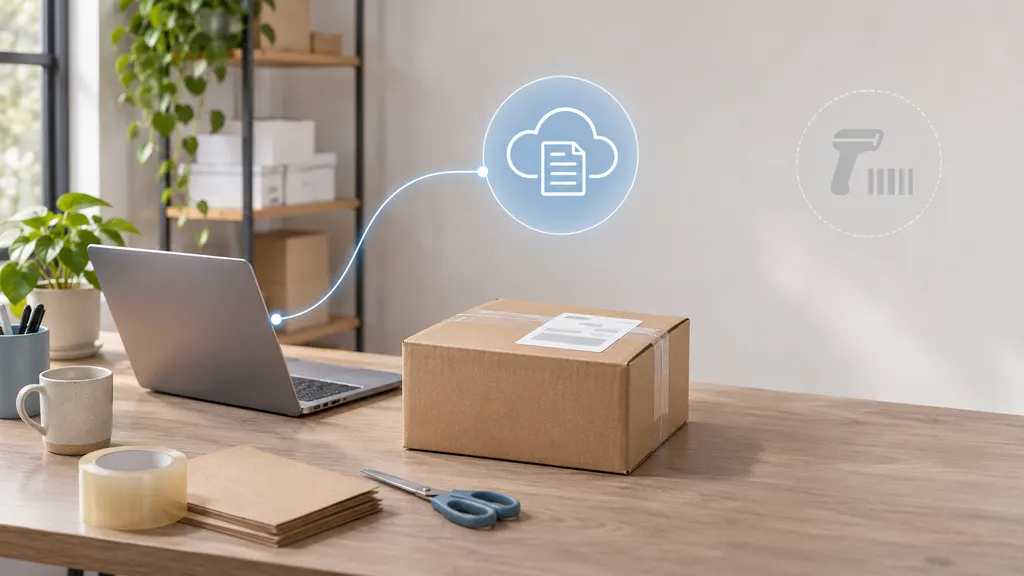
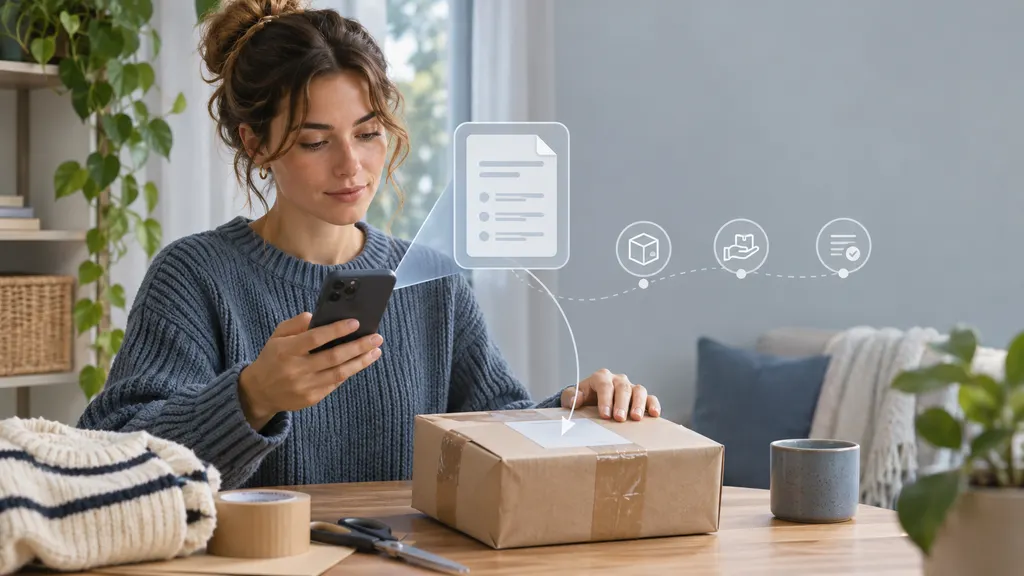
Read the carrier name alongside the actual shipping document. A label, QR code, or in-app instruction should tell the seller what to do next. The delivery address, barcode, and any stated handoff location are more useful for shipping the parcel correctly than a general search for “SpeedX drop-off.” Shipping options can also vary by order and location, so another person’s Vinted instructions may not match yours.
If an order shows SpeedX but gives no usable label, QR code, or handoff instructions, pause before sending the item. Check the order’s shipping section and any messages from Vinted. If the instructions remain unclear, ask Vinted support through the relevant order rather than choosing a carrier or buying a separate label on your own. An independently purchased label may not be connected to the transaction’s expected shipping flow.
Where do you drop off a Vinted parcel marked SpeedX?
There is no safe universal drop-off answer based only on the word “SpeedX.” Follow the handoff method shown for that particular Vinted order. It might instruct you to use a named location, present a code, print a label, or follow another shipping procedure. Do not treat a carrier’s general service area as a list of places that accept your specific Vinted parcel.
Before leaving home, check these details in the order:
- Handoff method: Does Vinted provide a printable label, a QR code, or another instruction? Bring what the order requires.
- Accepted location: Use a location specified by the order or confirmed as accepting that exact label. A nearby parcel shop or mailbox is not automatically suitable.
- Label details: Make sure the label belongs to the correct sale and that its barcode is clear. If you have several orders, match each label to its item before sealing the parcels.
- Packaging: Secure the item and leave the shipping barcode visible and unobstructed. Remove or cover old shipping labels on reused boxes.
- Proof of handoff: Where a receipt or scan confirmation is available, keep it until the order is completed.
If a location refuses the parcel, do not leave it there or ask staff to route it by guesswork. Recheck the label instructions, try an eligible location if the order identifies one, or contact Vinted support. A refused handoff and a parcel accepted but not yet scanned are different problems; knowing which occurred will help you explain the issue.
How does SpeedX delivery work for the buyer?
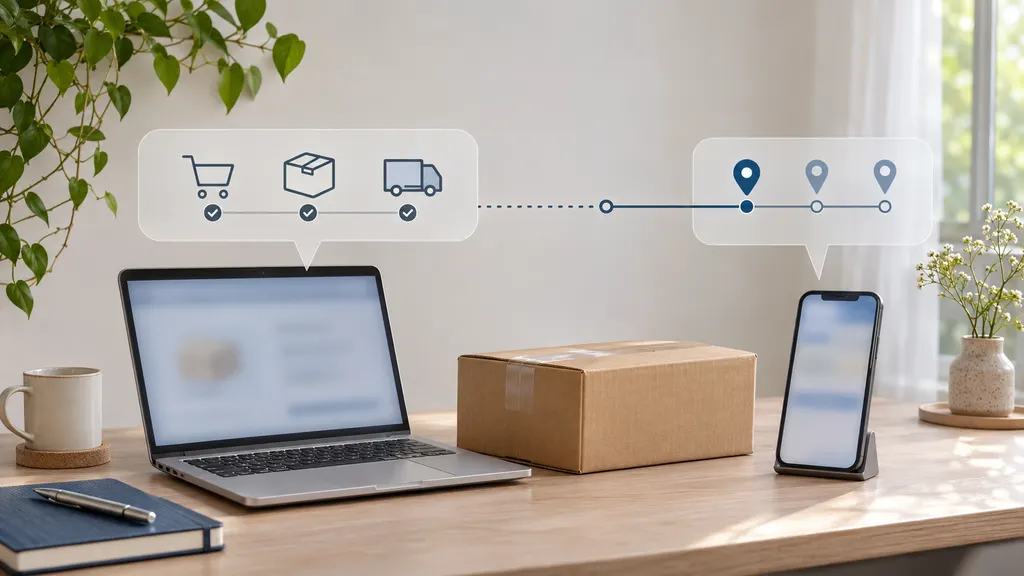
For a buyer, the practical sequence is straightforward: the seller prepares the order, the parcel is handed into the shipping process, tracking begins to record events, and a carrier attempts delivery. That description does not guarantee that SpeedX performs every step or that every scan will appear immediately. Carrier handoffs and tracking updates may be less visible than the physical movement of the parcel.
Use the delivery information shown in Vinted for your order rather than an estimated transit time found on an unrelated carrier page. The checkout terms, destination, shipping method, and time at which the seller actually hands over the parcel can all affect when you should expect it. A label being created is not the same as a carrier accepting the package.
Once tracking reports that delivery is close, check the address and any delivery instructions associated with the order. If tracking says “delivered” but you cannot find the parcel, look in the places where deliveries are normally left at your address and check whether someone else there accepted it. Then report the problem through the Vinted order promptly, following the instructions shown in your account. Do not mark an order as received simply because the tracking page says it was delivered if you have not received it.
How to track a SpeedX shipment from Vinted
- Open the relevant order in Vinted. Start with the order page or conversation so you are viewing tracking tied to the purchase rather than a number copied from an unrelated message.
- Find the shipment details. Look for the tracking link, carrier name, or tracking number. If none is available yet, check whether the seller has actually handed over the parcel.
- Follow any carrier link provided. If Vinted offers a link to SpeedX tracking, use that link or enter the tracking number on the carrier’s official site. Verify that the number matches the one shown in the order.
- Compare the latest events. If Vinted and the carrier page show updates at different times, note the event description and timestamp on each. Refreshing repeatedly will not create a missing physical scan.
- Keep the order as your reference for a problem. A carrier tracking page can help locate a parcel, but use Vinted’s order-specific support process for a problem with the transaction.
If you manage several shipments, a separate tracking tool may be convenient. 17TRACK Tracking offers a place to enter tracking numbers, but a third-party result should be treated as an additional view, not a substitute for the Vinted order or the carrier’s own tracking page. If a number is not recognized, confirm the number and carrier shown in Vinted before drawing conclusions about the parcel.
What do common tracking updates actually tell you?
Tracking messages describe recorded events, not a continuous live location. Their exact wording can differ between Vinted and the carrier, but these distinctions help prevent common mistakes:
- Label created or shipping information received: Shipping details have been generated. This alone does not confirm that a carrier has the parcel.
- Accepted or picked up: A handoff has been recorded. If you are the seller, retain any separate handoff receipt as well.
- In transit: The parcel is moving through the delivery process, although every movement may not generate a customer-facing update.
- Out for delivery: Delivery is being attempted or prepared. It is not confirmation that the parcel has reached the buyer.
- Delivered: A delivery event has been recorded. If the parcel is missing, investigate and raise the issue through the order rather than assuming the status settles what happened.
Do not rely on a status label without its date. An “in transit” event from earlier in the week means something different from one posted a few minutes ago. Also check whether a message refers to the parcel itself or only to shipment information sent electronically.
What should you do if tracking is missing or stuck?
First, establish which step has actually happened. If the seller has generated a label but not handed over the parcel, a carrier acceptance scan may not exist yet. If the seller has a handoff receipt but the tracking page still shows only label creation, the receipt and its date are useful when asking for help. If a parcel has several scans followed by a long gap, keep a record of the last event and follow the order’s support options when the delay becomes concerning.
For sellers, the most useful evidence is the order number, the label or tracking number, the handoff date, and any receipt. For buyers, it is the Vinted order, the latest tracking event, and a clear description of the problem. Avoid posting full tracking numbers, addresses, or screenshots containing personal details in public forums.
If a tracking number produces no result, check it for transcription errors and use the carrier identified in the order. A newly issued number may not yet have a physical scan. If the number still does not work, ask the seller or Vinted support through the order rather than assuming SpeedX has lost the parcel. If the carrier reports a delivery exception or an address issue, use the instructions attached to that event and keep Vinted informed where the transaction requires it.
The simplest rule for a smooth shipment
For sellers, the Vinted order’s label and handoff instructions decide how to send the parcel; the carrier name alone does not. For buyers, the Vinted order is the starting point for tracking and transaction support, while carrier tracking can add shipment detail. Keep proof of handoff, read scan dates carefully, and raise a problem through the order when the information does not match what happened.
FAQ
Can I drop off a SpeedX Vinted package at any parcel shop?
No. Use only the handoff method and eligible location indicated for your specific order. A shop’s ability to accept other parcels does not mean it can scan or process your Vinted label.
Why does Vinted show SpeedX when I expected a different carrier?
Check the actual order details before taking action. A carrier name shown during tracking may not explain every handoff in the shipping process. If the label, handoff instruction, and tracking information appear to conflict, contact Vinted support from that order rather than relabeling or redirecting the parcel yourself.
Does “label created” mean the seller has shipped my order?
Not necessarily. It means shipping information has been prepared. Look for a later acceptance or pickup event, or ask the seller whether the parcel has been handed over.
Can I track a Vinted SpeedX parcel without the Vinted app?
If you have a valid tracking number and the carrier can recognize it, you can check the carrier’s official tracking page. Keep access to the Vinted order as well: it connects the tracking details to your purchase and its support options.
What if SpeedX tracking says delivered but I have no parcel?
Check the delivery location and ask anyone at the address who may have accepted it. Save the tracking details, then report the issue through the Vinted order without confirming receipt of a parcel you do not have.
Sources
- Vinted Help Center — order-specific shipping, tracking, and support guidance.
- SpeedX official website — carrier information and access to official shipment resources.
- 17TRACK Tracking — optional tracking-number lookup.