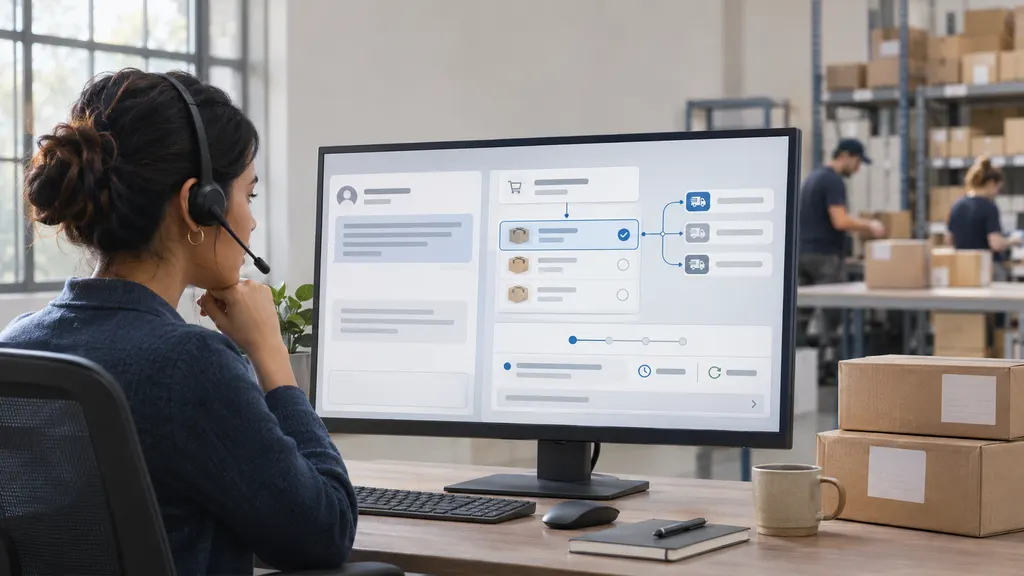
What Delivery Carrier Does Best Buy Use? FedEx, USPS, Ontrac and more?
Best Buy does not use one delivery carrier for every order. A shipped purchase may be handled by a parcel carrier such as FedEx, USPS, UPS, or a regional provider, while some large items are delivered through an appointment-based service. The carrier for your purchase is the one shown in your Best Buy shipping confirmation or order details after the order ships; it cannot be determined reliably from the product name alone.
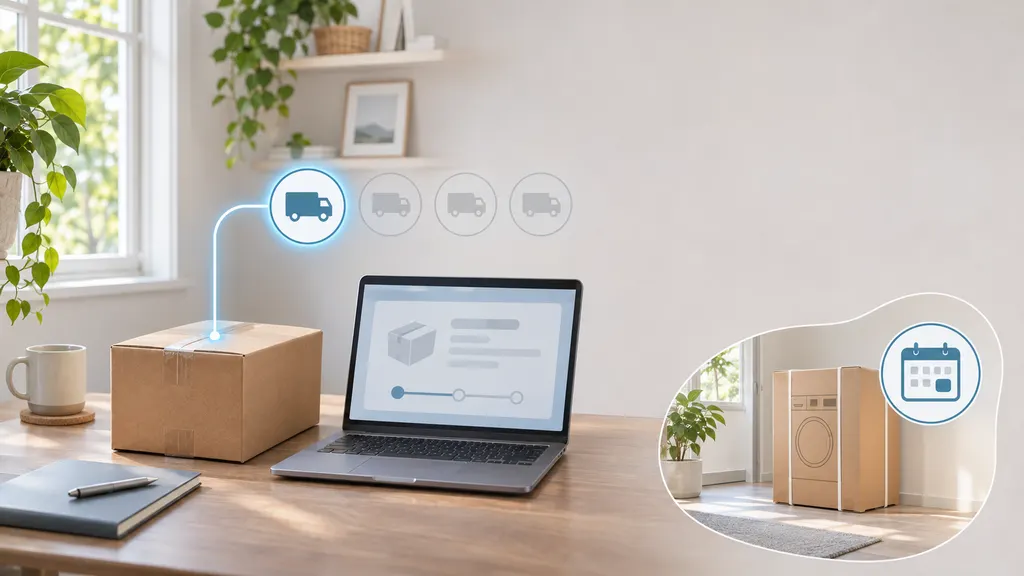
If you are waiting for a package, start with your Best Buy order status rather than guessing which carrier has it. A tracking number and carrier link, when available, will tell you more than a general list of companies Best Buy may use.
Which carrier will deliver my Best Buy order?
There is no single carrier answer that applies to every Best Buy purchase. The delivery method can vary with the item, destination, available services, and whether the order is being shipped as a parcel or delivered as a large item. Two customers buying the same product may therefore see different delivery arrangements. An order containing multiple items may also arrive in separate shipments, each with its own status and potentially its own carrier.
FedEx and USPS are plausible carriers to check when you have a Best Buy parcel tracking number. UPS is another carrier customers may encounter. A regional carrier such as OnTrac may appear on a particular shipment, but its name in a search result or on someone else's order is not proof that it will handle yours. Treat the carrier identified in your own order details as authoritative for that shipment. If Best Buy has not yet assigned or displayed a carrier, the correct answer is that the carrier has not been confirmed for you.
This distinction matters especially when a retailer provides an estimated arrival date before shipping. An estimate tells you when to expect the order; it does not, by itself, identify the carrier or prove that a package has been handed over. Likewise, choosing shipping at checkout does not necessarily mean that every item will travel by the same parcel network.
How to find the carrier for your order
- Open your Best Buy order details. Sign in to the account used for the purchase, or use the order information supplied in your confirmation email if you checked out as a guest. Look for each item's shipping or delivery status rather than relying only on the overall order summary.
- Check the shipment notification. Once an item ships, Best Buy may provide a tracking number, a carrier name, or a link to tracking. If an order has several shipments, check the number attached to the specific item you are expecting.
- Follow the carrier link when one is provided. It reduces the risk of entering a number on the wrong carrier's website. If the link opens a carrier page, confirm that the destination and latest tracking events make sense for your shipment, without sharing your full order information publicly.
- Allow for the first tracking update. A number can be created before the carrier posts its first physical scan. A message indicating that the carrier has not yet received the package should not be read as proof that it is lost.
- Return to Best Buy if the information does not match. Best Buy is the seller and is the appropriate starting point for questions about an incorrect item, a missing shipment link, an order split, or a delivery issue that needs seller action.
When you contact support, have the order number, the affected item, the tracking number if one exists, and the latest status ready. Explain what you need resolved: identifying the carrier, locating an item marked delivered, or checking a shipment that has stopped updating. Those are different problems and may require different next steps.
FedEx, USPS, OnTrac: what the carrier name changes
Once a carrier is identified, use its tracking record to understand the movement of the package. The name does not change who sold you the product, but it does tell you where to look for scan updates and carrier-specific delivery notices.
- FedEx: Use the FedEx tracking page if your Best Buy shipment identifies FedEx or links there. A tracking number alone is not a reason to assume FedEx is involved; use the carrier information Best Buy supplies.
- USPS: If the shipment is assigned to USPS, its tracking page is the appropriate place to check postal scans and delivery status. USPS may be relevant to a parcel even when a customer's earlier purchase arrived by a different service.
- OnTrac: OnTrac is a regional parcel carrier. If your order specifically identifies OnTrac, use the tracking link provided with that shipment or the carrier's official site. Do not infer OnTrac involvement merely because it operates in your area.
- Other services: A shipment may identify another parcel carrier, while a large-item order may show a scheduled delivery process rather than an ordinary parcel-tracking sequence. Follow the instructions associated with the actual order.
Carrier labels can also be misleading when used without context. A tracking page may show that shipping information was sent to a carrier, but not yet show a pickup scan. Conversely, an order page might summarize the whole purchase while the carrier page describes only one package. Check that you are comparing the same item and tracking number before concluding that the two statuses conflict.
Why a TV or appliance may not have ordinary parcel tracking
Large items can follow a different process from small boxed products. Depending on the item and delivery option, the order may involve a delivery appointment, a larger vehicle, or additional services selected at purchase. In that situation, searching FedEx, USPS, or OnTrac for a parcel number may not be useful because the relevant information is the delivery schedule in your Best Buy order.
Review the order details for an appointment window, preparation instructions, and any messages about scheduling or rescheduling. Do not assume that a product's size alone determines the service: the delivery method shown for your order is what matters. If an appointment appears to be missing or incorrect, contact Best Buy through the support options associated with the purchase.
What to do when tracking is confusing
No carrier is listed yet: Check whether the item is still being prepared or whether only a delivery estimate has been provided. You cannot reliably identify the carrier from the estimated date. Wait for a shipping notification, and contact Best Buy if you need clarification about an order that has passed its expected delivery date.
The tracking number does not work: First confirm that you copied the complete number for the correct shipment. Use the link in the Best Buy notification if available. Newly created labels may not produce a carrier scan immediately. If the number continues not to resolve or points to an unrelated shipment, ask Best Buy to verify it rather than repeatedly trying different carrier sites.
Only part of the order arrived: Look at the status of each item. A purchase can be divided into shipments, so a delivered status for one package does not necessarily mean every item should have been inside it. Compare the delivered shipment's item list, if shown, with what you actually received.
The carrier says delivered, but you cannot find the package: Check the delivery location noted in tracking and look around the usual receiving areas. Ask other household members or building staff if applicable. If the package remains missing, report the issue through Best Buy's order support and provide the carrier status. Do not post a tracking number, address, or order number in a public comment seeking help.
The shipment has stopped updating: A pause in scans is not, by itself, a confirmed loss. Compare the latest carrier event with the delivery estimate in your order. If the estimated date has passed or a specific tracking message calls for action, use the seller's support channel; the carrier's official tracking page can provide additional shipment detail.
Where a separate tracking tool fits
If you regularly track purchases from different sellers, a multi-carrier tool can be a convenient place to check supported tracking numbers. For example, 17TRACK tracking offers a way to enter a shipment number and view tracking information. It is a supplementary view, not a substitute for Best Buy's order record: it cannot tell you which carrier Best Buy will choose before a shipment is assigned, confirm what was included in a box, or change a delivery appointment.
For a single Best Buy order, the shortest path is usually to open the order details, follow the supplied carrier link, and return to Best Buy if the order itself needs attention. Use a separate tracker only when it helps you organize or interpret an existing tracking number. If it does not recognize a number, check the seller-provided link before drawing conclusions about the shipment.
FAQ
Does Best Buy always ship with FedEx?
No. Do not assume FedEx will handle your purchase because another Best Buy order used it. Check the shipping confirmation or the individual item's order details for the carrier assigned to your shipment.
Can Best Buy ship an order through USPS or OnTrac?
A Best Buy parcel may identify USPS or a regional carrier such as OnTrac, but availability for a particular purchase cannot be established from a general carrier list. The shipment notification is the practical way to confirm whether either service applies to your order.
Can I choose the carrier for my Best Buy delivery?
Do not assume that selecting a shipping speed lets you select a specific carrier. Review the delivery choices shown at checkout for your item and location. If using or avoiding a particular carrier is essential, seek confirmation from Best Buy before placing the order rather than relying on a previous purchase.
Why does Best Buy show an arrival date but no tracking number?
An arrival estimate can appear before parcel tracking is available. The item may not yet have shipped, or it may follow a scheduled delivery process instead of ordinary parcel shipping. Check the item's current order status for the next step.
Who should I contact if a Best Buy package is missing?
Start with Best Buy's order support, particularly when the issue concerns what was ordered, what the package should contain, or a shipment marked delivered that you cannot find. Keep the order and tracking details available. The identified carrier's tracking page can help you describe the latest delivery event.