Gofo Express Out for Delivery: When It Arrives and What If It Doesn'T
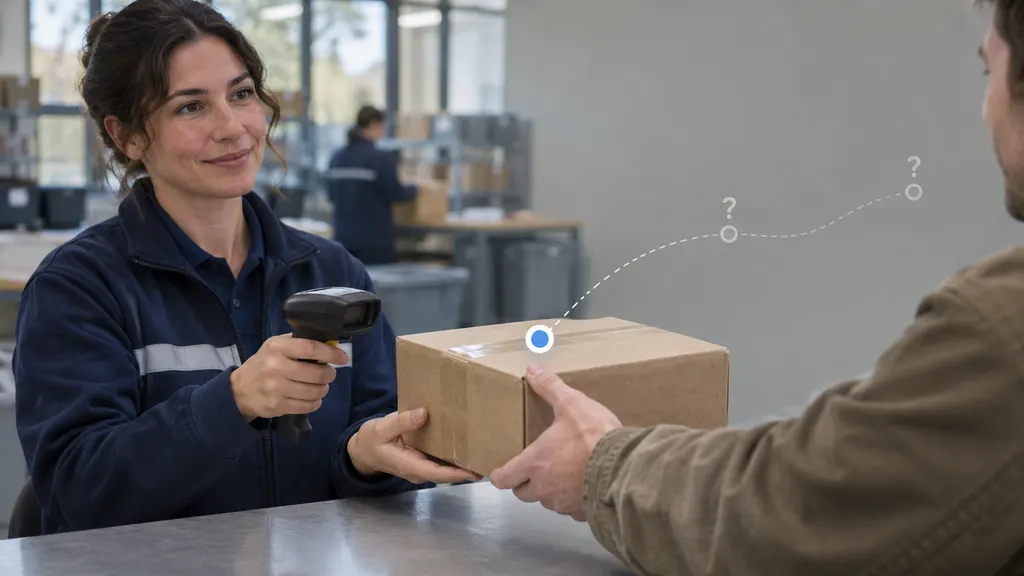
“Out for delivery” means your Gofo Express package has reached the local delivery stage and is expected to be taken to its destination. It does not confirm a delivery time or guarantee arrival that day. Check the latest tracking event for an estimated date or delivery instructions. If the package has not arrived by the end of the day, look for a new scan before reporting it missing.

What “out for delivery” tells you—and what it does not
This status usually indicates that a shipment has moved beyond long-distance transit and is in the final delivery workflow. The practical takeaway is that the package may arrive soon. It is not, by itself, proof that a driver is approaching your address or that delivery will happen within a particular number of hours.
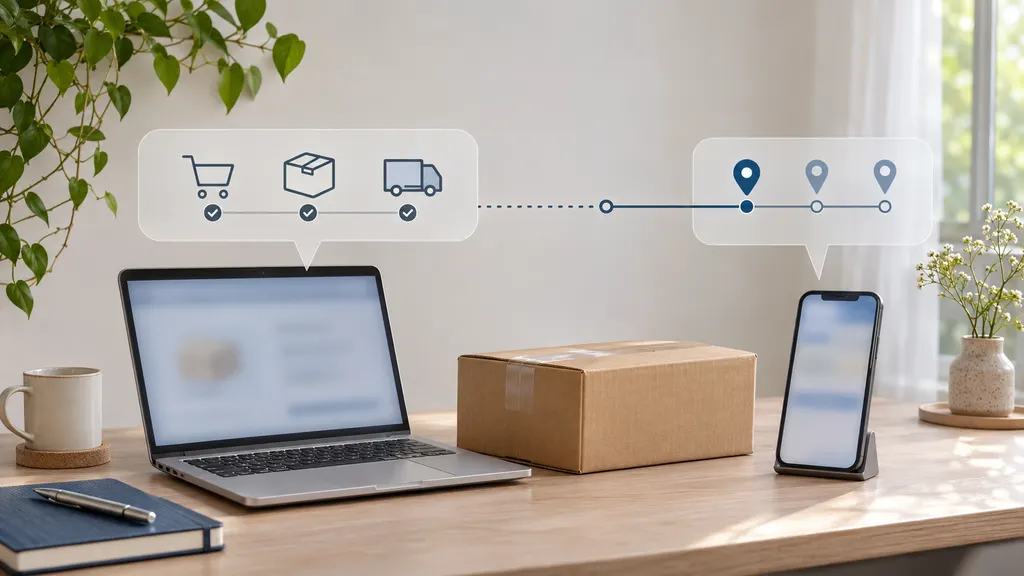
Tracking updates describe events in a delivery process, not a live, minute-by-minute location. A package can remain marked “out for delivery” while a route is underway, while a delivery attempt is being recorded, or while the next tracking update has yet to appear. The wording alone cannot tell you which of those situations applies. The most useful clues are the timestamp, the location of the last scan, any estimated delivery date, and the next event in the tracking history.
Check whether the tracking page shows additional details such as “delivery attempted,” an address exception, or a delivered scan. Those details change what you should do next. An “out for delivery” scan with no later event calls for patience and a fresh check; an attempted-delivery notice calls for action on the instructions provided.
When should a Gofo Express package arrive?
There is no dependable delivery hour you can calculate from the words “out for delivery.” If the tracking page provides an estimated date or time window, treat it as the shipment-specific guidance rather than applying a generic rule about when drivers finish their routes. Estimates can change as the delivery day progresses.
Start by checking the date and time of the status. An update from this morning is different from one that has remained unchanged since yesterday. Also confirm that the tracking number belongs to the order you are expecting; shoppers with several open orders can easily mistake one shipment’s progress for another’s.
If the status appeared today, make sure the delivery address is accessible and watch for any notification connected to the shipment. There is usually no benefit in repeatedly refreshing tracking every few minutes. Check again later in the day and once more after the expected delivery period has passed. A subsequent event may show delivery, an attempted delivery, or a return to the local facility.
If tracking provides no estimated date, avoid interpreting “out for delivery” as a promise of same-day arrival. It is a useful sign of progress, but the next scan is the better indicator of what actually happened.
Why it might not arrive that day
A package can reach the local delivery stage without being handed over successfully. A route may not be completed as planned, access to a building may be unavailable, an address may need clarification, or a delivery attempt may fail because a signature or recipient is required. The reason for a particular delay should come from the tracking record or the carrier, not from the status label alone.
Sometimes the shipment’s physical movement and its visible tracking history are not synchronized. In that case, the page may continue to show the earlier “out for delivery” event until another scan is posted. An unchanged status does not prove that the package is lost, nor does it prove that a delivery attempt occurred.
Look at the complete sequence of events rather than the latest label in isolation. If you see an exception or attempted-delivery message, follow its specific instructions. If there is no newer event, allow time for the tracking history to update, then use the carrier’s support channel if the expected delivery date has passed and the status remains unresolved.
What to do if it still says “out for delivery”
- Confirm the shipment details. Open the tracking link from your order confirmation or enter the tracking number into a tracking page. Check the number, destination, last event, and timestamp. If the seller has provided more than one tracking number, inspect each one separately.
- Read the full event history. A newer attempted-delivery or exception scan matters more than an older “out for delivery” label displayed in an order summary. If two pages show different information, compare their event timestamps before deciding that they conflict.
- Check for a delivery notice. Look at notifications from the seller or carrier and any physical notice at your address. If instructions for redelivery, pickup, or an address correction appear, use the channel identified in that notice.
- Contact the party that can resolve the issue. For a delivery-route question, the carrier or delivery partner named in the tracking details is generally the most direct starting point. For an incorrect shipping address, a missing tracking number, or an order-level refund or replacement request, contact the seller. If you cannot identify who is handling the final delivery, ask the seller to confirm the responsible carrier and provide the working tracking link.
When contacting support, include the tracking number, the date and time of the last visible scan, the delivery address as shown on the order, and any attempted-delivery notice. Describe what the tracking page actually says. “Out for delivery since yesterday with no newer event” is more actionable than “my parcel is lost,” which may not yet be established.
If you use a multi-carrier tracking page, such as 17TRACK Tracking, it can help you review the event history in one place. It cannot confirm a driver’s location or arrange delivery. For route-specific instructions or a delivery dispute, use the responsible carrier’s or seller’s support process.
If tracking changes to “delivered” but nothing is there
Treat this as a different problem from an unchanged “out for delivery” status. First, verify that the delivered scan belongs to your package and check its timestamp and any location or delivery details. Look in reasonable drop-off spots at your address, including a mailroom, parcel locker, reception desk, or place where household members accept deliveries. If a delivery photo or proof-of-delivery record is available, compare it with your location. A proof-of-delivery record can provide useful context, but its availability and contents vary by shipment.
If the parcel is still missing, report the discrepancy promptly through the carrier or seller’s official channel. Keep the tracking number, order confirmation, delivery timestamp, and any supporting details together. Do not assume that a delivered scan proves the package reached your hands; equally, do not assume theft when the delivery location or recipient has not yet been checked.
If you see “delivery attempted” instead
An attempted-delivery update means the next step may depend on the reason shown in tracking. Check for a notice explaining whether another attempt is planned or whether you need to arrange pickup, provide access, or correct an address. Do not assume an automatic redelivery: the available options depend on the carrier and the shipment.
Before submitting a request, verify that you are using a genuine carrier or seller contact route. A text message about a failed delivery is not sufficient proof that a payment or address-update link is legitimate. Open the official tracking page from a trusted source rather than entering personal details through an unexpected message.
A quick way to decide your next step
- Out for delivery today, no newer event: Check any shipment-specific estimate and wait for a later scan.
- Out for delivery after the expected date, still no update: Confirm the tracking number and contact the carrier or ask the seller to identify the final-mile carrier.
- Delivery attempted: Follow the notice or tracking instructions for that shipment.
- Delivered, but not received: Check possible delivery locations and proof-of-delivery details, then report the discrepancy.
- Address exception or unclear destination: Contact the responsible carrier or seller promptly; waiting alone may not resolve an address problem.
The distinction is straightforward: “out for delivery” is a progress update, while “delivered,” “attempted,” and exception scans describe different outcomes. Let the newest confirmed event—not an assumed delivery deadline—determine what you do.
FAQ
Does Gofo Express “out for delivery” mean it will arrive today?
Not necessarily. It indicates that the package is in the local delivery stage, but it is not a guarantee of same-day delivery. Use any estimate shown for that shipment and check for a later scan.
Can I tell what time the driver will arrive?
Not from this status alone. If the tracking page shows a delivery window, use that as an estimate. Otherwise, there is no reliable arrival time to infer from “out for delivery.”
Should I contact support if the status has not changed by evening?
First check the full tracking history for a newer event or delivery notice. If the expected delivery date has passed and the status remains unchanged, contact the carrier handling the delivery or ask the seller to identify that carrier.
Why do my order page and tracking page show different statuses?
They may display updates at different times or summarize the shipment differently. Compare the timestamps and full event histories. If the discrepancy persists and affects a delivery decision, ask the seller or carrier which tracking record applies to your package.
What information should I have ready when reporting a missing package?
Have the order number, tracking number, delivery address, last visible scan and its timestamp, and any delivery notice or proof-of-delivery detail. State whether tracking still says “out for delivery” or has changed to “delivered”; those situations require different checks.
Sources
- 17TRACK — Package Tracking. Tracking page referenced for reviewing shipment events.
- 17TRACK — What Is Proof of Delivery (POD)?. Background on proof-of-delivery records and their role in checking a reported delivery.