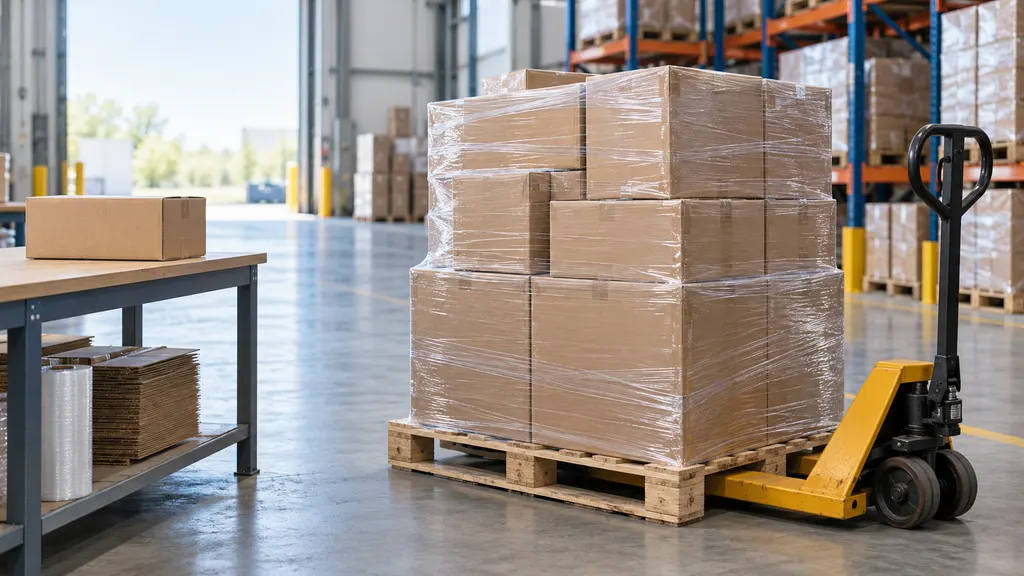
Cainiao Out for Delivery: What It Means and How to Track Local Delivery
When Cainiao tracking shows Out for delivery, the shipment has usually reached the local delivery stage and has been assigned to a delivery route or driver. It does not guarantee delivery that day. The parcel may still be delayed by route capacity, address problems, customs-related issues, weather, or an incomplete scan. To track the next step, check the latest Cainiao event, identify the local carrier, and use that carrier’s own tracking page when a local tracking number is available.
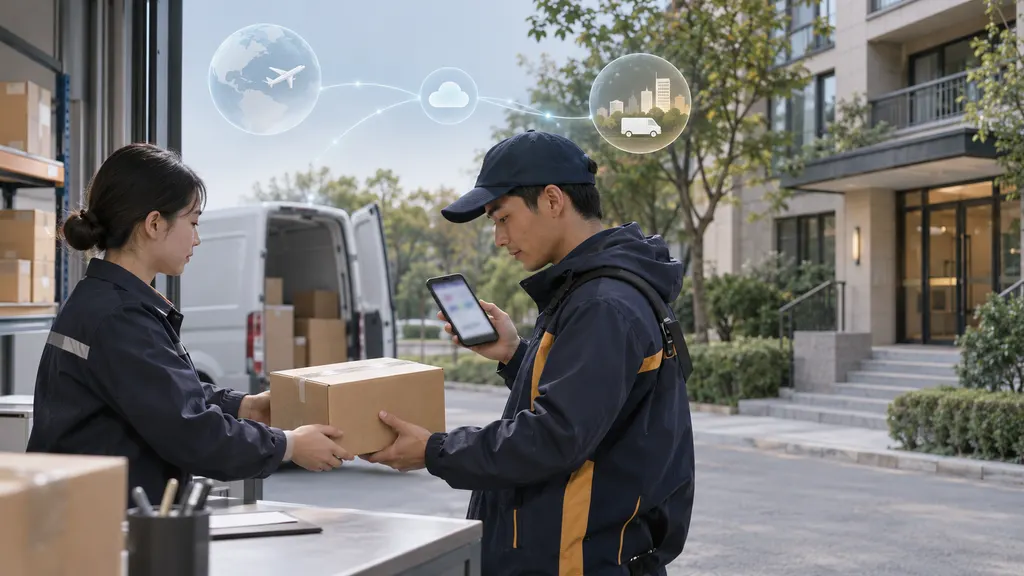
This status is especially common on cross-border orders, where Cainiao may handle international transportation while a postal operator, courier, or other last-mile provider completes delivery. Understanding which company currently holds the parcel is often more useful than relying on the status wording alone.
What Cainiao Out for Delivery Means
“Out for delivery” is a last-mile status. In practical terms, the shipment has generally moved from a regional facility to the final delivery network, and the local operator has indicated that delivery activity is in progress. The event may be generated when a parcel is loaded onto a vehicle, assigned to a route, or scanned at a local delivery depot.
Cainiao’s tracking data can include events from different logistics partners. As a result, the exact meaning of a status depends on the carrier that created the scan and the country where the parcel is being delivered. The same wording can describe a parcel on a vehicle, a parcel waiting for a route departure, or an event posted before the driver begins deliveries.
The status should therefore be treated as a strong indication of final-mile movement, not as a delivery appointment or a guaranteed deadline. If the parcel is not delivered after the status appears, the next scan may explain the reason. Common follow-up events include an attempted delivery, an address exception, a return to the local facility, or a new delivery attempt.
How to Track a Cainiao Shipment During Local Delivery
1. Review the complete tracking history
Start with the complete event history rather than looking only at the latest line. Check the date, time, location, and wording of the most recent scans. A recent arrival at a local delivery center followed by an “out for delivery” event is more informative than an isolated status without a location.
You can enter the tracking number on Cainiao’s official tracking service or use a multi-carrier tracking page such as 17TRACK. A multi-carrier tool can be useful when the shipment changes providers during transit, because it brings events from different carriers into one timeline. Always compare the tracking number and the latest event before taking action.
2. Find the local delivery carrier
Look for a carrier name, a local tracking number, or an event that identifies the destination-country delivery operator. Cainiao may not be the company that knocks on the door. The local carrier could be a postal service, a courier, or a logistics partner selected for the final leg.
A second tracking number may appear in the event details or on the seller’s order page. If it is listed, copy it exactly and search for it on the local carrier’s official website. The local carrier may provide more specific information about delivery attempts, collection points, address corrections, or signature requirements than an international tracking page.
3. Check for a delivery window or local instructions
Some carriers publish an estimated delivery window, while others show only a general route status. Do not assume that an “out for delivery” scan includes a guaranteed time. Check the official local carrier page, delivery notification, or order page for instructions about safe-place delivery, pickup locations, access codes, or signature requirements.
4. Confirm the address and contact details
Compare the shipping address in the order with the address submitted to the seller. Apartment numbers, postal codes, building names, and phone numbers can affect last-mile delivery. If the address is wrong, contact the seller and the local carrier promptly. A carrier may not be able to change the destination after a parcel has entered the final-mile route.
5. Save the evidence if delivery does not occur
Take a screenshot of the latest tracking event and record the tracking number, order number, and seller contact details. If the parcel is marked delivered but cannot be found, check with household members, neighbors, building reception, and the designated safe place before contacting the carrier or seller. Keep any delivery photo or proof-of-delivery information available.
Why a Cainiao Out for Delivery Package May Not Arrive
A delivery scan is not the same as a completed delivery scan. Several operational situations can cause a gap between the two:
- Route capacity: The driver may not complete every parcel assigned to the route.
- Address or access problems: An incomplete address, locked building, or missing access information can prevent delivery.
- Recipient unavailable: A signature requirement or local delivery rule may lead to an attempted-delivery scan.
- Operational disruption: Traffic, weather, staffing, vehicle problems, or a depot issue can interrupt the route.
- Early or delayed scanning: Some events are uploaded before the physical delivery attempt or after the route has already changed.
- Incorrect event association: A copied tracking number or an order page update can create confusion about which parcel is being viewed.
If there is no new event, that alone does not prove the parcel is lost. First verify the local carrier and check its official tracking system. If the status remains unchanged beyond the carrier’s stated handling period, contact the seller or marketplace and ask for a delivery investigation.
What to Do When the Tracking Status Stalls
Use the following escalation path:
- Check the Cainiao event history and note the last scan location and timestamp.
- Look for a local carrier name or secondary tracking number.
- Search the secondary number on the local carrier’s official website.
- Confirm the delivery address and ask nearby recipients or building staff whether the parcel was accepted.
- Contact the seller if the local carrier cannot provide an explanation or if the promised delivery period has passed.
- Use the marketplace or payment provider’s dispute process only after checking the applicable deadline and required evidence.
The seller is often the appropriate commercial contact because the shipping contract may be between the seller and the logistics provider. The carrier can investigate movement, but the seller or marketplace may control a replacement, refund, or delivery-claim process. The exact process depends on the order terms and the relevant carrier policy.
How Sellers Can Reduce Delivery Confusion
For ecommerce sellers, an “out for delivery” event is a customer-experience moment rather than just a transport scan. A useful tracking page should show the latest event, the local carrier when known, the destination country, and a clear next action. It should avoid promising a delivery date that the carrier has not confirmed.
Sellers should also make sure that order notifications use the correct tracking number and that status messages are mapped consistently across carriers. If a Cainiao shipment changes to a local postal or courier network, displaying the local tracking reference can help the buyer move from general international tracking to actionable last-mile information.
For stores handling frequent cross-border orders, a multi-carrier tracking workflow can consolidate shipment events and reduce customer-service searches. The objective is not to replace the carrier’s official record, but to make the timeline easier to understand and to direct the buyer to the right next step.
Cainiao Tracking Status: A Practical Interpretation
| Status pattern | What it usually suggests | Recommended action |
|---|---|---|
| Arrived at local facility | The parcel has reached a facility serving the destination area. | Check for a local carrier or secondary tracking number. |
| Out for delivery | Final-mile delivery activity has been scheduled or started. | Monitor the local carrier and delivery instructions. |
| Delivery attempted | A delivery could not be completed or required a recipient response. | Read the attempt details and arrange redelivery or pickup if offered. |
| Delivered | The carrier has recorded completion of delivery. | Check the delivery location and proof of delivery if the parcel is missing. |
These interpretations are general. Carrier terminology can differ by country, service, and data feed, so the event details and local carrier record should take priority over a generic explanation.
FAQ
Does Cainiao out for delivery mean my package will arrive today?
Not necessarily. It normally means the parcel has entered the final-mile delivery process, but delivery may be postponed by route capacity, access problems, operational disruption, or a failed attempt. Look for the local carrier’s own delivery estimate and follow-up scan.
Who delivers a Cainiao package locally?
The local delivery provider varies by destination, service, and shipment arrangement. Cainiao may coordinate the shipment while a postal service or courier performs the final delivery. Check the tracking history for the carrier name or a local tracking number.
Can I track Cainiao with a local tracking number?
Yes, if a local tracking number has been assigned and exposed in the tracking details. Enter it on the local carrier’s official website for the most specific last-mile updates, and keep the original Cainiao number for the international shipment history.
What should I do if Cainiao says out for delivery but nothing arrives?
Check the full event history, verify the local carrier, inspect the delivery address, and ask household members, neighbors, or building staff. If the status does not progress within the relevant carrier’s handling period, contact the seller and request an investigation.
Is a multi-carrier tracking page enough to resolve a delivery problem?
It can make the shipment timeline easier to follow, but the local carrier’s official record remains important for delivery attempts, proof of delivery, address questions, and claims. Use both sources when the status is unclear.