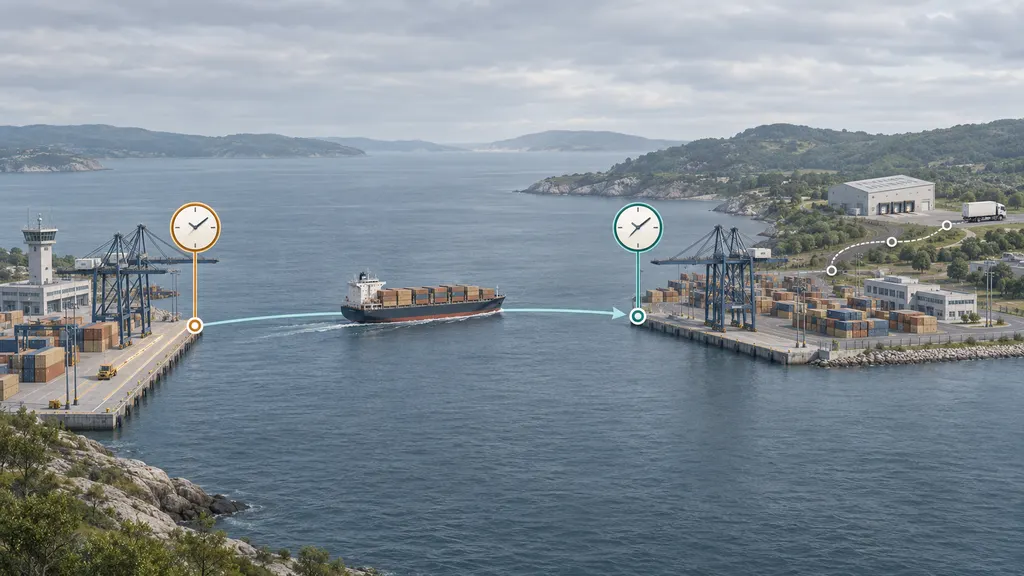
Out for Delivery Guide: What It Is and What You Should Do Next
“Out for delivery” usually means the carrier has moved your package to a local delivery vehicle or route for the final stage of transportation. It is a strong sign that delivery may take place soon, but it is not an absolute promise that the package will arrive that day. Routes can change because of workload, traffic, weather, address problems, vehicle issues, access restrictions, or other delivery exceptions.
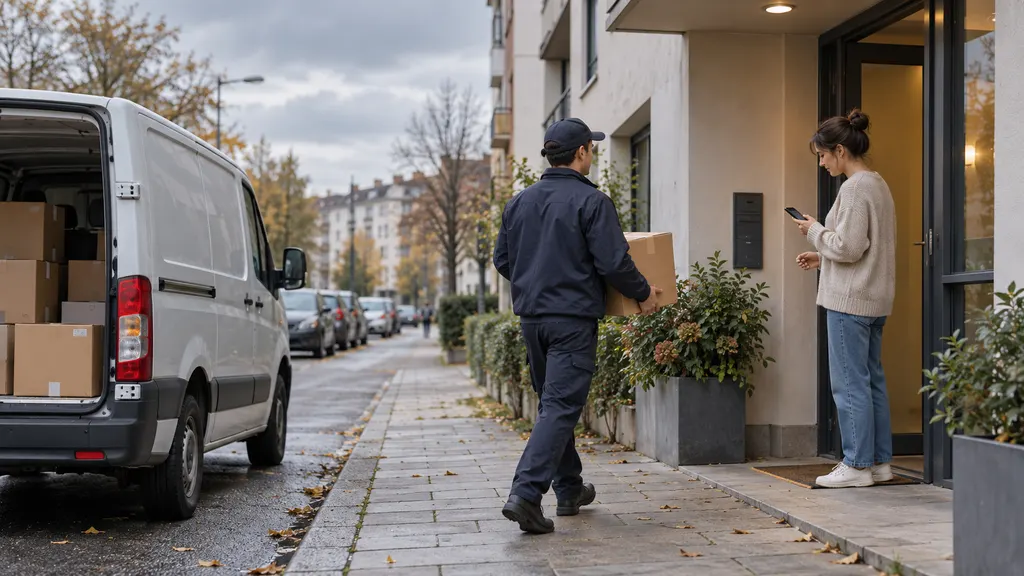
For most recipients, the right next step is simple: check the delivery address and instructions, keep an eye on the tracking page, and remain available if a signature or secure handoff may be required. If the package does not arrive by the end of the carrier’s delivery window, check for a new scan, an attempted-delivery notice, or a service alert before contacting the carrier or seller.
What does “out for delivery” mean?
The status generally indicates that a shipment has reached a local facility and has been assigned to a delivery route. The package may be physically loaded onto a van, truck, bicycle, or other last-mile vehicle. In some networks, the status can also appear when the carrier has prepared the parcel for delivery even if the route has not yet reached the recipient’s area.
The exact meaning depends on the carrier and service. Tracking systems use different scan names, update schedules, and delivery processes. “Out for delivery,” “with delivery courier,” and similar phrases usually describe the same broad stage, but they do not all provide the same level of detail about the driver’s location or expected arrival time.
The status should therefore be read as a routing update, not as a guaranteed appointment. A package can remain in this status for several hours, receive a delayed-delivery update, or return to the local facility if the route cannot be completed.
Does out for delivery mean it will arrive today?
Often, but not always. Carriers commonly use the status for shipments scheduled for delivery during the current service cycle. That cycle may extend into the evening, and the carrier may not publish an exact arrival time. Some deliveries are also rescheduled after the status appears.
Several factors can prevent same-day completion:
- High parcel volume or an unusually long route
- Traffic, road closures, severe weather, or local disruptions
- An incorrect, incomplete, or inaccessible address
- A required signature when no one is available
- Building access restrictions, closed businesses, or gated premises
- Vehicle, staffing, scanning, or operational problems
- Security concerns or a carrier decision not to leave the parcel unattended
If the tracking page provides an estimated delivery date, treat it as the carrier’s current estimate rather than a guarantee unless the service explicitly includes a delivery commitment. The latest scan and any exception notice are usually more useful than the phrase “out for delivery” by itself.
What should you do when a package is out for delivery?
1. Confirm the delivery details
Review the tracking record for the destination, delivery date, and any available instructions. If the address appears wrong, contact the carrier or the merchant promptly. Address changes may not be possible after a parcel has entered the final delivery route, and attempting to intercept it can delay delivery.
For apartment buildings, offices, campuses, and gated communities, check whether the carrier needs a unit number, access code, reception desk, or other information. Do not post access codes publicly; share them only through an official carrier or merchant channel when appropriate.
2. Prepare for the type of handoff
A standard parcel may be left at the address if the carrier’s rules and local conditions allow it. A shipment requiring a signature is different: someone may need to be present, or the carrier may leave an attempted-delivery notice and arrange another attempt or collection option.
If the item is valuable, fragile, age-restricted, temperature-sensitive, or otherwise special-handling, do not assume that a driver can leave it in a preferred location. Check the seller’s instructions and the carrier’s delivery options. A signature release, redirect, or hold request may have eligibility limits.
3. Monitor the official tracking record
Use the carrier’s official tracking page when possible. If you are tracking shipments from different carriers, a multi-carrier tracking service such as 17TRACK can provide a consolidated view of shipment updates. For the most authoritative information about a delivery attempt, signature requirement, address correction, or pickup instruction, confirm the event on the carrier’s own system.
Avoid relying only on an email, text message, or social media message that asks for payment or personal information. Unexpected requests to pay a small fee, confirm an address through an unfamiliar link, or provide account credentials may be fraudulent. Open the carrier’s website directly or use the merchant’s official order page instead of clicking a suspicious message.
4. Wait through the normal delivery period before escalating
An out-for-delivery scan early in the day does not mean the vehicle is near your address. If the estimated delivery date has not passed and there is no exception, waiting until the carrier’s normal delivery period ends is usually more productive than opening several inquiries.
If the status remains unchanged for an unusually long period, the estimated date passes, or the tracking record shows a failed attempt, contact the carrier first when the issue concerns the route or delivery event. Contact the seller when the address, order details, replacement, refund, or delivery promise needs to be reviewed.
What if the package says out for delivery but does not arrive?
Start by refreshing the tracking record and checking for a later scan. A package may be marked with a delay, returned to a facility, redirected, or recorded as an attempted delivery. Also check the entrance, mailbox area, parcel locker, reception desk, household members, and nearby safe locations if the carrier permits unattended delivery.
If the tracking page says “delivered” but you cannot find the parcel, check whether the scan includes a delivery location or photo. Ask household members, neighbors, building staff, or a mailroom if appropriate. Allow a short period for a premature delivery scan to be corrected, but do not ignore the issue if the shipment is valuable or time-sensitive.
When contacting support, prepare the tracking number, delivery address, order number, last scan, and any delivery instructions. State the practical problem clearly: delayed delivery, missing package, wrong address, damaged parcel, or failed delivery attempt. The carrier can usually investigate transportation and scan events; the seller is generally the party that can discuss replacement, refund, insurance, or the order contract.
Out for delivery versus other common tracking statuses
| Status | Typical meaning | Recommended action |
|---|---|---|
| Label created | Shipping information was submitted, but the carrier may not have received or scanned the parcel. | Allow time for the first physical scan; contact the seller if the status does not change within the expected handling period. |
| In transit | The shipment is moving through the carrier network or between facilities. | Monitor the estimated delivery date and the latest facility scan. |
| Arrived at local facility | The parcel has reached a facility near the destination, but may not yet be on a delivery route. | Wait for the next route or delivery scan. |
| Out for delivery | The parcel has entered the final delivery stage or has been assigned to a local route. | Be ready for the handoff and watch for exceptions. |
| Delivery attempted | The carrier reports that delivery could not be completed at that time. | Follow the notice for redelivery, pickup, signature, or address instructions. |
| Delivered | The carrier has recorded the shipment as delivered. | Check the stated location and contact support promptly if it cannot be found. |
These descriptions are general. Carrier terminology and scan timing can differ by country, service, and shipment type, so the official event details should take priority over a generic status glossary.
What sellers and customer-support teams should tell buyers
For merchants, “out for delivery” is a useful customer-facing milestone, but it should not be presented as a guaranteed delivery appointment unless the purchased service supports that promise. A clear message should explain that the parcel has entered the final-mile stage, that timing can vary, and what the customer should do if the delivery attempt fails.
Support teams should avoid promising an exact arrival time based only on a tracking scan. Instead, they can confirm the last event, provide the official carrier link, explain signature or access requirements, and define when the customer should contact the business again. If a package is marked delivered but missing, the business should follow its own claims, replacement, and refund procedures rather than asking the customer to repeat the same tracking check indefinitely.
For recurring delivery problems, merchants can review address quality, carrier performance by destination, attempted-delivery reasons, customer notification timing, and the clarity of delivery instructions. Those operational checks can reduce avoidable support contacts without treating every late scan as proof of carrier failure.
A practical decision checklist
- Check the latest scan, estimated date, destination, and any exception message.
- Make sure the address, unit number, access information, and delivery instructions are correct.
- Determine whether a signature, age check, or other handoff requirement applies.
- Monitor the official carrier page through the normal delivery period.
- If delivery is attempted, follow the carrier’s notice rather than creating a duplicate shipment request.
- If the package is late, missing, damaged, or incorrectly addressed, contact the party best placed to resolve that issue: the carrier for route information and the seller for order remedies.
FAQ
Is out for delivery the same as delivered?
No. “Out for delivery” describes a shipment still in the final delivery process. “Delivered” is a later scan indicating that the carrier recorded a completed delivery. A delivery can still be delayed or attempted unsuccessfully after the out-for-delivery scan.
How long does out for delivery take?
There is no universal time limit. The duration depends on the carrier, service, route, destination, delivery volume, and local conditions. Use the estimated date and latest event on the official tracking page rather than assuming a fixed number of hours.
Can I pick up a package that is out for delivery?
Sometimes, but not automatically. A parcel may need to be held at a facility or pickup location through an official carrier request, and eligibility can vary by service and shipment status. Contact the carrier before traveling to a facility; an out-for-delivery scan does not confirm that the parcel is available for collection.
What should I do if the status has not changed?
Check for an exception, delivery attempt, or later scan first. If the estimated delivery date has passed or the shipment remains unresolved for an unusually long period, contact the carrier with the tracking number and contact the seller if you need a replacement, refund, or order investigation.
Can a package be out for delivery on a weekend?
Weekend delivery depends on the carrier, service, destination, and local operating practices. Do not assume that a weekend out-for-delivery scan guarantees delivery that day. The carrier’s tracking page and service information are the best sources for the shipment in question.