Which Carrier Does Walmart Use for Delivery? How to Identify and Track It?
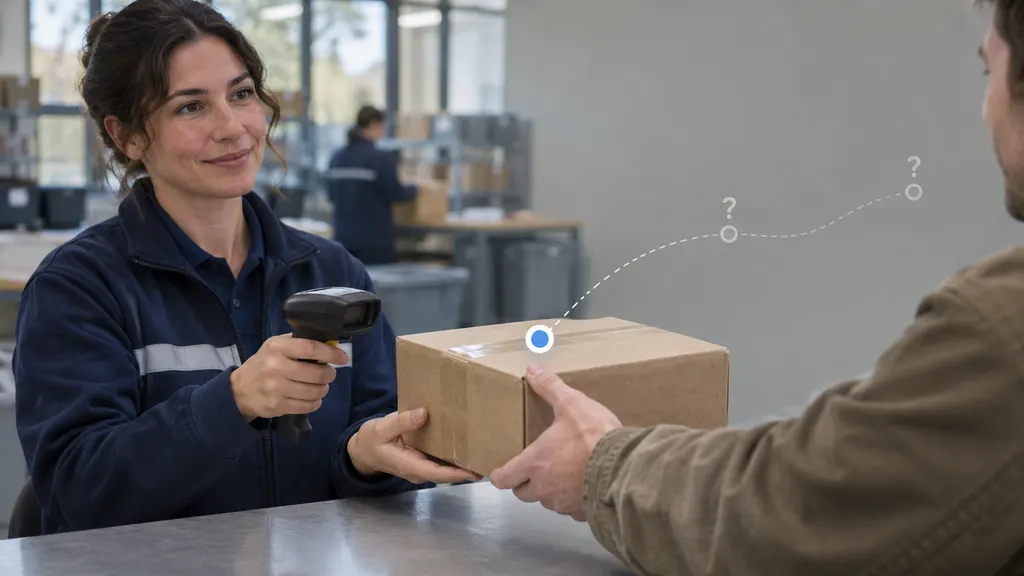
Walmart does not use one carrier for every order. A shipped item may travel with a parcel carrier such as UPS, FedEx, or USPS, while an order delivered from a local store may arrive with a delivery driver rather than through a conventional parcel network. The most reliable way to identify who is handling your order is to open its details in your Walmart account and look for a carrier name, tracking number, or delivery updates.

The distinction matters because a Walmart order number is not necessarily a carrier tracking number. If your order has no carrier listed, that does not automatically mean anything is wrong: it may be a local delivery, a pickup order, or a shipment that has not yet received its first tracking update.
First, check how the order is being fulfilled
Start with the delivery method shown in your Walmart order details. The words shipping, delivery, and pickup describe different paths to receiving an item. They do not all lead to a carrier tracking page.
- Shipped to your address: The item travels as a parcel. Once it ships, the order details may show a carrier, a tracking number, and a link to shipment updates.
- Delivered from a local store: A driver brings the order to your address. Walmart’s order updates are generally the better place to follow its progress; there may be no UPS, FedEx, or USPS number to enter elsewhere.
- Pickup: You collect the order at a store or other designated pickup location. Look for pickup-ready instructions, not a carrier name.
A single checkout can also contain items with different fulfillment methods. For example, one item might ship as a parcel while another is prepared for local delivery. Check each item or shipment separately rather than assuming one carrier handles the entire order.
How to identify the carrier for a Walmart shipment
- Open your Walmart order history. Sign in to the account used at checkout and select the relevant order. If you checked out as a guest, use the order-access instructions in your confirmation email or Walmart’s help resources.
- Inspect the item and shipment details. Look for a shipping status, carrier name, tracking number, or a link labeled for tracking. A tracking link can be useful even when the carrier is not prominent in the order summary.
- Check Walmart’s shipment email. Shipping notifications may contain details that were not available when the order was first placed. Make sure the email refers to the specific item you are trying to locate.
- Open the carrier link, if provided. This is usually the clearest way to confirm which company is transporting the parcel and see its latest scans.
Do not try to identify a carrier solely from the appearance of a tracking number. Formats can overlap or change, and copying the wrong number from an order page is easy. A carrier name or direct tracking link supplied in the order details is stronger evidence.
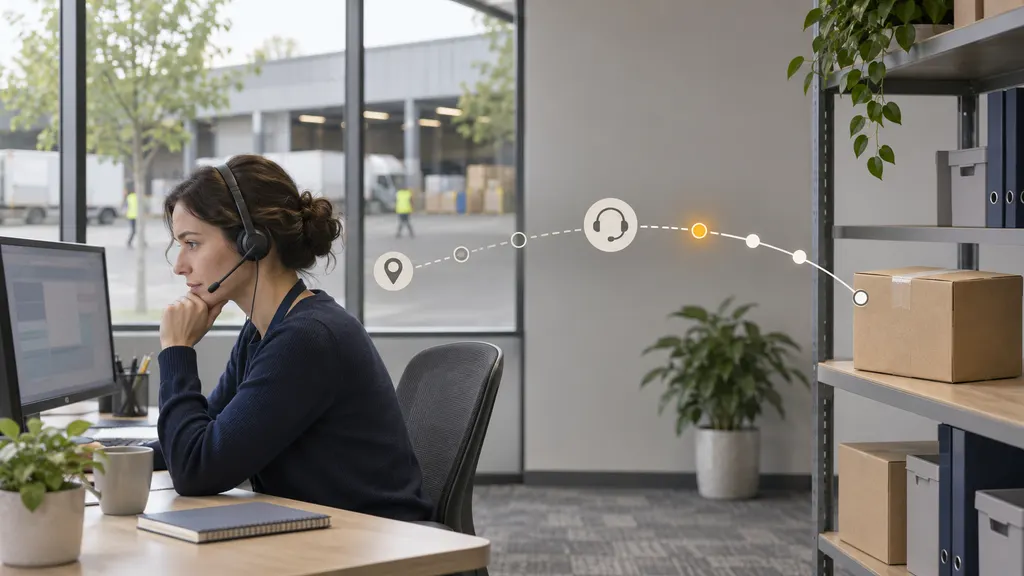
If your order is marked as shipped but has no useful carrier information yet, check again after the shipment updates. A shipping confirmation and the first carrier scan are separate events; the absence of a scan does not by itself establish that a parcel has been lost. If the information remains unclear, contact Walmart through the help options attached to the order.
Where to track your order
Use Walmart first for the overall order. Its order history ties updates to the items you bought and can show whether they are being shipped, delivered, or prepared for pickup. This is particularly helpful when an order has multiple items or shipments.
Use the carrier’s site for a parcel with a confirmed tracking number. If Walmart identifies UPS, FedEx, or USPS, follow the carrier link in the order details or enter the shipment tracking number on that carrier’s official tracking page. The carrier’s scans can clarify where the parcel is in its shipping journey. Keep the Walmart order page available as well: it connects the shipment back to your purchase and provides the route to order support.
Use Walmart’s updates for local delivery. A store-delivery order may show preparation and delivery progress without a traditional parcel tracking number. In that situation, repeatedly entering the Walmart order number on carrier websites will not create carrier scans. Follow the instructions in your Walmart account or messages, and use Walmart’s support options if you need help with the delivery.
For a parcel already assigned a carrier tracking number, a multi-carrier service can be another way to track it. Enter the shipment number, not the Walmart order number. 17TRACK is a parcel-tracking tool; it is not a substitute for Walmart’s account updates on a local delivery or for Walmart’s help team when there is an order problem.
What common tracking messages mean
Tracking language describes the latest recorded step, not a guarantee about what will happen next. Read the message alongside the delivery method and the time of the latest update.
- Order placed or being prepared: Walmart has the order, but a parcel may not have entered a carrier’s network. Check the order details for the expected fulfillment method.
- Shipped, but no carrier scan appears: Shipment information may have been created before the carrier’s first recorded scan. Revisit the carrier link rather than treating an empty tracking page as proof of non-shipment.
- In transit: A parcel is moving through the shipping process. The latest scan is not necessarily its current physical position.
- Out for delivery: The parcel or local delivery is in its final delivery stage. Follow the updates shown for that particular order; the phrase does not guarantee an exact arrival time.
- Delivered: Check the delivery location shown in the order or carrier details, including any available delivery note. If you cannot find the item, check safe locations around the address and contact the appropriate support channel.
For a parcel, the carrier’s tracking details may help explain the last scan. For a local delivery, Walmart’s order details are generally the more relevant record. If an item is shown as delivered but is missing, report the issue through Walmart’s order-help flow; a third-party tracking page cannot investigate or resolve the purchase for you.
What to do when you cannot find a carrier or tracking number
Before contacting support, make four quick checks. First, confirm that the order is for shipping, not store delivery or pickup. Second, open the details for the individual item; the main order summary may not tell the whole story. Third, check for a shipment email and make sure it matches the item. Fourth, verify that you are signed in to the account used to place the order.
If the item is a shipped parcel and its details still do not show a working tracking link, use Walmart’s help options for that order. Have the order number and the item name ready, but do not post them publicly. If a carrier is identified and its tracking page shows an exception or delivery issue, review that message and then use Walmart’s order support if the issue affects your purchase.
Be cautious with unexpected texts or emails claiming that a Walmart package requires a payment, an address correction, or an immediate click. Instead of relying on a message link, open Walmart’s website or app directly and check the order there. If a parcel has a carrier link in your account, navigate to the carrier through that link or its official site.
The practical rule
Do not begin by guessing a carrier. Begin with the Walmart order details and identify whether each item is shipped, delivered locally, or set for pickup. For a shipped parcel, follow its carrier tracking number. For local delivery, follow Walmart’s order updates. If the two sources appear inconsistent or an item is missing, the order-help options in your Walmart account are the next step.
FAQ
Does Walmart always use FedEx, UPS, or USPS?
No. Those carriers may handle shipped parcels, but they do not describe every Walmart order. Local delivery and pickup follow different processes. The carrier for a particular parcel should be confirmed in its order or shipment details.
Can I track a Walmart order using only the order number?
You can use the order number to locate or discuss the purchase through Walmart’s order-help process. A parcel carrier’s tracking page generally needs the shipment tracking number, which is different from the Walmart order number. Look for that number or a carrier link in the order details.
Why does my Walmart delivery have no carrier name?
It may be a local delivery rather than a shipped parcel, or shipment details may not yet be available. Check the fulfillment method for the specific item and use Walmart’s updates while you wait. If the order information remains unclear, contact Walmart through the order page.
Can different items in one Walmart order have different tracking information?
Yes. Items can be fulfilled separately, so one order may have multiple shipment updates or a mix of shipping, local delivery, and pickup. Review each item’s details instead of using one tracking number for the whole purchase.
Who should I contact if tracking says delivered but I cannot find the item?
First, review the delivery details and check the indicated location. For a shipped parcel, the carrier’s tracking page may provide additional delivery information. Then use Walmart’s help options for the affected order to report that the item has not been found.
Sources
- Walmart Help Center — order, delivery, and customer-support guidance.
- Walmart Orders — account-based order details and updates.
- UPS — official carrier site and tracking access.
- FedEx Tracking — official parcel-tracking page.
- USPS Tracking — official parcel-tracking page.
- 17TRACK Tracking — multi-carrier parcel-tracking tool.