UPS Tracking Status Exception: Common Reasons, Delays and What to Do Next
A UPS tracking status of “Exception” means an unexpected event has affected the shipment’s planned progress or delivery. It does not, by itself, mean the package is lost or that you must take action. Open the detailed tracking history, look for a more specific explanation or a revised delivery date, and follow any instructions UPS provides. If the update stays unresolved or your delivery is time-sensitive, contact UPS or the sender with the tracking number.
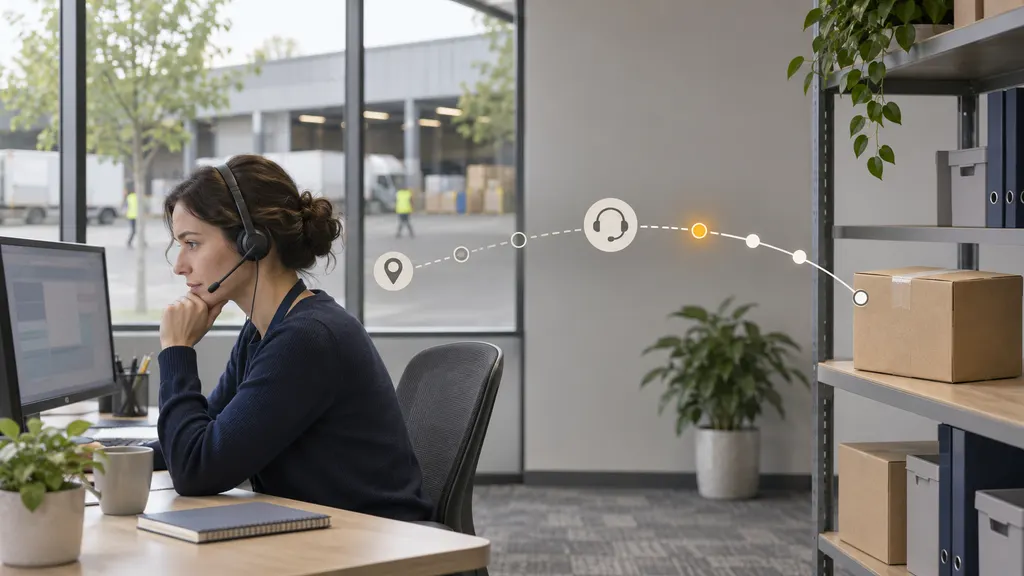
The most useful clue is usually not the word “Exception” alone. It is the accompanying message: an address issue calls for a different response than a weather disruption or an unsuccessful delivery attempt. The steps below help you decide what to check, who can act, and when to escalate.
What does “Exception” mean in UPS tracking?
“Exception” is a broad tracking category for something that has interrupted the expected delivery process. It describes a change to the shipment’s progress, not necessarily its final outcome. Depending on the event, UPS may update the delivery estimate, continue moving the package through its network, or need additional information before delivery can proceed.
Start with the complete tracking history on the UPS tracking page, rather than relying only on a short notification or a retailer’s order page. Note the latest scan, its location if shown, any explanation attached to it, and whether a new delivery estimate appears. A status can remain visible after the underlying issue has been resolved, so the sequence of updates matters more than one isolated label.
An exception is also different from a confirmed loss. If tracking explicitly says a package was returned, delivered, or requires an address correction, act on that specific information. If it only reports an exception without further detail, avoid guessing the cause from the label.
Common reasons for a UPS delivery exception
UPS may use exception updates for different operational events. The exact wording in your tracking history should guide your next step; not every cause below applies to every shipment.
- Weather or other local disruption. Conditions affecting transportation or access to a delivery area can interrupt the expected schedule. The recipient may have little to do immediately beyond monitoring for a new estimate.
- Address or access problem. An incomplete or incorrect address, an unclear unit number, or difficulty accessing the delivery location may prevent a normal handoff. If tracking requests information, verify the address against the original order before trying to make changes.
- Unsuccessful delivery attempt. A driver may be unable to complete delivery or obtain a required signature. Check the tracking details and any notice left at the address for the available next steps.
- Shipment damage or handling issue. An inspection or handling problem can interrupt normal movement. Tracking may not provide enough detail to establish what happened to the contents; contact the sender if the package arrives damaged or if UPS advises that it cannot be delivered.
- Customs or other cross-border processing. An international shipment may need additional documentation or clearance before it can continue. The party able to supply the information may be the sender, recipient, or a customs representative, depending on the request.
- Network or operational interruption. A shipment can miss its expected movement or delivery window without requiring information from the recipient. Later scans may clarify whether it is moving again.
These are possible explanations, not a way to diagnose a shipment from the word “Exception.” If UPS displays a more specific message, use that message as the starting point.
Will an exception delay delivery, and for how long?
An exception can delay delivery, but there is no reliable universal delay period. A revised estimate, when UPS provides one, is more useful than a generic rule about how long exceptions last. Some shipments resume after the interruption clears; others cannot proceed until an address, document, or delivery instruction is resolved.
Check whether the original expected date is still shown, has changed, or has disappeared. A missing estimate does not establish that the package is lost. It does mean you should avoid treating the original date as a firm arrival time. If you need the shipment for an appointment, trip, or event, make a backup plan rather than assuming it will arrive on schedule.
Also distinguish a lack of new scans from a lack of movement. Tracking updates depend on recorded events, and the public history may not explain every step between them. At the same time, repeated checking will not resolve an issue that requires new information. If the status asks for action, address the request; if it does not, watch for a meaningful update and escalate when the circumstances warrant it.
What to do next: a practical checklist
- Confirm the tracking number and shipment. Open UPS tracking and make sure the number belongs to the package you are expecting. If you received it by email or text, navigate to UPS directly rather than assuming an unfamiliar message link is genuine.
- Read the latest event in context. Compare the exception with earlier scans and check for a revised delivery date, a notice of attempted delivery, or an instruction to provide information. A new movement scan after the exception may indicate that the shipment has resumed.
- Verify details you control. Compare the recipient name, address, apartment or suite number, and contact details on the order confirmation with what you provided to the sender. Do not assume that editing an account profile will change the address on a package already in transit.
- Follow the specific instruction, if any. If UPS asks for information or offers delivery options, use its official tracking and support channels to see what is available for that shipment. Delivery changes may depend on the shipment and the sender’s settings; do not assume every option will be offered.
- Contact the right party. Ask UPS about the tracking event, delivery options, and what information it needs. Contact the sender or retailer if the shipping label may be wrong, documents are missing, the package may be damaged, or you need a replacement or refund under the seller’s policy.
- Keep a concise record. Save the tracking number, order number, current tracking message, last update, and any case reference. This makes follow-up easier, especially if the estimated date changes or the shipment ultimately cannot be delivered.
For a simple delay with no request for action, monitoring the next UPS update is reasonable. For an explicit address or document request, act through an official channel instead of waiting for the message to clear on its own.
Who should you contact first?
Contact UPS first for a tracking or delivery-status question. UPS can explain the information available for the shipment and indicate whether a delivery option or further action is available. Have the tracking number and the exact exception wording ready. UPS support information is available through its tracking support page.
Contact the sender first when the problem involves the order or shipment instructions. The sender may need to check the address it submitted, provide missing shipment information, or decide what to do if delivery fails. If you bought from a retailer, the retailer also controls its own replacement and refund process. A recipient should not assume that a carrier tracking inquiry automatically starts a merchant claim.
Contact both when the exception is unresolved and the outcome matters urgently. Ask UPS what the tracking event means and tell the sender about the risk to the order. Avoid submitting conflicting address or delivery requests through multiple channels; confirm which party can make the necessary change for this shipment.
If a delivery date has passed, tracking has not advanced, or the shipment is needed urgently, contact the relevant party rather than waiting for an arbitrary number of days. For a package reported delivered but not received, follow the delivered-package guidance shown by UPS and notify the sender; that is a different problem from an exception that remains in transit.
How to interpret the next tracking update
A later scan can change what you should do. If tracking shows the shipment moving again and supplies a new estimated date, plan around that date while continuing to monitor it. If it shows a delivery attempt, read the attempt details for instructions. If it shows that a correction or documentation is needed, identify who can provide it. If it shows a return to sender, contact the sender about the order rather than assuming UPS will automatically attempt delivery to you again.
When using an order page or a multi-carrier tracking tool such as 17TRACK tracking, remember that these views can help you follow updates but cannot resolve a UPS exception or guarantee a delivery change. For an action request or an unclear UPS status, check UPS directly and work with the sender when the issue concerns the order.
Avoid scams while resolving an exception
A genuine delivery problem can make an unexpected text or email feel urgent. Do not enter payment details or personal information into a link merely because a message claims your UPS package has an exception. Open the UPS website independently, enter the tracking number there, and check whether the claimed problem appears in the official tracking record. If a shipment requires action, use the instructions available through UPS or contact the sender through the order channel you already know.
This check is especially useful when a message describes a vague address problem but gives no tracking number you recognize. An exception in an unsolicited message is not proof that you have an affected shipment.
FAQ
Does a UPS exception mean my package is lost?
No. An exception means an unexpected event has affected the shipment’s planned progress or delivery. It does not, on its own, establish that the package is lost. Look for later tracking updates or contact UPS if the status remains unresolved.
Can UPS still deliver a package after an exception?
Yes, delivery may still be possible once the interruption clears or any required information is supplied. The next tracking event and any revised estimate will be more informative than the exception label alone.
Should I correct my address if tracking shows an exception?
Only if the tracking details or UPS indicate an address issue, or you confirm that the address supplied for this shipment is wrong. Check the original order details first. If a change is needed, ask UPS or the sender what can be changed for that particular package.
Why has my delivery date disappeared?
UPS may not be able to show a useful estimate while an interruption is unresolved. A missing estimate does not tell you the cause or duration. Check for a more specific tracking message and contact UPS if you need to clarify the shipment’s status.
Can 17TRACK remove a UPS delivery exception?
No. A tracking tool can help display shipment updates, but it cannot change UPS delivery operations or correct shipment information. Use UPS for carrier-side tracking and delivery questions, and contact the sender for order-related issues.
Sources
- UPS Tracking — official shipment tracking and status details.
- UPS Tracking Support — official guidance and support entry point for tracking and delivery questions.
- 17TRACK Tracking — tracking service referenced as an optional way to view shipment updates.