What Time Does Gofo Deliver? Typical Delivery Hours and Time Windows?
There is no reliable single delivery time to expect for every Gofo package. A parcel may arrive during the day or in the evening, but the useful window is the one shown for your shipment by the seller, Gofo, or its tracking updates. If you need to be home, do not treat an estimated delivery date or an “out for delivery” scan as a guaranteed appointment.
Delivery timing depends on where the parcel is in its journey, when it reaches the local delivery operation, and what happens on the route that day. The most practical approach is to check the latest shipment-specific update, then decide whether you need to make arrangements or contact the party responsible for the next step.
Is there a standard Gofo delivery window?
Do not assume that a general hours-of-operation listing is a delivery promise for your address. Customer-service hours, facility hours, and the hours when a driver might arrive are different things. Likewise, a time mentioned for one city, retailer, or shipment should not be applied to every Gofo delivery.
For planning purposes, allow for a delivery during local daytime or evening hours unless your shipment has a more specific, credible time window. That is a planning precaution, not a published Gofo-wide schedule. If the retailer or carrier displays an estimated window, check what it actually says: some estimates identify a date only, while others narrow the time of day. An estimate can change as the shipment moves.
A delivery date answers “which day is currently expected?” A delivery window answers “roughly when on that day?” An appointment is a firmer arrangement that should be explicitly confirmed. These are not interchangeable. If you have been given only an expected date, you should not infer a morning, afternoon, or evening slot from it.
What does “out for delivery” tell you about arrival time?
“Out for delivery” generally indicates that the parcel is in the local delivery stage. It is more actionable than an earlier transit scan, but it does not tell you your place on the route or guarantee that delivery will be completed that day. Stops, access problems, weather, traffic, and other operational changes can affect the final arrival.
Read the scan together with its timestamp and location, if those details are available. A status may have been recorded before it appeared on a tracking page. A scan made in a different time zone can also be confusing if the page does not clearly show how timestamps are displayed. When a time matters, use the date and time shown in the shipment-specific notification rather than trying to calculate an arrival from an older scan.
If an “out for delivery” status remains unchanged late in the day, there is no dependable clock-time rule that tells you whether the driver will still arrive. Check for a new estimate or an attempted-delivery notice before taking further action. If you must leave, follow any available delivery instructions or make a safe receiving plan; do not wait indefinitely because of a single status label.
How to find the best available estimate for your package
- Open the order or shipping confirmation. Find the tracking number, the shipping address, and any estimated date or window supplied by the retailer. Check whether the estimate is for delivery, dispatch, or another milestone.
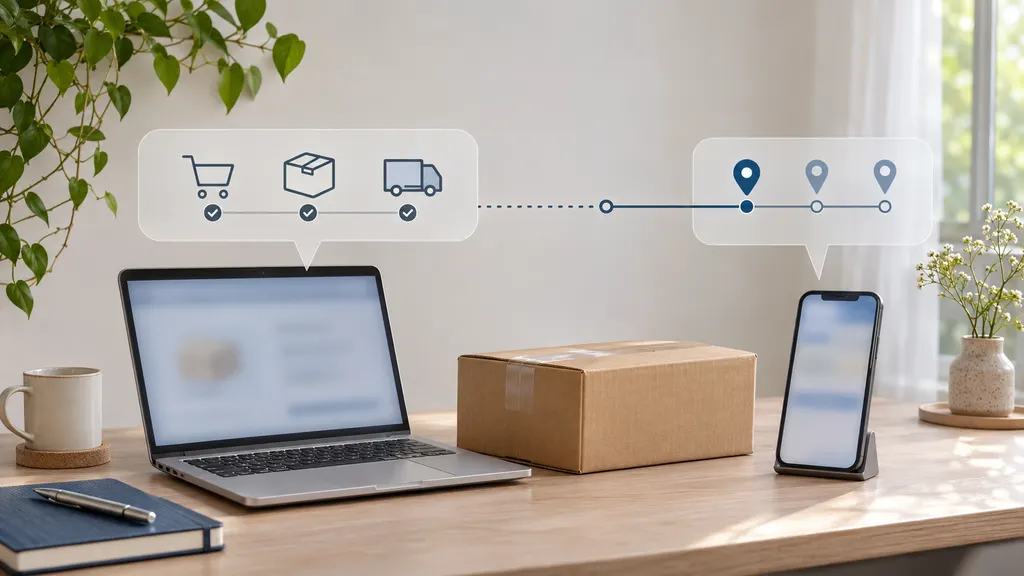
- Check the latest tracking event. A shipment-specific carrier update is more useful for today’s plans than a general statement about delivery hours. Note the event time, the latest status, and whether a new delivery estimate appears.
- Compare the estimate with the shipment’s progress. A parcel still moving between facilities is different from one marked out for delivery. Do not assume that a retailer’s earlier estimate has been refreshed to reflect a later disruption.
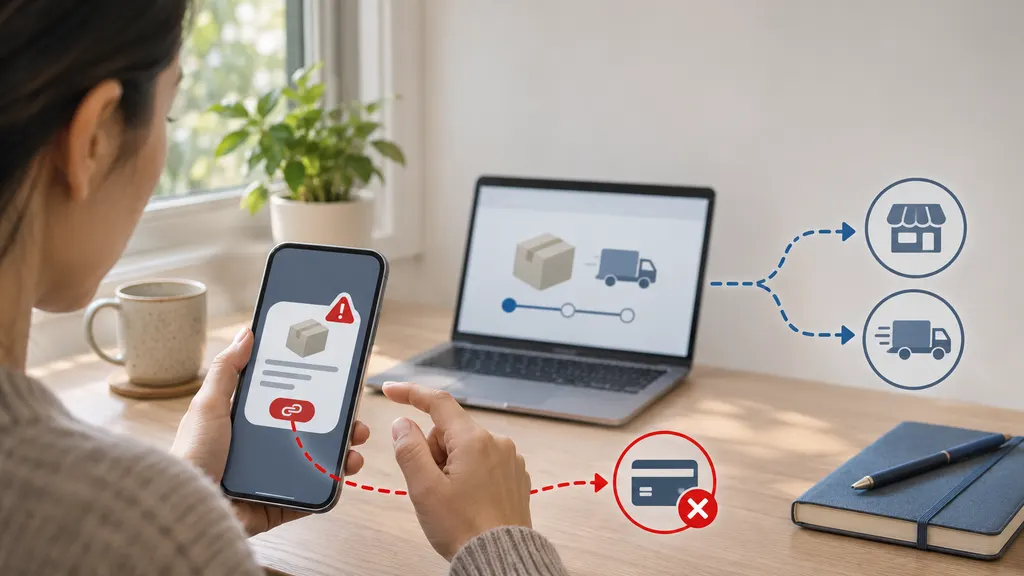
- Look for instructions or alerts. An email, text, order page, or tracking page may contain information about an attempted delivery, an address issue, or what happens next. Treat messages cautiously: open the retailer’s site or a tracking page directly rather than entering payment details through an unexpected link.
- Confirm when certainty matters. If you need a specific arrival time to arrange access, ask whether an actual delivery appointment or narrower window is available. Tracking alone may not provide one.
You can also enter a tracking number on 17TRACK’s tracking page to review shipment updates. A tracking tool can help you read the events reported for a parcel; it cannot turn an estimated date into a guaranteed Gofo arrival hour or control the driver’s route.
Why a delivery date can change
An estimated date is a forecast based on what is known at the time. A package may reach a local facility later than expected, miss a planned dispatch, or require another delivery attempt. An incomplete address or a building-access issue can also prevent a driver from completing a stop. A status such as “delivery attempted” calls for a different response from a status showing that the parcel is still in transit.
When a date passes, look for the most recent event before deciding what to do. If tracking shows a delivery attempt, check the notice for the next step. If it shows an address problem, verify the address on your order and use the appropriate support channel to ask whether a correction is possible. If it has not updated, ask for a shipment investigation rather than assuming the parcel has been lost. A delayed scan does not, by itself, establish where the package is.
Weekend and holiday expectations deserve the same care. Do not infer from an estimated date that Gofo will deliver to your particular address on a Saturday, Sunday, or holiday. Check the shipment-specific estimate or seek confirmation if delivery on that day is important. The same applies to a package expected near the end of the day: a date on a checkout page is not proof of an evening delivery commitment.
What to do if you need to receive the package in person
Start with any available delivery instructions and make sure the address details are correct. For an apartment or workplace, include the unit or suite information requested by the seller and ensure that any permitted access arrangements are clear. If someone else may receive the parcel, coordinate with them before the expected date. Only use a secure alternative delivery location if the retailer or carrier offers it for your shipment.
If you will be unavailable, check whether your order or delivery notification offers a supported way to change instructions. Do not assume that every parcel can be rescheduled, redirected, or held. Those options can depend on the shipment and the sender’s requirements. If no option is shown, contact the seller or the support contact listed for your shipment and ask what changes, if any, are possible.
For a time-sensitive order, tell support exactly what you need: the tracking number, the expected date, the latest status, and the deadline you are trying to meet. Ask whether the displayed window is only an estimate. If the answer cannot confirm a specific time, make a backup plan rather than relying on a likely arrival.
If tracking says “delivered” but you cannot find the parcel
First check the delivery record for a location note or other details. Then check the usual receiving points at your address and ask anyone who might have accepted the package. At a shared building, check with the appropriate reception or mailroom staff. Be mindful that a tracking status may update before you have had a chance to inspect the delivery location.
If the parcel is still missing, contact the seller and the delivery support channel available for your shipment. Provide the tracking number, address, delivery status, and the places you checked. Ask for the delivery details and the procedure for investigating a missing parcel. Avoid making a second purchase solely because the status changed; first establish whether the package was delivered to a receiving point you had not checked.
FAQ
Will Gofo deliver at an exact time shown on my order?
Not necessarily. Check whether the time is labeled as an estimate or a confirmed appointment. If it is an estimate, allow for changes and use the latest shipment-specific update when planning your day.
Does “out for delivery” mean my Gofo package will arrive today?
It suggests that the parcel has reached the local delivery stage, but it is not an unconditional promise. Watch for a later delivery, attempted-delivery, or exception update if the day ends without a package.
Can I tell whether my Gofo package will arrive in the morning or evening?
Only if the information supplied for your particular shipment gives you a credible time-of-day window. A delivery date or an “out for delivery” scan alone does not identify a morning or evening arrival.
Who should I contact if my delivery estimate has passed?
Check the latest tracking event first. Use the contact channel in your order or delivery notification for a shipment-specific inquiry, and contact the seller if you need help with the order or a missing parcel. Share the tracking number and the most recent status so the inquiry can be investigated.
Can a tracking website tell me when the driver will reach my address?
Usually not from tracking events alone. A tracking page can show reported shipment progress and any estimate made available, but a scan does not reveal the driver’s remaining stops or guarantee an arrival time.
Sources
- 17TRACK — Package Tracking. Referenced for the option to look up shipment tracking events; not as a source of a Gofo-wide delivery-hours policy.