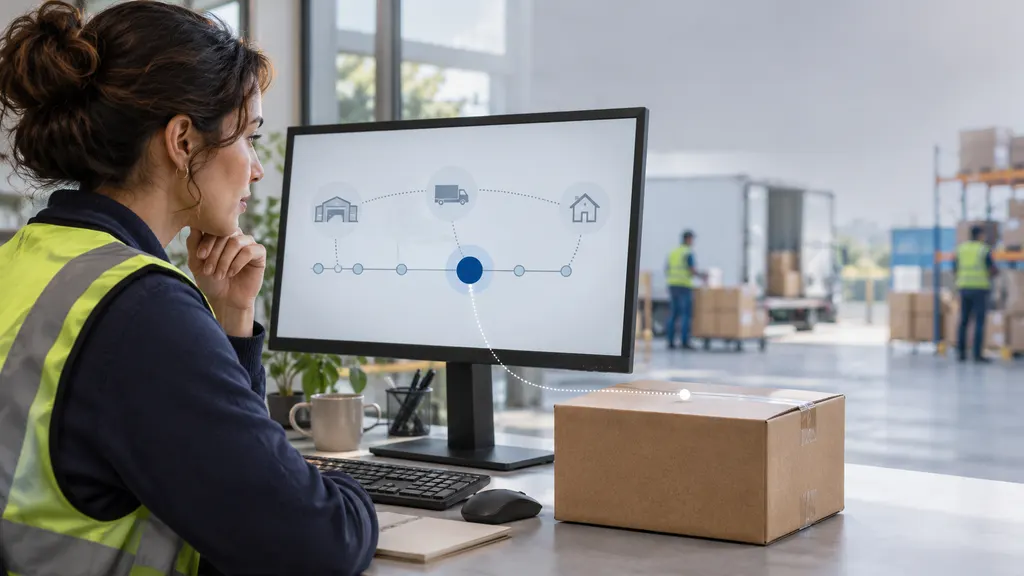
What Is a Gofo Delivery Station? How It Differs from Hubs and Facilities?
A Gofo delivery station is generally the local delivery-stage location indicated by a Gofo tracking update: the parcel has reached a point where it can be prepared for delivery in its destination area. A hub usually describes a broader sorting and transfer role, while “facility” is a general term that does not, by itself, identify the location’s function. These labels help you interpret a package’s progress, but none of them guarantees that a driver has the parcel or that delivery will happen that day.
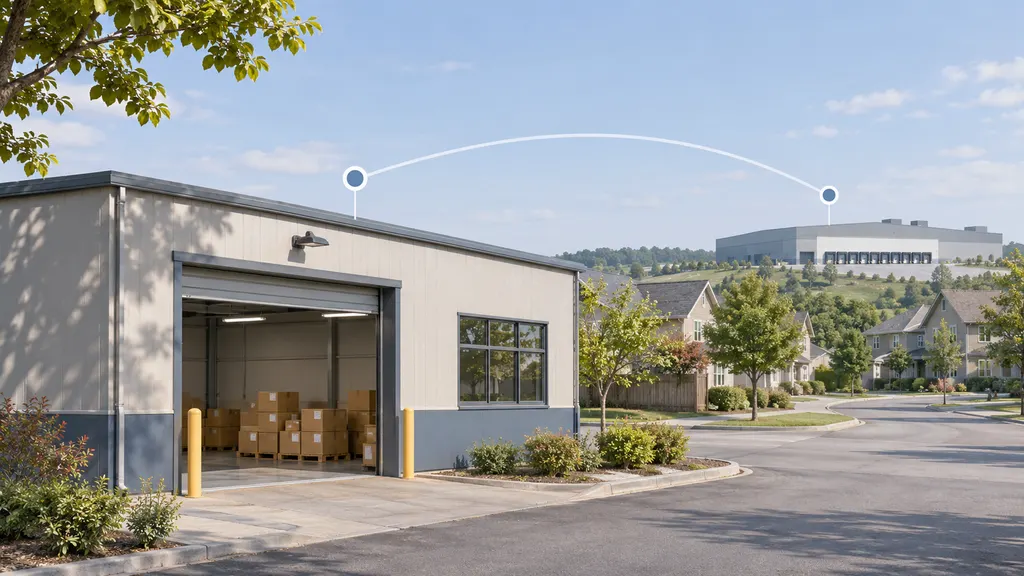
The distinction matters most when a tracking update appears to stall. A scan at a delivery station is usually more relevant to the final leg of a shipment than a scan at a distant sorting hub. It is still a location or processing event, not a delivery appointment. The exact meaning of any update depends on its full wording, the surrounding scans, and the carrier’s own handling of that shipment.
Delivery station, hub, and facility: what changes for the parcel?
The simplest way to read these terms is by the job the location appears to perform. A hub brings shipments together, sorts them, and routes them onward. A delivery station is associated with preparing parcels for delivery in a local service area. A facility could perform either job, or another processing function. These are useful working distinctions, not a guarantee that Gofo applies the labels to every site in exactly the same way.
| Tracking term | What it usually tells you | What it does not prove |
|---|---|---|
| Delivery station | The parcel is at, or has been scanned in connection with, a location serving the local delivery stage. | That it has been loaded onto a vehicle or will arrive today. |
| Hub | The parcel is moving through a sorting or transfer point. | That the parcel is close to the recipient, even if it has left an earlier facility. |
| Facility | A carrier location has recorded a processing or movement event. | The site’s specific role or the parcel’s next step. |
These categories can overlap. A building may handle more than one operational task, and a tracking system may use a broad label where a more precise one would be helpful. “Arrived at facility” therefore carries less information than an update that also identifies the location and the next delivery-stage event. Read the label as a clue, not as a map of the carrier’s entire network.
What a Gofo delivery station update means for your package
If your tracking history says the parcel arrived at a Gofo delivery station, the useful conclusion is that it has reached a location associated with local delivery processing. That is progress toward delivery. The update does not tell you whether sorting is complete, whether a route has been assigned, or whether the parcel has physically left the site.
Tracking events describe points in a process rather than continuous, real-time movement. A parcel can be handled between scans, and a new scan can appear after the underlying activity occurred. For that reason, a delivery-station arrival should not be treated as a precise countdown. The next meaningful update might indicate additional processing, departure, an attempted delivery, or delivery. The sequence matters more than the station name alone.
Pay particular attention to the difference between “at a delivery station” and “out for delivery.” The first describes a location or processing stage. The second indicates that the shipment has entered the delivery run, although an out-for-delivery update still does not guarantee a successful handoff. If the parcel is marked delivered, review the delivery details and any available proof-of-delivery information before deciding that it is missing.
How to interpret the full tracking history
Start with the most recent event, then look backward for context. A single line rarely answers every question a recipient has. The following checks are more useful than trying to infer an exact arrival time from the words “delivery station”:
- Read the complete status. “Arrived at delivery station,” “departed delivery station,” and “out for delivery” describe different stages. Do not reduce them all to “nearby.”
- Check the event order. If a hub scan precedes a delivery-station scan, the shipment may have moved from broader sorting toward local handling. If another hub appears later, avoid assuming the parcel is following a straight line to your address; wait for a clearer update or ask the carrier if the sequence seems wrong.
- Check the location when one is shown. A place name may help you understand the route, but it does not establish that the parcel is available for collection or confirm which address it will serve.
- Compare the tracking history with your delivery information. Confirm the address and any delivery instructions in your order or shipment details. A location scan cannot resolve an address problem.
- Watch for an actionable exception. A failed attempt, address issue, or request for information requires a different response from an ordinary arrival scan. Follow instructions only through a channel you trust.
When more than one site or app displays the shipment, minor differences in wording or update timing can occur. If a third-party tracking view is unclear, compare it with the carrier’s tracking information using the same tracking number. A multi-carrier tracking page such as 17TRACK Tracking can help you review available shipment events, but it cannot turn a station scan into a confirmed delivery time. For a delivery problem that requires intervention, the carrier or the seller remains the appropriate party to contact.
Does “delivery station” mean I can pick up my parcel?
No. A delivery station is an operational location in a tracking history, not automatically a public pickup point. The label does not establish that the site has a customer counter, accepts walk-ins, or can release a particular shipment. Traveling to a location based solely on a scan may not help you retrieve the parcel.
If you want to collect the shipment rather than wait for delivery, look for an explicit pickup option or instruction associated with your parcel. If none is shown, ask Gofo through its official support channel whether collection is available for that shipment. Do not rely on an address found in a map listing as proof that customer pickup is permitted.
When to wait and when to ask for help
A recent delivery-station arrival with no exception usually calls for monitoring the next update, not immediately reporting a lost parcel. Scans can be separated by normal processing steps. There is no universal number of hours after a station arrival that proves a parcel is delayed; use the delivery estimate shown for your shipment, if one is available, as a more relevant reference.
Contact Gofo through an official channel if the shipment has passed its stated delivery estimate without a useful update, an exception asks for action, the address information appears wrong, or the tracking history contains a delivery attempt you cannot account for. If the package was ordered from a retailer, the seller may also be able to help with an order-level problem. Keep the tracking number, order details, delivery address, and relevant status text ready so the support team can identify the shipment.
A “delivered” update calls for a different check. Confirm that you are reading the correct tracking number, review any delivery details, and check the delivery location and with anyone authorized to receive packages at the address. Proof of delivery may help establish what was recorded, but its form and availability vary by shipment. If the package is still missing, report the discrepancy promptly to the carrier or seller rather than treating the earlier delivery-station scan as the deciding evidence.
Be cautious with messages that claim a parcel is held at a delivery station and demand payment or personal information through an unfamiliar link. Verify any requested action by opening the carrier’s official site or your original order details independently. A tracking label alone is not a reason to enter payment details on a page reached through an unexpected message.
FAQ
Is a Gofo delivery station the same as a Gofo hub?
Not necessarily. “Delivery station” points to the local delivery stage, while “hub” generally points to sorting and transfer. Tracking terminology can be broad, however, so use the complete status and subsequent scans to understand what happened to your parcel.
Why does my package say “arrived at facility” instead of “arrived at delivery station”?
“Facility” is a less specific location label. The update confirms a recorded event at a carrier location but does not, on its own, identify that location as a local delivery station. Later events may make its role clearer.
Will my package arrive today if it is at a delivery station?
The station scan alone cannot confirm that. Look for a separate out-for-delivery update and consult any delivery estimate associated with your shipment. Even then, delivery can be affected by events that are not apparent from the station scan.
Can I change my delivery address while the parcel is at a delivery station?
Do not assume that the station status makes an address change possible. Whether a change can be requested depends on the shipment and the carrier’s available options. Check your official tracking or order information and contact the appropriate support team as soon as you notice an error.
What if tracking stops updating after the delivery-station scan?
First compare the time of the scan with any stated delivery estimate, and check for exceptions or newer events in the carrier’s tracking view. If the estimate has passed or you have another concrete concern, contact Gofo with the tracking number. A quiet tracking page by itself does not establish that the parcel is lost.
Sources
- 17TRACK — Package Tracking. Reference for the shipment-tracking option discussed above.
- 17TRACK — What Is Proof of Delivery (POD)?. Background on interpreting proof-of-delivery information.
Editorial note: The distinctions between a delivery station, hub, and facility explain how to read these tracking labels; they are not a published definition of every Gofo site or a promise about the next scan for an individual parcel.