What Is a Branded Tracking Page? How It Improves Ecommerce Customer Experience
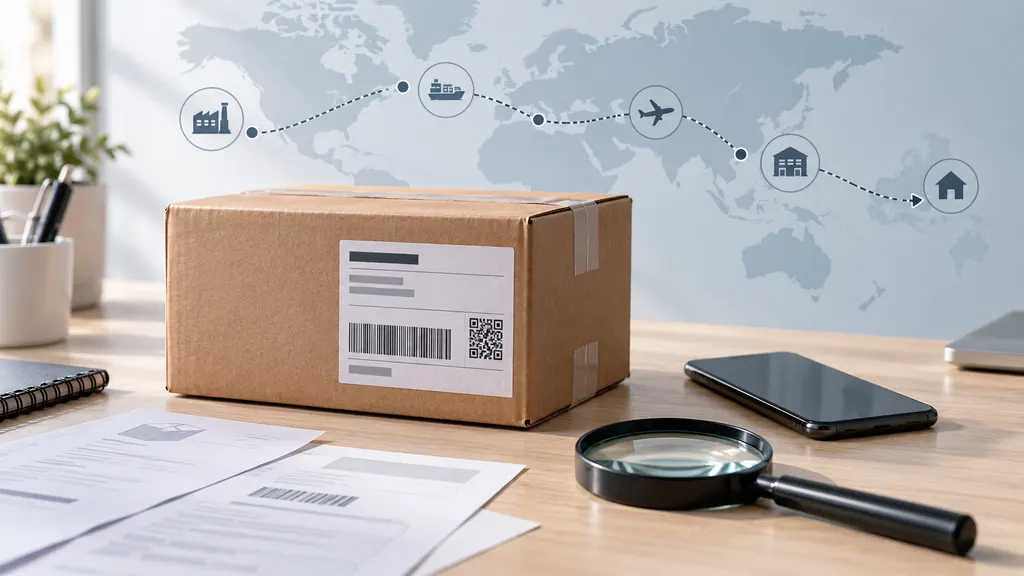
A branded tracking page is a shipment-status page that uses a retailer’s identity, messaging, and customer-service links instead of sending shoppers only to a carrier’s website. It gives customers one place to check delivery progress, understand the next step, and find help after an order has shipped. For ecommerce merchants, the page connects logistics information with the post-purchase experience without changing the underlying carrier tracking record.
The most useful branded tracking pages do more than add a logo. They present carrier events in plain language, keep the order context visible, provide a clear path to support, and set expectations when a shipment is delayed or moving between countries. The result can be a more consistent customer journey, although the page cannot make a carrier deliver faster or remove every source of tracking uncertainty.
What does a branded tracking page include?
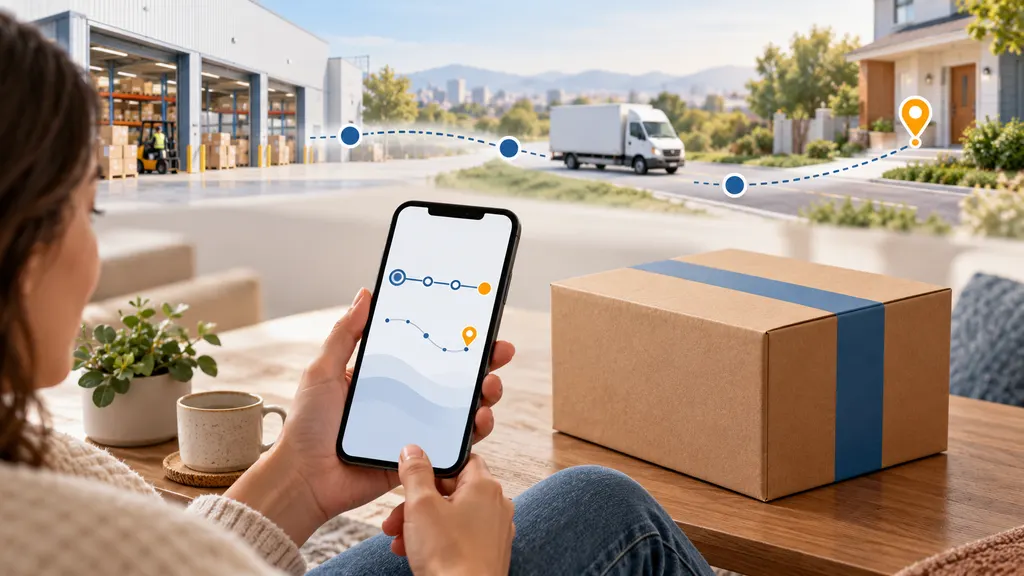
A branded tracking page is usually a customer-facing web page connected to an order or shipment record. Its exact features depend on the tracking platform, store system, carriers, and merchant configuration. Common elements include:
- Brand identity: The store name, logo, colors, and visual style help customers recognize the page as part of the merchant’s website experience.
- Shipment status: The page displays events such as label created, accepted by the carrier, in transit, out for delivery, delivered, or an exception when those events are available from the carrier.
- Order context: An order number, product information, destination, or estimated delivery information can help the shopper understand which purchase is being tracked.
- Customer guidance: Explanations of unfamiliar statuses, delivery instructions, and support contact options reduce the need for customers to interpret carrier terminology on their own.
- Post-purchase content: Some merchants use the page to introduce related products, care instructions, loyalty benefits, or other useful information. This should support the customer rather than distract from delivery information.
A branded page is not necessarily the same as a carrier tracking page with a merchant logo. The carrier remains the source of many shipment events, while the merchant or its tracking provider controls how those events are organized and explained to the customer.
Why does it matter for ecommerce customer experience?
After checkout, customers often want one simple answer: where is my order, and when should I expect it? A branded tracking page can improve that experience in several practical ways.
It creates continuity after checkout
The purchase journey should not feel as though it ends when the shopper leaves the store. Sending customers to an unfamiliar carrier page can introduce a visual and informational break. A branded page preserves the merchant’s identity and keeps the order within a recognizable service environment. This does not eliminate the need for carrier information, but it makes the handoff less abrupt.
It makes tracking information easier to understand
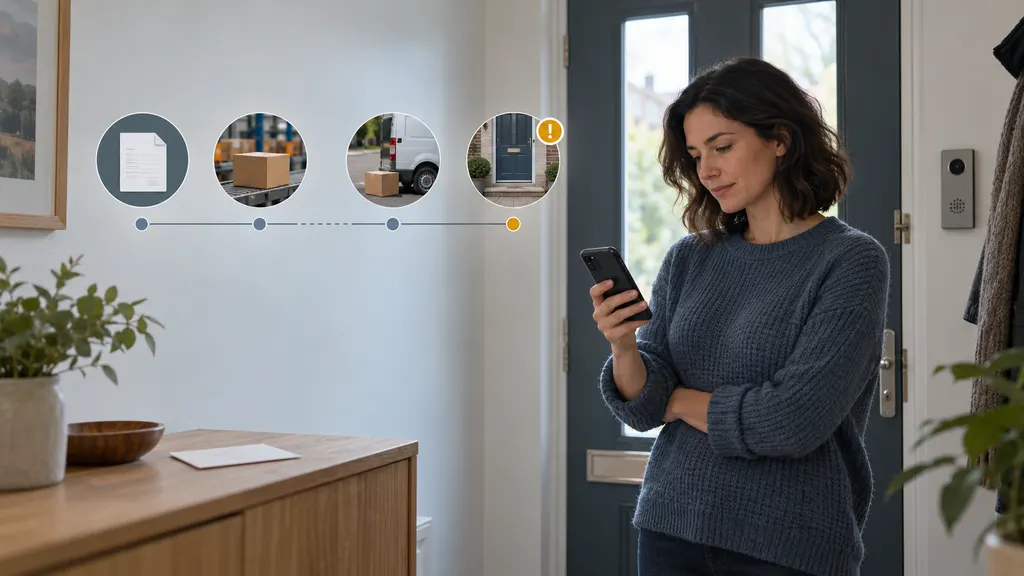
Carrier scans are designed for operational communication, not always for consumers. Terms such as “tendered at origin facility,” “customs clearance,” or “delivery exception” may be clear to logistics teams but ambiguous to shoppers. A merchant can add concise explanations and tell the customer what to do next, such as wait for the next scan, check the delivery address, or contact support.
It reduces avoidable support contacts
A clear tracking destination can answer routine questions before a customer opens a ticket. The likely impact depends on the accuracy of the tracking data, the clarity of the page, the merchant’s shipment mix, and the quality of its support process. A branded page should therefore be treated as one part of a broader post-purchase operation, not as a guaranteed way to reduce contact volume.
It gives merchants a place to explain exceptions
A delayed shipment is a customer-experience problem as well as a logistics event. When the page identifies an exception and provides a sensible explanation or support route, the customer has more context than a generic error message. The wording should remain honest. Merchants should not promise a delivery date that the carrier has not confirmed, and they should distinguish an estimate from a guarantee.
It can extend the relationship after purchase
The tracking page is a high-intent touchpoint: the customer is returning because an order matters to them. Relevant product education, care guidance, or a loyalty message may be useful at this stage. Promotional content should remain secondary. If a shopper cannot quickly find the shipment status, the page is prioritizing the merchant’s marketing goals over the customer’s immediate need.
Branded tracking page versus a carrier tracking page
Both page types can show shipment events, but they serve different purposes. A carrier page is the carrier’s own tracking destination and may provide the most direct access to its operational updates, delivery instructions, or local services. A branded page is designed to connect those updates with the merchant’s order experience.
| Consideration | Branded tracking page | Carrier tracking page |
|---|---|---|
| Primary owner | Merchant or tracking provider | Carrier |
| Main purpose | Post-purchase communication and order visibility | Carrier-operated shipment tracking |
| Brand control | Usually greater control over appearance and messaging | Controlled by the carrier |
| Best use | A consistent customer journey across orders and carriers | Carrier-specific details and services |
The two destinations can coexist. A merchant may use a branded page as the primary customer link while offering a carrier link when the shopper needs carrier-specific information. The important question is not which page replaces the other, but which page should be the first and clearest point of contact for the customer.
How to design a useful branded tracking page
1. Put the shipment status first
The current status, latest scan, and expected next step should be visible without requiring extensive scrolling. Avoid placing a large promotional banner above the information the customer came to find.
2. Use plain, consistent language
Translate operational events into customer-friendly wording, but do not alter their meaning. “The carrier has received your package” is clearer than an internal scan code. If a status is not conclusive, say so. “Estimated delivery” and “delivery date” should not be used interchangeably.
3. Explain delays without hiding them
A delay message should identify what is known, what is not known, and what the customer can do. For example, it may explain that no new scan has been received and provide a support option. Do not label a shipment as lost solely because it has not updated for a short period; carrier service standards and shipment routes vary.
4. Make the page mobile-friendly
Many customers check delivery updates from a phone. Test readable text, touch-friendly links, fast loading, contrast, and the behavior of the page when an order has multiple shipments. Accessibility is part of usability, not an optional visual enhancement.
5. Connect support to the actual problem
A generic “Contact us” link is better than no route to help, but a more useful page can pass the order or tracking context into the support workflow. Merchants should define what happens when a package is delayed, delivered but not received, damaged, returned, or held for address or customs reasons.
How merchants can implement one
Implementation begins with the store’s shipment workflow, not the page design. Before choosing a solution, document the carriers used, the countries served, the order and fulfillment systems involved, and the customer notifications already being sent. A page that works for a single domestic carrier may require different testing for international or multi-carrier ecommerce operations.
- Map the customer journey: Identify where the tracking link appears, what happens when there is no scan, and how customers reach support.
- Check carrier and integration coverage: Confirm that the selected system supports the carriers and order platforms required by the business. Do not infer coverage from a product name; verify it in current product documentation.
- Define status rules: Decide how to display pre-transit, in-transit, delivered, exception, return-to-sender, and other relevant states.
- Configure the page: Apply brand assets, order context, help content, and any post-purchase messages while keeping delivery information prominent.
- Test real scenarios: Test a normal delivery, a delayed shipment, multiple parcels, an international shipment, a returned order, and a tracking number that has not received its first scan.
- Review performance: Monitor page visits, tracking-link engagement, support contacts related to delivery, exception handling time, and customer feedback. Compare results over a defined period rather than relying on one unusual shipping week.
For merchants using Shopify, 17TRACK provides a Shopify App Store listing for its order-tracking solution. That makes it a relevant example to evaluate when the requirement is branded order tracking within a Shopify workflow. The exact fit still depends on the store’s carriers, markets, configuration, and current product terms. Merchants should verify the app’s live feature details and test the customer-facing experience before making a purchasing decision.
What a branded tracking page cannot fix
A better interface cannot compensate for missing or incorrect shipment data. If a carrier does not provide a scan, the page may have no new event to display. If an order was fulfilled with the wrong tracking number, branding will not correct the underlying record. Likewise, a tracking page cannot guarantee delivery times, resolve customs decisions, or replace a documented returns and support process.
There are also privacy and governance considerations. Merchants should limit the order information shown through a public tracking link, protect sensitive customer details, and review how tracking data is handled by vendors and integrations. The page should also work when a customer has multiple shipments or when the order status and carrier status do not update at exactly the same time.
A practical decision rule
A branded tracking page is most valuable when a merchant has repeated post-purchase questions, uses more than one carrier, wants a consistent experience across markets, or needs a clearer bridge between fulfillment and customer support. It may be less urgent for a very small operation with few shipments and a simple carrier workflow. In that case, improving shipping notifications and support procedures may deliver more value before adding another customer-facing layer.
The strongest implementation keeps the hierarchy simple: accurate shipment information first, clear expectations second, help when something goes wrong third, and relevant brand or retention content only after those needs are met. That is how a branded tracking page becomes part of the customer experience rather than another promotional destination.
FAQ
Is a branded tracking page the same as order tracking?
Not exactly. Order tracking is the broader process of giving a customer shipment information. A branded tracking page is one customer-facing interface used to present that information with the merchant’s identity and guidance.
Does a branded tracking page provide more accurate tracking data?
Usually, the page presents data received from carriers or tracking systems; branding alone does not make the data more accurate. Accuracy depends on the tracking source, carrier events, integrations, and the correctness of the order record.
Can it reduce “where is my order?” support requests?
It can help answer routine status questions, especially when the page is easy to find and explains delivery events clearly. The outcome is not guaranteed and should be measured alongside data quality, notification timing, and support processes.
Should a merchant include product recommendations on the page?
Only after the shipment status is clear and the recommendations are relevant. Excessive promotion can make customers work harder to find delivery information and may weaken trust during a delayed shipment.
What should be tested before launch?
Test normal, delayed, delivered, multi-parcel, international, unscanned, and returned shipments. Also check mobile usability, support links, privacy exposure, carrier links, and how the page handles conflicting or incomplete status information.
Sources
- 17TRACK on the Shopify App Store — official product listing reviewed for the Shopify order-tracking example.
- 17TRACK Tracking — official tracking service page reviewed for the distinction between shipment tracking information and a merchant-facing experience.
- 17TRACK official website — official product and service context.