Ups Tracking Api Webhooks: What They Are, How They Work & Use Cases
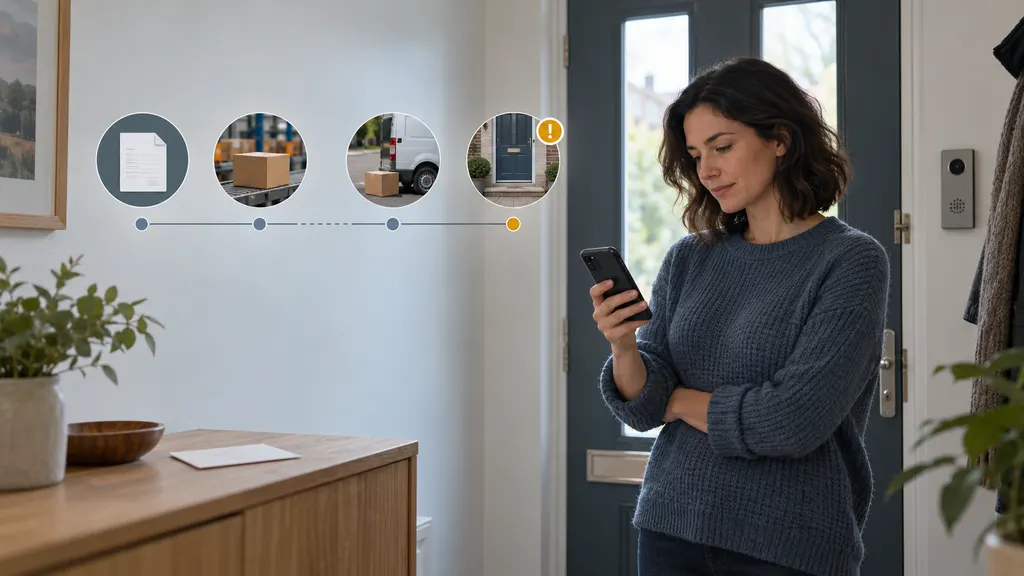
UPS tracking API webhooks let an application receive shipment updates when a tracking event is available, instead of repeatedly asking a tracking service for the latest status. They are useful for ecommerce stores, logistics teams, marketplaces, and developers building order-management workflows. The practical value is not only faster status synchronization: a well-designed webhook flow can update customer-facing pages, trigger exception handling, and reduce unnecessary tracking requests.

The exact authentication method, event model, request limits, payload fields, and account requirements depend on the UPS developer product and the integration environment. Developers should verify those details in the current UPS documentation before building a production connection.
What is a UPS tracking API webhook?
A tracking API provides a programmatic way to request shipment information. A webhook adds an outbound notification pattern: after an application subscribes to the relevant updates, the service sends an HTTP request to an endpoint controlled by that application when a qualifying event occurs.
For example, an order system may store a UPS tracking number and register a webhook endpoint. When the shipment status changes, the receiving system may get a notification containing some combination of the tracking number, status, timestamp, location, delivery estimate, or exception information. The receiving system then validates the message, updates its own record, and decides what action should follow.
A webhook is not the same as a tracking page. A tracking page is designed for a person to view. A webhook is designed for software to consume. It is also not a guarantee that every carrier scan will be delivered exactly once or in a perfect order. Production systems should be built around duplicate messages, delayed delivery, retries, and occasional reconciliation.
How the workflow usually operates
- The developer creates or configures access through the applicable UPS developer account and obtains the credentials required by the API.
- The application submits or stores the shipment identifier, normally the tracking number, together with internal order and customer references.
- The developer configures a publicly reachable HTTPS endpoint and follows the provider’s subscription or registration procedure, if required.
- The tracking service sends an HTTP notification when a subscribed update is available.
- The endpoint authenticates or verifies the request, parses the payload, and checks that the shipment is known.
- The application acknowledges the request quickly, then processes the business action through a queue or background worker.
- The system records the event, applies idempotency rules, and updates the order, warehouse, support, or customer-notification workflow.
This separation between acknowledgement and processing matters. A webhook sender may retry if the endpoint is slow or returns an error. A receiver that performs extensive database work, email delivery, or warehouse processing before responding can create timeouts and duplicate deliveries.
Webhook notifications versus polling
| Approach | How it works | Main trade-off |
|---|---|---|
| Polling | Your application requests the latest status on a schedule. | It is straightforward to reason about, but repeated requests can add delay and unnecessary traffic. |
| Webhook delivery | The tracking service sends a notification when an update is available. | It can reduce scheduled checking, but requires a secure, reliable receiver and recovery process. |
| Hybrid model | Webhooks trigger normal processing, while polling or reconciliation checks for gaps. | It requires more design work, but is often more resilient than relying on one delivery path. |
A webhook does not automatically eliminate the need for API requests. Some integrations use the notification as a signal and then call the tracking API to retrieve the latest authoritative record. This can be useful when the webhook payload is a compact event, when the application needs shipment details not included in the notification, or when the business wants one normalization path for all updates.
What should a tracking webhook payload contain?
Payloads vary by provider and product. Do not design your database around assumed field names until the current documentation and test responses have been checked. In general, a tracking event may need to identify:
- The shipment or tracking number
- The event or shipment status
- The event time and, where provided, the local time zone
- A scan description or operational message
- Location information, where available
- A delivery estimate or delivery confirmation, where provided
- An exception indicator or exception description
- A provider event identifier or other value useful for deduplication
Treat status text as provider data, not as a universal business rule. A label such as “in transit,” “exception,” or “delivered” may need to be mapped into an internal status model. Your system should preserve the original carrier status as well as the normalized status so that support staff can investigate differences without losing the source message.
Practical use cases
Customer delivery updates
An ecommerce platform can use tracking events to refresh an order-status page or send a customer notification. The best trigger depends on the business rule. A shipment acceptance scan may confirm that fulfillment has progressed, while an exception event may warrant a support message rather than a generic status email. Avoid sending one notification for every scan unless customers have explicitly requested that level of detail.
Exception management
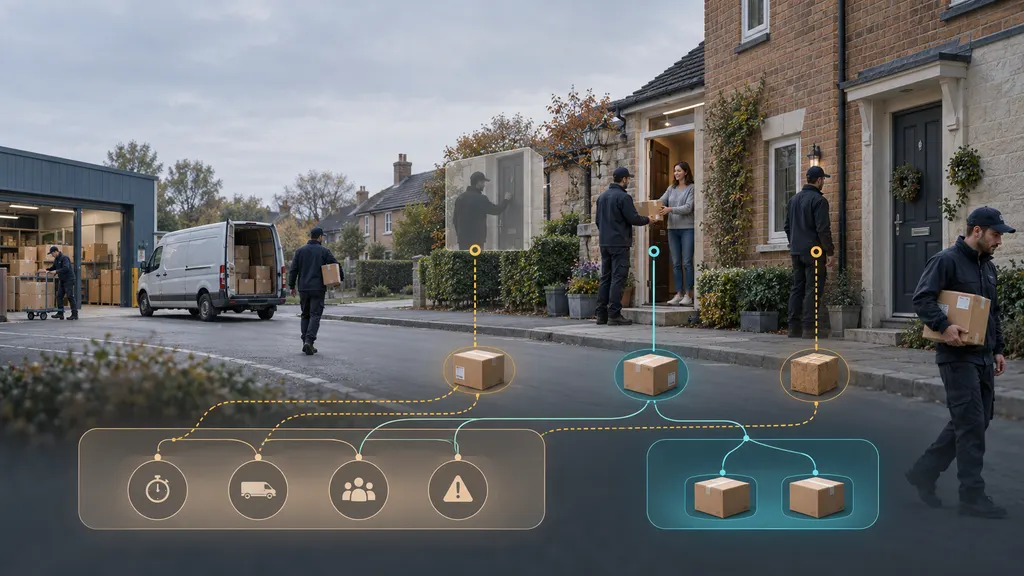
A webhook can route potential delivery problems into a queue for review. Examples include a delivery exception, an address-related issue, or a shipment that has not progressed as expected. The integration should distinguish between an informational scan and an operational exception. It should also define ownership: customer support may handle communication, while the fulfillment team may investigate the shipment or address.
Warehouse and order-management synchronization
A warehouse or order-management system can use tracking events to update the fulfillment record without requiring staff to check a carrier site manually. This is particularly helpful when a single order contains multiple packages. The data model should keep package-level tracking records rather than attaching one status to the entire order, because packages from the same order may move or arrive at different times.
Returns and reverse logistics
Return workflows can use tracking events to identify when a parcel is moving back to a merchant or when it reaches a return facility. The event should not by itself authorize a refund unless the merchant’s policy explicitly uses that condition. A return may require inspection, inventory reconciliation, or fraud review after the carrier reports delivery.
Operational reporting
Normalized tracking events can support reports on shipment progress, exception volume, and delivery outcomes. Reports should state their definitions clearly. For example, “delivered” may mean a carrier-reported delivery event, while “on-time” requires a defined promised date, cutoff, time zone, and treatment of address changes or customer-requested delays.
UPS-only integration or multi-carrier API?
A UPS-specific integration can be appropriate when the business ships primarily with UPS and wants to work directly with its official developer environment. It may also be the simplest choice when the existing order system already has a UPS connector and the required workflows are limited.
A multi-carrier tracking API is a different architectural choice. It can provide one integration model across carriers, but the application still needs to handle carrier-specific status semantics, coverage differences, authentication requirements, and data quality. A multi-carrier service should not be selected solely because it advertises a webhook. Check the supported carriers, event normalization, documentation, test environment, retention rules, and operational support.
17TRACK’s Tracking API is relevant for teams evaluating a multi-carrier tracking approach, while its official API documentation should be used to verify current capabilities, request formats, and integration requirements. It is not a substitute for checking whether the carriers and events required by a particular UPS workflow are supported for the intended use case.
Implementation checklist
- Confirm the product scope. Verify whether the selected UPS service supports the tracking operations and notification model your application needs.
- Use HTTPS. The receiver should be protected in transit and should not expose credentials in URLs or logs.
- Validate authenticity. Follow the provider’s documented signature, token, or verification method. If no method is available, use network controls and request validation appropriate to the service.
- Make processing idempotent. Store an event identifier when available, or create a conservative deduplication key from stable event fields.
- Accept out-of-order events. Use event timestamps and a documented state-transition policy rather than assuming arrival order equals scan order.
- Return a fast response. Put longer tasks on a queue and monitor failed deliveries, retries, and dead-letter messages.
- Reconcile gaps. Schedule a controlled verification process for shipments with no recent update, failed delivery, or inconsistent state.
- Protect personal data. Limit stored address and recipient information, restrict access, and set retention rules that match the business need.
- Test real business cases. Include delivered shipments, exceptions, cancelled orders, duplicate events, unknown tracking numbers, and delayed notifications.
Common mistakes to avoid
The most common design mistake is treating a webhook as a complete source of truth without planning for retries or missing events. Another is updating the order status directly from free-form text without a mapping layer. This can produce incorrect customer messages when carrier terminology changes or when an event applies to only one package.
Teams should also avoid exposing a webhook endpoint with no abuse controls, logging full payloads that contain unnecessary personal information, and sending customer notifications before the event has passed basic validation. Finally, do not promise delivery dates solely because a tracking response contains an estimate. Estimates can change, and the customer-facing wording should reflect that uncertainty.
How to choose an integration approach
Choose a direct UPS integration when carrier scope is narrow, the team is comfortable maintaining carrier-specific logic, and the required official features are available. Consider a multi-carrier tracking API when the business needs one internal interface across several carriers and has enough volume or complexity to justify an abstraction layer. In either case, compare the actual documentation and test behavior, not just feature names.
Before production rollout, run a proof of concept using representative tracking numbers and failure scenarios. Confirm how subscriptions are created, how credentials are rotated, how notifications are verified, how duplicate events appear, how historical updates are handled, and what happens if the receiver is unavailable. Those answers determine whether the integration will remain dependable after the initial demo.
FAQ
Is a UPS tracking API webhook better than polling?
Neither approach is automatically better. Webhooks can reduce scheduled checking and support faster reactions, while polling can be easier to control and can help reconcile missed events. Many production systems use webhook notifications together with limited reconciliation requests.
Do I need a webhook if I only track a small number of shipments?
Not necessarily. For a small, low-frequency workflow, a documented polling process or an existing platform integration may be sufficient. A webhook becomes more attractive when updates need to trigger automated actions or when regular manual checking is creating operational work.
Can a webhook guarantee that every UPS scan reaches my system?
You should not assume that it can. Delivery behavior, retries, event ordering, and retention depend on the specific service. Build monitoring, idempotency, and reconciliation into the integration, and confirm the applicable guarantees in the current UPS documentation.
Should every tracking event trigger a customer email?
Usually not. Map carrier events to customer communication rules and reserve messages for milestones or exceptions that are useful to the recipient. Keep the original event for internal history even when it does not generate a notification.
When should a business use a multi-carrier tracking API?
It is worth evaluating when the business ships through multiple carriers and wants a shared tracking workflow. The decision should account for carrier support, normalized data, webhook behavior, documentation, security, testing, and the effort required to maintain the integration.