How to Sync Shipment Tracking Events to Ecommerce Order Status Pages
To sync shipment tracking events to an ecommerce order status page, connect each shipment to the correct order or fulfillment, collect tracking updates from a carrier or tracking API, translate those updates into customer-friendly milestones, and display them on a page that refreshes when new information arrives. The critical distinction is that a carrier’s tracking event describes a parcel; it does not automatically change the merchant’s order or fulfillment status.
For a store using an existing ecommerce platform, start by checking whether its fulfillment settings or a tracking app already provide the customer-facing experience you need. Build a custom integration when you need more control over event mapping, multiple parcels, page design, or the relationship between tracking data and your order management system.
Start with the page, not the tracking feed
Before choosing an API, decide where customers will look for updates. A platform-hosted order status page, a branded tracking page, and an account-area order page are different destinations. Each has its own rules for editing content and retrieving order data. A tracking integration can supply shipment events, but it cannot by itself guarantee that a platform-controlled page will display custom fields.
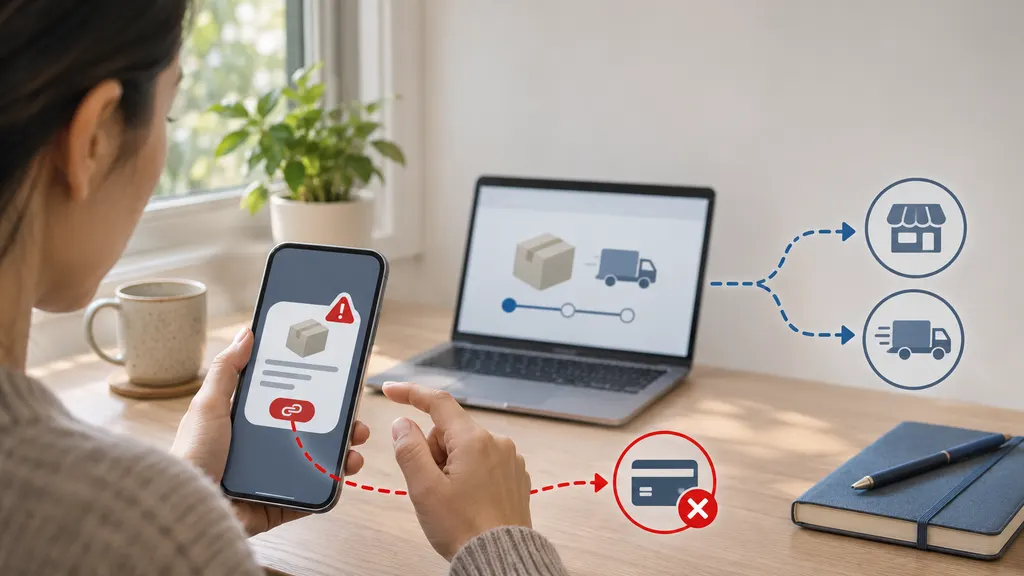
Map the customer journey first: the link in the shipping confirmation, the page a customer reaches, and the information already visible there. Then identify who can change that page: a platform setting, an approved app, or your development team. If you use Shopify, its order status page guidance is the appropriate starting point for understanding the platform-hosted page. Check the documentation for your store’s current setup before designing a custom page element.
Define what the page should answer. Most customers need to know whether the order has shipped, where each parcel is in the delivery process, whether anything requires attention, and where to find the carrier’s tracking details. They rarely need every raw scan code. A useful display separates a short headline such as “In transit” from a timestamped history of more specific events.
Choose how tracking events reach your system
There are two common paths. A platform app may collect shipment updates and provide a tracking page or other post-purchase features. Alternatively, your team can integrate a carrier feed or multi-carrier tracking API with its own order database and page. The right choice depends less on the number of carriers advertised than on whether the solution can reliably match shipments to orders and publish updates in the exact customer-facing location you use.
For a custom integration, draw the data flow before writing code:
- When a fulfillment is created, store its order ID, fulfillment ID, tracking number, carrier identifier if known, and customer-facing page reference.
- Register or look up the shipment with the tracking provider using its documented API.
- Receive subsequent events through a documented push mechanism, if available for your account and use case, or retrieve updates on an appropriate schedule.
- Validate and normalize each event, then update the shipment record in your own system.
- Render the latest approved shipment state and event history on the page the customer can access.
17TRACK’s Tracking API is one option to investigate when shipments involve multiple carriers; its developer documentation is the place to confirm registration, retrieval, event fields, authentication, and any push-update workflow before implementation. For stores seeking an app-based route, review the 17TRACK Shopify app listing against your required page location and customer experience. An app’s branded tracking page should not be assumed to be the same thing as modifying a platform’s native order status page.
Build the order-to-shipment link carefully
The tracking number alone is not a safe order identifier. An order may have several fulfillments, a fulfillment may contain multiple parcels, and a replacement shipment may be created after the original. Store an explicit relationship between the ecommerce order, the fulfillment, and each shipment. Include a stable internal shipment ID so that a corrected carrier identifier or tracking number does not break historical records.
When a warehouse creates a label, it may know the tracking number before the carrier has accepted the parcel. Your page can say “Tracking number created” or “Awaiting carrier scan” if your data supports that wording. Do not describe a parcel as moving simply because a label exists. Once a carrier event arrives, show the event’s reported time and location only if those fields are present and suitable for customers.
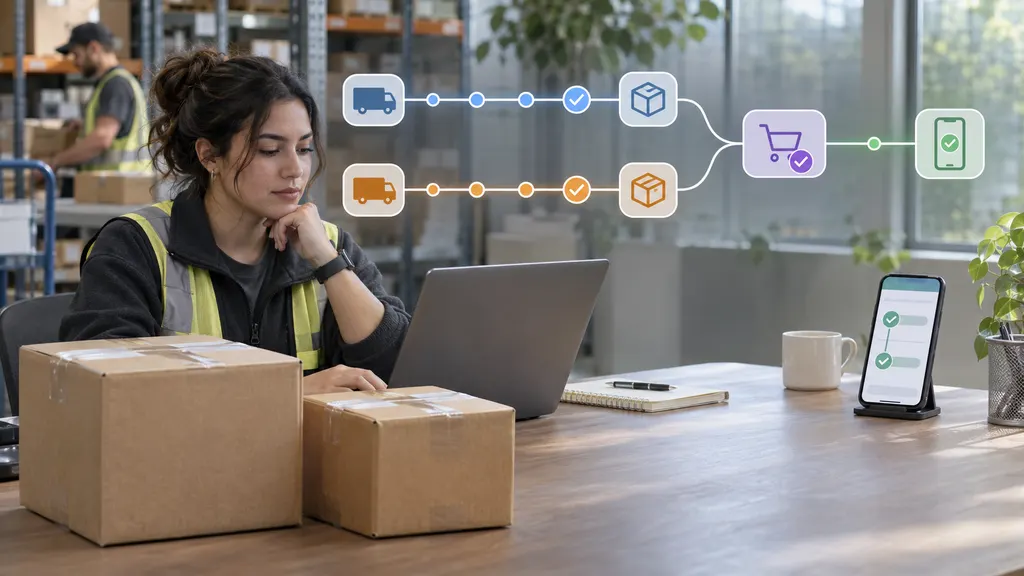
For split orders, display parcel-level updates instead of compressing everything into one order-wide label. If one parcel is delivered and another remains in transit, a single “Delivered” headline is misleading. Show each parcel’s status and, where your fulfillment data supports it, the items assigned to that parcel. If item-to-parcel assignments are unavailable, do not guess.
Translate carrier events into clear page states
Carrier messages differ in wording and detail. Create a small set of customer-facing states, but retain the original event and carrier data internally for troubleshooting. A practical mapping might distinguish label created, carrier accepted, in transit, out for delivery, delivered, delivery exception, and delivery attempt. These are display categories, not a claim that every carrier supplies every milestone.
Write mapping rules for ambiguous cases before launch. “Arrived at facility” is generally an in-transit update, not a promise of delivery. “Delivery attempted” should not become “Delivered.” A customs or address-related notice may require an action message, but only if the event supports a specific instruction. If the carrier’s meaning is unclear, show a neutral status and a link to the original tracking detail rather than inventing a resolution.
Keep order status and shipment status separate in your data model. “Paid,” “partially fulfilled,” and “canceled” belong to the commerce workflow; “in transit” and “delivered” describe shipping. The page can present both, but a carrier scan should not silently mark an entire order complete when another parcel is outstanding. Likewise, a delivered scan is useful evidence of a reported delivery event, not a blanket determination about a refund, dispute, or proof-of-delivery claim.
Handle late, repeated, and missing updates
Tracking feeds are not always a neat sequence. The same event can be received more than once, an older scan can arrive after a newer one, and a carrier may revise a description. Design event processing to be repeatable: identify duplicates using the provider’s event identifier when available, or a carefully chosen combination of shipment, event type, reported timestamp, and other stable fields. Preserve the raw payload or a secure reference to it so a mapping error can be investigated.
Store both the carrier-reported event time and the time your system received the update. They answer different questions. Sort the customer-visible history using the event time when it is reliable, while retaining receipt time for monitoring. Do not overwrite a newer milestone with an older scan solely because the older scan arrived later. Define exceptions for genuine corrections rather than assuming timestamps always tell the full story.
If the provider offers a push-update mechanism, follow its documentation for request authentication, acknowledgement, retries, and failure handling. If you poll, choose an interval that fits the provider’s documented limits and the freshness your page needs; avoid promising live updates. In either case, monitor the time since the last successful update. “Last updated” is often more honest and useful than implying continuous visibility.
Provide a fallback when there is no new event. A carrier tracking link can help the customer check the source directly. If a shipment has had no scan for longer than your operations team considers normal, route it to an internal review queue rather than automatically telling the customer the parcel is lost. The absence of a recent update does not establish the parcel’s physical location.
Publish the right information to the right customer
An order status page often contains personal and purchase information. Protect the endpoint that serves shipment details: verify that the viewer is authorized for the order or use the platform’s supported customer-access mechanism. A tracking number should not be treated as sufficient proof of identity. Minimize personal data sent to third parties, follow your own retention requirements, and avoid exposing internal carrier payloads on a public page.
Keep the page resilient if the tracking provider is temporarily unavailable. Read from a stored, recently verified shipment state rather than making every customer page load depend on a live API call. Show the time of the last update and provide the tracking link. This approach also makes it easier to test how the page behaves while a provider response is delayed or malformed.
Before release, test actual orders across the situations that cause the most confusion: a label without a scan; two parcels with different statuses; an attempted delivery; an exception; a late-arriving older event; a duplicate update; and a tracking number corrected after fulfillment. Confirm that the link in the customer email opens the intended page and that an unrelated customer cannot retrieve the order’s shipment details. Test the language on a narrow mobile screen, where a long carrier description may hide the headline customers need.
Decide whether the sync is working
A successful integration is not merely one that receives events. Check that new fulfillments acquire the correct shipment link, that incoming scans appear on the intended order page, and that the page does not claim more certainty than the source supports. Review failures separately: unmatched tracking numbers, rejected API requests, updates that could not be mapped, and page-rendering errors require different fixes.
For a straightforward store setup, begin with the platform’s fulfillment and order-page capabilities, then assess whether a tracking app meets the remaining need. Choose an API-led implementation when you must control the mapping, reconcile several fulfillment systems, or publish the same normalized shipment state to multiple customer touchpoints. In either case, the decisive test is a real shipment moving from label creation through delivery without losing its connection to the correct order and parcel.
FAQ
Does adding a tracking number automatically show carrier events on the order status page?
Not necessarily. A tracking number may enable a link or platform-provided display, but a detailed event timeline depends on the platform, its settings, and any app or custom integration. Check the behavior on a test order rather than assuming that saving a number creates an event feed.
Should a delivered tracking event mark the whole order as delivered?
Only if the shipment represents everything covered by that order-level label and your business rules support the change. With multiple parcels, keep shipment statuses separate and avoid showing the entire order as delivered while another parcel remains outstanding.
What should the page show before the carrier’s first scan?
Show the known fact: for example, that a tracking number has been created or that the shipment is awaiting a carrier update. Avoid “In transit” until an event or another verified source supports it.
Is a webhook required to sync tracking updates?
No. A documented push-update mechanism can reduce the need to request updates repeatedly, but scheduled retrieval is another possible design. Confirm what your provider offers and build appropriate retry, deduplication, and freshness checks for the method you choose.