How Subscription Ecommerce Brands Can Track Recurring Shipments with a Tracking API
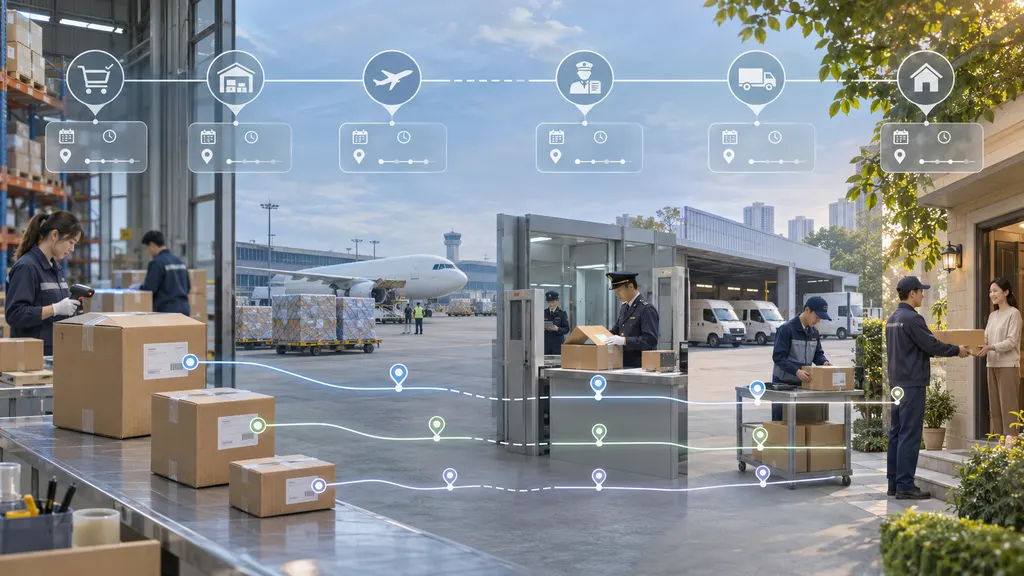
To track recurring shipments with a tracking API, create a shipment record for each physical parcel, link it to the fulfillment order for that subscription cycle, and register its tracking number when your warehouse or fulfillment partner supplies it. Use the API’s tracking updates to show customers where that parcel is and flag delivery exceptions for your team. Keep the subscription ID as a link across cycles, not as the identifier for a parcel.
Track the parcel, not the subscription
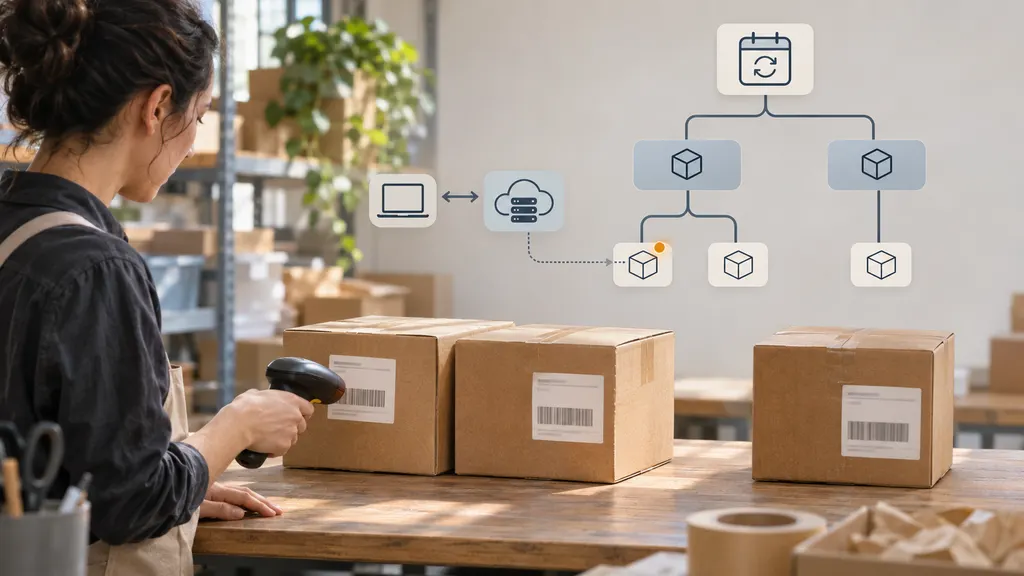
A subscription tells you what a customer is scheduled to receive over time. A fulfillment order tells you what needs to go out for one cycle. A tracking number tells you about a particular parcel. Keeping those records separate prevents a late shipment from one cycle from appearing on the tracking page for the next.
For example, suppose a May subscription box is split into two parcels, and the June box ships while one May parcel is still in transit. The customer should see two parcels under the May order and a separate parcel under the June order. The late May update should change only the May parcel. If you send a replacement, create a new shipment record and link it to the original so support can see why both exist.
- Subscription: Store the subscription ID so support can find the customer’s shipment history.
- Cycle and order: Record the cycle identifier or scheduled fulfillment date, the order ID, and any fulfillment IDs needed to match packages to the right order. Don’t infer the cycle from the date a tracking event arrives.
- Shipment: Give each parcel an internal shipment ID. Store its carrier and tracking number, the relevant fulfillment reference, and any tracking registration ID the provider returns. Keep canceled labels and superseded tracking numbers out of the active customer view, but retain the history for support.
On an order page, show parcel-level progress alongside any order summary. If one parcel is delivered and another is in transit, say so. Only show the whole order as delivered when all parcels required to complete it have arrived, taking canceled shipments and replacements into account.
Connect fulfillment to the tracking API
- Register from a fulfillment event. Trigger registration when a fulfillment system, warehouse, or third-party logistics partner sends the carrier and tracking number. A renewal payment is too early: the order may still be waiting to ship, and no tracking number may exist.
- Save the shipment before calling the API. Persist the internal shipment record and queue the registration request. If the same fulfillment message arrives twice, reuse that record rather than creating another parcel. If the API call times out, check whether the original request succeeded before retrying where the provider gives you a way to do so.
- Match updates to the registered parcel. Use the provider’s registration identifier if it’s returned in updates. Otherwise, match on the identifiers its documentation specifies and validate the result against your shipment records. If an update could belong to more than one record, send it for review rather than applying it to the latest order.
- Separate label creation from carrier movement. A tracking number can exist before the carrier records possession. Use a message such as “Preparing for carrier pickup” when all you have is a label. Reserve “In transit” for carrier information that supports it.
The 17TRACK Tracking API is one option for this setup. Its developer documentation is the reference for registering tracking numbers and receiving tracking updates. Use those updates to maintain the parcel record in your system; keep cycle assignment, order completion, and customer notification rules in your ecommerce application. Before rollout, test with parcels from your actual carrier routes and fulfillment partners rather than relying on a carrier list alone.
Make updates safe to process twice
Where your provider offers webhooks, use them to receive updates without continuously polling every parcel. A webhook is an HTTP request the provider sends to your application. Follow the provider’s verification requirements, store accepted payloads durably, and acknowledge requests according to its documented response rules. Run slower work, such as updating order views or sending email, outside the request handler.
Build the processing path so a repeated update has no additional effect. If the provider supplies stable event IDs, use them to recognize repeats. If it sends tracking snapshots rather than individual events, compare the incoming state and scan history with what you already have before taking action. Deduplicate customer messages separately: a delivered notification that has already gone out should not go out again just because the same shipment data was processed twice.
Keep the time a scan occurred separate from the time your application received it. A late-arriving in-transit scan can belong in the parcel history without replacing a newer delivered status. Don’t assume every legitimate change moves a parcel forward, though. A carrier correction or a return-to-sender update may need to change what you display. If the new data conflicts with the stored state and you cannot determine which is correct, put the shipment into a review queue.
Run a periodic check for open shipments that may need attention: registrations still pending, parcels with no first scan after an expected handoff, and shipments whose tracking has gone quiet. Where the API supports a lookup or refresh, use it selectively within the provider’s limits. Check the pattern across carriers and warehouses before escalating. If updates stop for many unrelated shipments at once, investigate the integration before opening individual delivery cases.
Turn tracking data into useful customer messages
Customers rarely need an email for every scan. Start with messages tied to something they need to know or do: the parcel has entered the carrier network, a delivery attempt requires action, or the carrier reports delivery. Show the order reference and the relevant box or cycle so subscribers can tell which shipment the message is about. For a split order, identify the parcel and make clear whether the rest of the order is still on its way.
- Label created, no scan: Check the expected handoff against warehouse records. If the handoff window has passed, ask fulfillment to confirm whether the parcel left the facility before telling the customer it is delayed in transit.
- Tracking has stopped moving: Use thresholds that reflect the route and service rather than one timer for every parcel. For cross-border shipments, review the last carrier event before deciding whether to contact the customer or escalate.
- Failed attempt or pickup required: Tell the customer what action is needed if the carrier provides clear instructions. If the event is vague, direct the case to support rather than guessing at a redelivery date or pickup location.
- Marked delivered but not received: Keep the carrier’s reported status and open a separate support case. Your support workflow should distinguish a customer report from a carrier correction.
Give support staff a single view of the cycle, order, parcel history, and messages already sent. For each exception, assign an owner and a next step. Fulfillment can investigate a missing handoff, logistics can follow up on a carrier exception, and support can handle customer communication. A tracking status describes the parcel; it does not decide whether a replacement or refund is due.
Test the overlap before rolling out
Start with one fulfillment partner and a set of shipments that reflects how it actually dispatches orders. Include a cycle with multiple parcels, a voided label, a replacement, and an older shipment that is still open when the next cycle ships. Then deliberately replay a duplicate webhook and deliver an older event after a newer one. Check the parcel record, the customer order page, the support view, and the notification log. A test that only verifies a successful API response can miss the most expensive mistake: updating the wrong order or messaging the wrong customer.
Monitor registration failures, the share of eligible parcels that are successfully registered, first scans that are later than expected, and unmatched updates. If you track update latency, distinguish the time between a carrier event and receipt from the time your own system takes to process it. That helps you decide whether to investigate a carrier feed, your webhook endpoint, or a queue inside your application.
Expand to more routes once you can answer three questions for any parcel: Which cycle does it belong to? What did the carrier last report? Who acts if the update is missing or wrong? If any answer is unclear, fix the record mapping or the exception workflow before adding more notification rules.
FAQ
Can a tracking API tell customers when their next subscription box will ship?
Use your subscription schedule and fulfillment system for the next planned ship date. A tracking API is for a specific parcel once tracking information exists. A planned ship date, a carrier delivery estimate, and a confirmed delivery are different facts and should be labeled separately.
What if the warehouse replaces a tracking number after an email goes out?
Mark the old label as superseded and link the new tracking number to the same order. If your email points to an order-level tracking page, update that page so the customer can find the active parcel without needing the original carrier link. Send a correction when the change affects information the customer needs to act on.
What if a fulfillment partner sends tracking numbers without carrier codes?
Ask the partner for a consistent carrier field or a mapping from its shipping service codes. If your API offers carrier detection, verify how it performs with the partner’s labels before relying on it. Route ambiguous matches for review rather than choosing a carrier based on the tracking number alone.
Do paused or skipped subscriptions need tracking records?
No parcel record is needed for a cycle that never ships. If a previous shipment is still open, keep tracking it even when the subscription is paused, skipped, or canceled. The subscription state controls future fulfillment; it does not tell you what happened to a parcel that already left the warehouse.
Sources
- 17TRACK Tracking API — product overview for integrating parcel tracking into business systems.
- 17TRACK Tracking API documentation — implementation reference for registering tracking numbers and receiving tracking data.
- Stripe webhook documentation — reference for general webhook practices such as handling duplicate events and avoiding assumptions about delivery order. Follow your tracking provider’s own rules for verification and acknowledgments.