How Parcel Tracking Works: from Barcode Scans to Your Doorstep
Parcel tracking works by linking a shipment’s tracking number to updates recorded as it moves through a delivery network. A label identifies the parcel, scans and other carrier events add information about its progress, and the tracking page turns those events into statuses you can read. The result is a record of reported milestones—not a live view of the parcel’s exact location at every moment.
That distinction explains much of what makes tracking useful, and why it can sometimes be confusing. A parcel may be moving even when its status has not changed. A delivery estimate may change as new information arrives. And a “delivered” scan tells you what the carrier recorded, but may not tell you exactly where to look without checking the delivery details.
The journey starts with a label and a tracking number
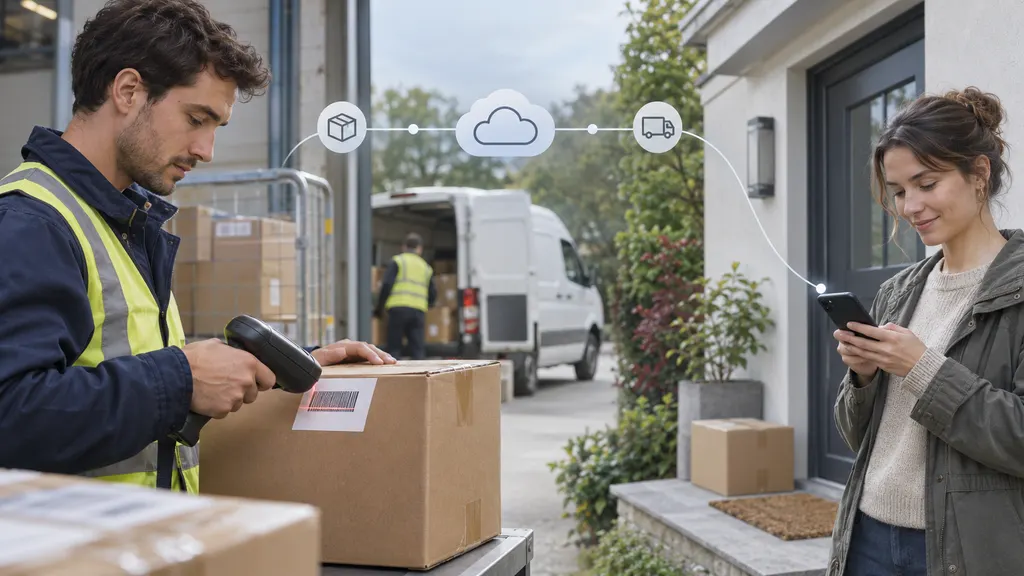
When a sender prepares a shipment, the parcel is assigned a tracking number associated with its shipping record. The number lets the carrier—and anyone with access to the tracking details—retrieve events for that shipment. The shipping label typically includes a machine-readable barcode so the number can be captured during handling without someone typing it at every stop.
Creating a label is not the same as handing over a parcel. If a tracking page says “label created” or shows a similar early status, the sender may have submitted shipment information while the carrier has not yet recorded possession. If you are the recipient and that status persists, the seller or sender is the right first contact to confirm whether the parcel was actually handed over.
A tracking number also has limits. It identifies a shipment record; it is not a GPS device attached to the box. Different carriers use different number formats, and a parcel moving through more than one delivery network may be associated with more than one reference number. Keep the number from the sender’s confirmation rather than trying to infer it from an order number, which may serve a different purpose.
What happens when the barcode is scanned?
At a handoff or processing point, a worker or automated system reads the label. The carrier’s systems associate that read with the parcel’s record and may add an event such as acceptance, arrival at a facility, departure from a facility, or delivery. The tracking page presents those recorded events in a form customers can understand. Carrier tracking tools, including USPS Tracking and FedEx Tracking, let customers use a tracking number to check shipment progress.
Not every event is a physical barcode scan. Some updates can reflect shipment information sent electronically or a change in the carrier’s systems. That is why a status is best read as a report of what the carrier currently knows, not as proof that someone scanned the box at the instant the update appeared on your screen.
There can also be a gap between an event and its appearance online. Information needs to move from the point of handling into the tracking system and then to the page or app you are viewing. If a third-party tracking page is involved, it must obtain the carrier’s reported information as well. Refreshing repeatedly cannot create an event that has not been recorded or made available.
From acceptance to the delivery route
A parcel’s route is not usually a straight line from sender to recipient. After acceptance, it may be grouped with other shipments, transported to a processing facility, sorted by destination, and moved through further facilities before reaching the local delivery operation. The number and names of these stages vary by carrier, service, and route.
Tracking statuses are summaries of that work. “In transit” generally means the shipment remains in the transportation process; it does not guarantee that the parcel is on a vehicle at that precise moment. An arrival scan places it at a reported facility or processing stage, while a departure scan indicates that it was recorded as leaving one. Neither status, by itself, provides a complete account of every movement between facilities.
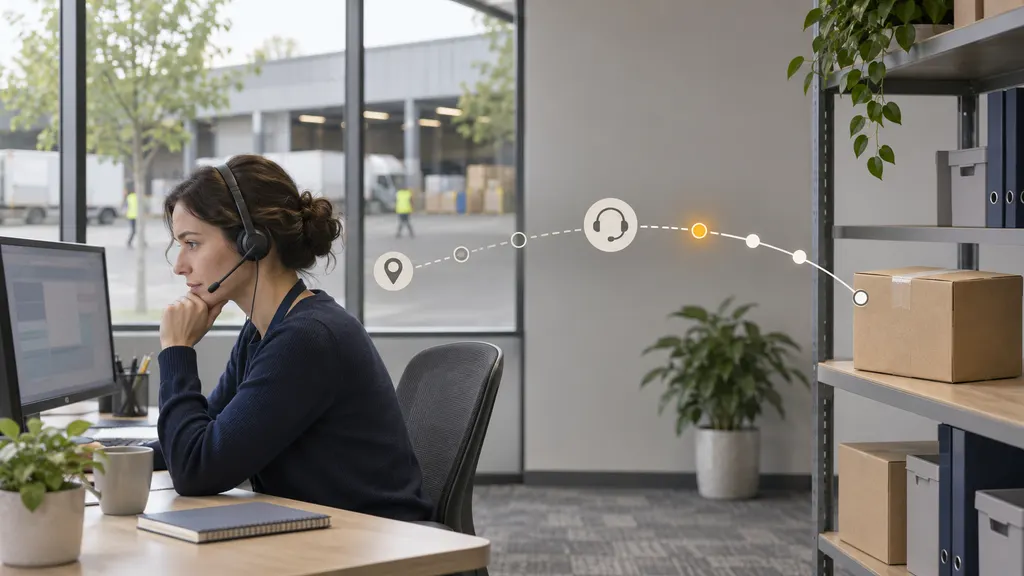
This is why a parcel can appear to pause. It may be traveling between scan points, waiting to be processed, or moving through a stage that produces no customer-facing update. A quiet tracking page is not, on its own, evidence that the parcel is lost. To judge whether a gap needs action, compare the latest status with the carrier’s current delivery estimate and any instructions shown on its tracking page, rather than relying on the time since the last scan alone.
Near the end of the journey, the parcel reaches the operation responsible for delivery to the address. An “out for delivery” status generally indicates that it has entered the delivery stage, but it is not a guarantee of a specific arrival time. Access problems, address issues, operational changes, or an unsuccessful delivery attempt can affect what happens next. Check the carrier’s latest update for any action it asks you to take.
Why international tracking can look different
International shipments may pass through several organizations rather than a single carrier’s network from beginning to end. The original carrier may hand the parcel to another transport provider or to a local delivery carrier in the destination country. Customs processing can add another stage. Each organization may record and share events differently, so the history can be less continuous than it is for a domestic parcel handled within one network.
For example, “arrived in destination country” does not necessarily mean the parcel is ready for delivery. It may still need to pass through import processing and enter a local carrier’s network. Likewise, “handed over” needs context: the update may refer to a transfer between organizations, not a handoff to the recipient. Read the event description and the identity of the reporting carrier before drawing a conclusion.
If you are unsure which carrier currently has the parcel, start with the tracking number supplied by the sender and check the carrier named in the latest reliable update. A multi-carrier tracking tool can be useful when a shipment changes networks. 17TRACK’s tracking page provides a way to look up shipments across carriers; it displays reported tracking information rather than physically locating a parcel or replacing the carrier’s delivery instructions. For an address correction, missed delivery, or disputed delivery scan, the carrier and the sender remain the more appropriate contacts.
How to read common tracking statuses
Status wording differs among carriers, so treat the following as a practical guide rather than a universal set of definitions:
- Label created or shipment information received: Shipping details have been generated or sent. Confirm carrier acceptance before assuming the parcel has entered the network.
- Accepted or picked up: The carrier reports that it has received the shipment. This is a more useful starting point for assessing its progress than the label-creation date.
- In transit, arrived, or departed: The parcel is progressing through reported transport or processing stages. The last event may not describe its present physical position.
- Out for delivery: The parcel has reached a delivery stage. Watch for a later delivery, attempted-delivery, or exception update.
- Delivery attempted or exception: Something interrupted the expected delivery. Read the full message for a notice, pickup instruction, or request for information.
- Delivered: The carrier reports completion of delivery. Check any available delivery details if you cannot find the parcel.
A status becomes most useful when read alongside its date, location if shown, and preceding events. One isolated phrase can be misleading: a facility name may identify where an event was recorded, not where the parcel is now. Similarly, a delivery estimate is a forecast, not a tracking scan or a promise that every intermediate stage will appear online.
What to do when tracking does not match reality
First, verify the number and check the carrier’s own tracking page. Copying errors are easy to make, and a seller’s order page may update on a different schedule from the carrier’s system. If the label was only recently created, ask the sender whether the shipment has been handed over. If the carrier has accepted it but later updates are sparse, check the latest estimate and any service notice before deciding that a delay requires a claim.
If tracking shows a delivery attempt, follow the instructions associated with that event. The carrier may provide a next step through its official tracking or support channels. Do not assume that a new delivery attempt or pickup arrangement has been made unless the tracking details or carrier confirms it.
If tracking says “delivered” but the parcel is missing, check the reported delivery location and any delivery details. Look around the address, including any designated parcel area, and ask other people at the address who may have received it. Then contact the carrier about the delivery record and notify the seller or sender, especially if you need help with an investigation or a purchase-related resolution. Avoid sharing your full address, tracking number, or account details in a public post while seeking help.
The practical rule is to use tracking to decide who can act next. The sender can confirm a handoff that has not appeared in tracking. The carrier can investigate handling and delivery events in its network. The recipient can verify the address, check delivery instructions, and report a parcel that cannot be found. A tracking page helps connect those actions to the latest reported event, but it cannot resolve every delivery problem by itself.
FAQ
Does “label created” mean my package has shipped?
Not necessarily. It means a shipping record or label exists. Look for a carrier acceptance or pickup update to confirm that the carrier has recorded receiving the parcel. If that does not appear, ask the sender about the handoff.
Why has my tracking not updated while the package is in transit?
Tracking shows reported events, not continuous movement. A parcel can travel between scan points or pass through stages without a new customer-facing update. Check the latest delivery estimate and carrier notices; contact the sender or carrier if the shipment appears overdue or the carrier requests action.
Can a tracking number show my parcel’s exact live location?
Usually not. Standard parcel tracking shows shipment events and statuses associated with the number. A location shown beside a scan identifies where that event was reported, not necessarily where the parcel is at the moment you check.
Why did the carrier change during an international shipment?
Cross-border delivery can involve handoffs between transport and local delivery networks. Check the latest event and reporting carrier to see who may handle the next stage. A handoff between carriers is different from delivery to the recipient.
What should I do if tracking says delivered but I have no parcel?
Check the carrier’s delivery details and the usual delivery locations at the address. Ask anyone else who could have received it. If you still cannot find it, contact the carrier about its delivery record and tell the seller or sender.