DHL Tracking Statuses: Which Updates Need Action and Which Can Wait?
Most DHL tracking updates are informational and require no immediate response. The statuses that usually need attention are those mentioning an exception, customs clearance, missing information, an address problem, unpaid charges, or an unsuccessful delivery attempt. The right response depends on the shipment stage, the DHL division handling the parcel, and whether the message identifies a specific next step.

DHL Express, DHL eCommerce, and other DHL services may use different wording and update schedules. A status can also remain unchanged while a parcel is moving between facilities or waiting for a scan. Use the exact event description, location, and timestamp as the starting point rather than assuming that every delay means the shipment is lost.
A quick guide to DHL status urgency
| Status type | Typical meaning | Recommended response |
|---|---|---|
| Label created or shipment information received | The shipment data has been submitted, but DHL may not have received or scanned the parcel yet. | Usually wait. Contact the sender if no physical movement appears after the expected handover period. |
| Processed at facility or in transit | The parcel has been scanned within the network or is moving between locations. | Wait and monitor the next scan. |
| Clearance event or customs status | The shipment is undergoing customs processing or has encountered a clearance issue. | Check whether DHL requests documents, payment, or information. Respond promptly if it does. |
| Exception, address issue, or consignee information required | DHL cannot continue normally without resolving a stated problem. | Take action through the official DHL contact or delivery-management channel. |
| Out for delivery | The parcel has entered the final delivery stage. | Be available if required and follow any delivery instructions. |
| Delivered | The carrier has recorded a delivery event. | Check the delivery location and proof details if the parcel is not immediately visible. |
Statuses that normally can wait
Shipment information received
This update generally means the sender has created a shipment record or electronic label. It does not necessarily confirm that DHL has possession of the parcel. A short gap before the first physical scan is normal, especially when the sender has prepared the label before handing over the package.
The recipient usually does not need to contact DHL at this point. If the status remains unchanged beyond the sender's stated dispatch window, the sender is the better first contact because the sender can confirm whether the parcel was actually handed to DHL.
Processed at a facility
A facility scan indicates that the parcel has been received or handled at a DHL location. It may be followed by another facility scan, a departure scan, or an international transit update. Several hours or more can pass between scans without indicating a problem.
Do not treat every facility location as the final destination. Cross-border parcels may be routed through a gateway that appears geographically distant from the recipient. Routing decisions can change, so the most useful information is the sequence of events and the estimated delivery date, not one isolated location.
In transit or departed facility
These updates usually describe normal movement between DHL facilities, airports, delivery depots, or partner networks. Tracking may not refresh continuously while a parcel is traveling, awaiting the next scan, or moving through a handoff.
Wait when the estimated delivery date has not passed and no specific exception is shown. A lack of movement for a limited period is not, by itself, evidence that the package has been lost.
Scheduled for delivery or out for delivery
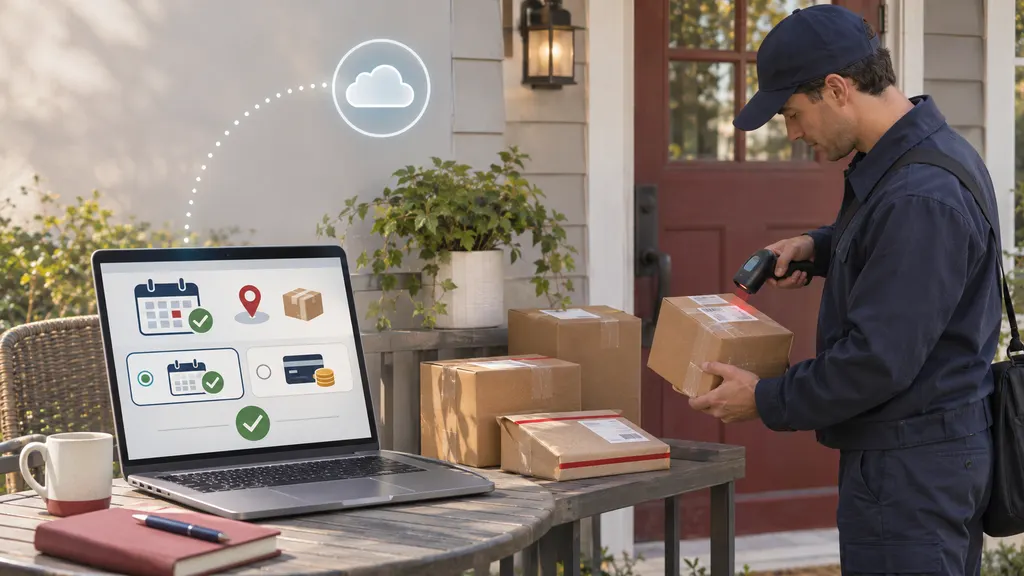
A scheduled or out-for-delivery message means the shipment has reached a later stage of the local delivery process. Keep the delivery address accessible, check whether a signature may be required, and monitor delivery instructions supplied by DHL or the sender.
An out-for-delivery scan is not a guarantee that delivery will occur that day. Route conditions, operating constraints, access problems, or an unsuccessful attempt can change the result. If the status changes to an exception, respond to the new message rather than relying on the earlier estimate.
Statuses that usually need action
Clearance event, customs delay, or shipment on hold
Customs-related updates are especially important in cross-border shipping. A clearance event may describe routine processing, but it can also indicate that customs or DHL needs additional information. Possible requests can relate to the commercial invoice, product description, importer details, duties, taxes, permits, or other shipment information.
Read the full event message and any DHL notification carefully. If DHL requests documents or payment, use an official DHL channel and verify the shipment number before submitting information. The recipient may need to act, but the sender or importer can sometimes be the responsible party depending on the shipment terms and local requirements.
Do not assume that every customs delay has the same cause. If the tracking page only says that clearance is in progress and does not request anything, monitoring may be sufficient. If it names a missing document, charge, or decision, delay in responding can extend the hold.
Further consignee information required
This status indicates that DHL needs information connected with the recipient or delivery. The issue may involve an incomplete address, an unreachable phone number, business delivery details, or another piece of information identified in the event message.
Check the address exactly as entered, including apartment, suite, postal code, and contact number. If the tracking page provides a delivery-management option, use that official workflow. Otherwise, contact DHL support or the sender with the tracking number and the corrected information.
Delivery attempted, recipient unavailable, or access problem
An attempted-delivery status means the delivery did not complete at that time. The event may state whether another attempt is planned, the parcel is being held at a service point, or the recipient needs to arrange a change.
Follow the instructions attached to the event instead of making repeated calls without the shipment details. Confirm whether a signature, identification, access code, or appointment is required. If no next step is shown, contact DHL or the sender promptly because holding periods and redelivery procedures can vary by service and destination.
Address problem or undeliverable shipment
An address exception should be treated as actionable. Compare the shipping address with the order confirmation and tell the sender if the address was entered incorrectly. In some cases, only the shipper can authorize a correction or change, particularly after the parcel has entered the delivery network.
Avoid assuming that a new address can always be substituted. DHL may restrict changes according to the service, shipment instructions, destination, or security requirements. Ask what correction is available rather than promising a specific outcome to the recipient.
What “delivered” means—and what to do if you cannot find the parcel
A delivered event means the shipment has been recorded as delivered in DHL's tracking system. The event may include a delivery time, recipient name, signature information, or location details, depending on the service and destination.
If the parcel is not visible, check the delivery location, reception desk, mailroom, household members, neighbors, and any safe-place instruction shown in the delivery details. Confirm that the address on the order is correct. If the parcel still cannot be located, contact the sender and DHL through official channels. The sender may need to open a delivery investigation or claim under the applicable service terms.
A practical response process for recipients
- Read the latest event in full. The short status label may be less informative than the accompanying explanation, location, and timestamp.
- Check the promised delivery window. A normal transit scan before the estimated date usually calls for patience. An exception or missed date changes the response.
- Identify the action owner. The recipient may need to provide access or information, while the sender may need to correct the address, provide documents, or start an investigation.
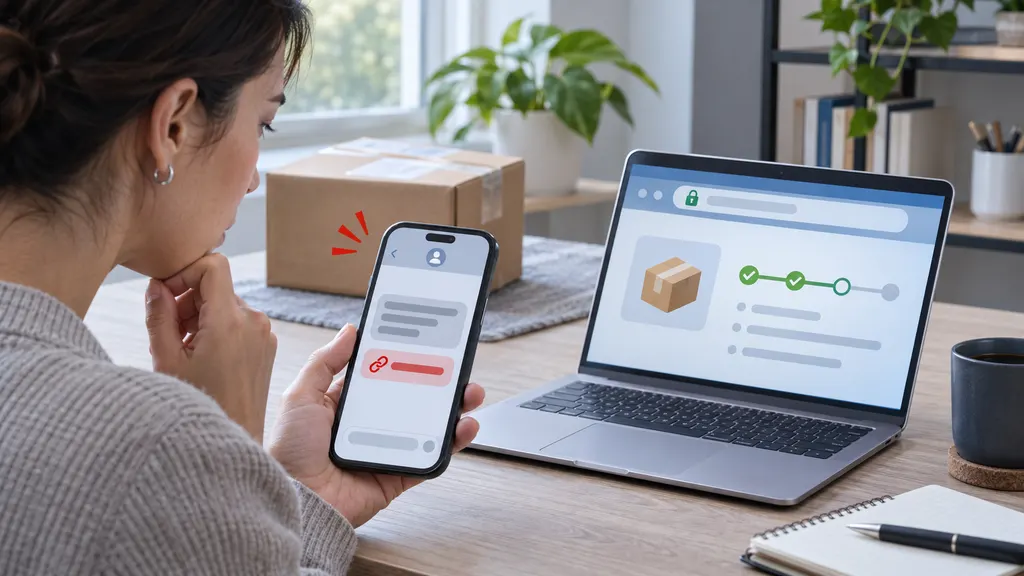
- Use an official contact route. Start with DHL's tracking page or the contact details supplied by the sender. Be cautious with unsolicited payment requests or links that do not match the official domain.
- Keep evidence. Save the tracking number, order confirmation, address, event history, messages, and any documents submitted. This makes escalation easier if the status does not change.
For sellers and support teams
Customer support teams should separate normal movement from exception events before contacting a carrier. A facility scan or short period without a new scan is generally a monitoring case. Customs requests, address exceptions, delivery attempts, and missed delivery commitments should enter an action queue with an owner and response deadline.
For cross-border orders, the support message should explain what the customer can do, what the seller must do, and when the next review will occur. Avoid promising a new delivery date unless DHL has published one. When stores monitor multiple carriers, a multi-carrier service such as dhl tracking through 17TRACK can provide a single place to review shipment events; the underlying event wording and required action should still be checked against the carrier record.
A useful internal rule is to escalate based on both status and elapsed time. For example, “customs information required” is actionable immediately, while “in transit” may remain a watch item until the estimated delivery date passes or DHL shows an exception. This avoids unnecessary escalations while reducing the chance that a genuine hold is overlooked.
When to contact DHL or the sender
Contact the sender first when the parcel has never received a physical DHL scan, the order address is incorrect, or the seller needs to confirm dispatch. Contact DHL through its official support route when the tracking event specifically asks the recipient for information, a delivery change, or a response. If a package is marked delivered but cannot be found, notify both parties promptly and provide the complete tracking history.
The most reliable escalation includes the tracking number, sender and recipient details, the latest event, the date of the expected delivery, and a clear description of the problem. Do not send sensitive documents or payments through an unverified message.
FAQ
How long can a DHL tracking status remain unchanged?
There is no single waiting period that applies to every DHL service or destination. Scans may be less frequent during international transit, handoffs, weekends, or customs processing. Compare the last event with the estimated delivery date and look for an explicit exception before escalating.
Does “shipment information received” mean DHL has the parcel?
Not necessarily. It generally confirms that shipment information has been submitted electronically. A later physical scan is normally needed to confirm handling within the DHL network.
What should I do if DHL says information is required?
Read the complete event and any DHL notification, then provide the requested information through an official channel. If the request concerns the order, invoice, or importer, contact the sender as well because the sender may be responsible for supplying the document.
Can an out-for-delivery shipment still be delayed?
Yes. Out for delivery describes the planned delivery stage, not an unconditional guarantee. Route conditions, access problems, or an unsuccessful attempt can result in a later update.
What should I do if a DHL parcel is marked delivered but is missing?
Check the delivery details, safe locations, reception areas, household members, and nearby addresses. If the parcel remains missing, contact the sender and DHL promptly so the delivery record can be reviewed.
Sources
- DHL official shipment tracking — used for the carrier tracking workflow and shipment event context.
- DHL Express On Demand Delivery — used for delivery-management and recipient-action guidance.
- 17TRACK tracking — used for the multi-carrier tracking reference.