Ship to Store Explained: Delivery Timelines, Tracking, and Pickup Notifications
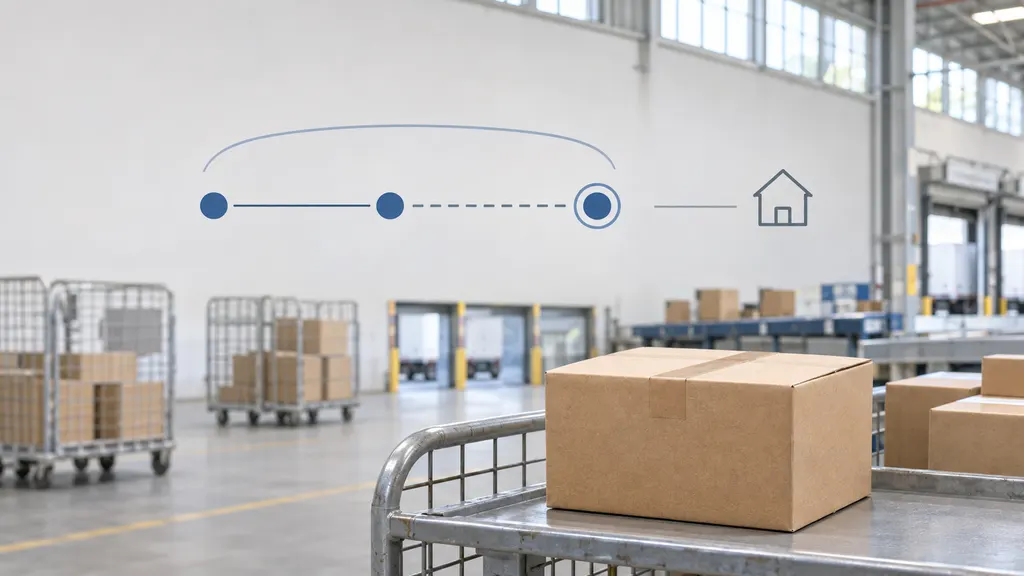
Ship to store means an online order is sent to a retail location for you to collect instead of being delivered to your home. Your wait can include order processing, transport to the store, and preparation for pickup. The retailer’s checkout estimate is the best starting point for timing, but its ready-for-pickup confirmation is the signal to make the trip—not a carrier’s delivered scan alone.
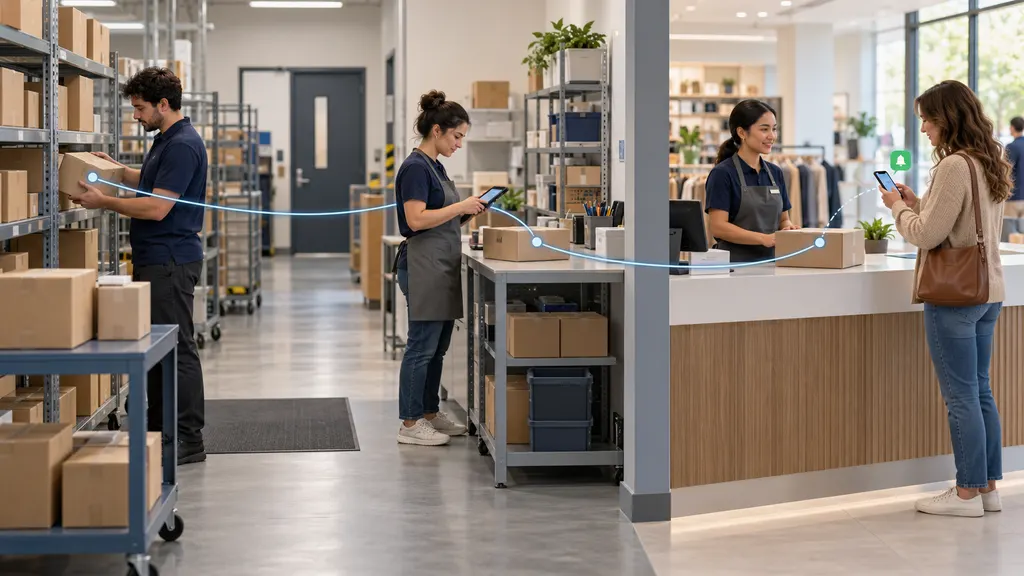
The most useful distinction is between an order arriving at the building and becoming available at the pickup counter. Knowing which stage your order has reached helps you interpret tracking, avoid an unnecessary journey, and contact the right team if something goes wrong.
What ship to store means—and what it does not
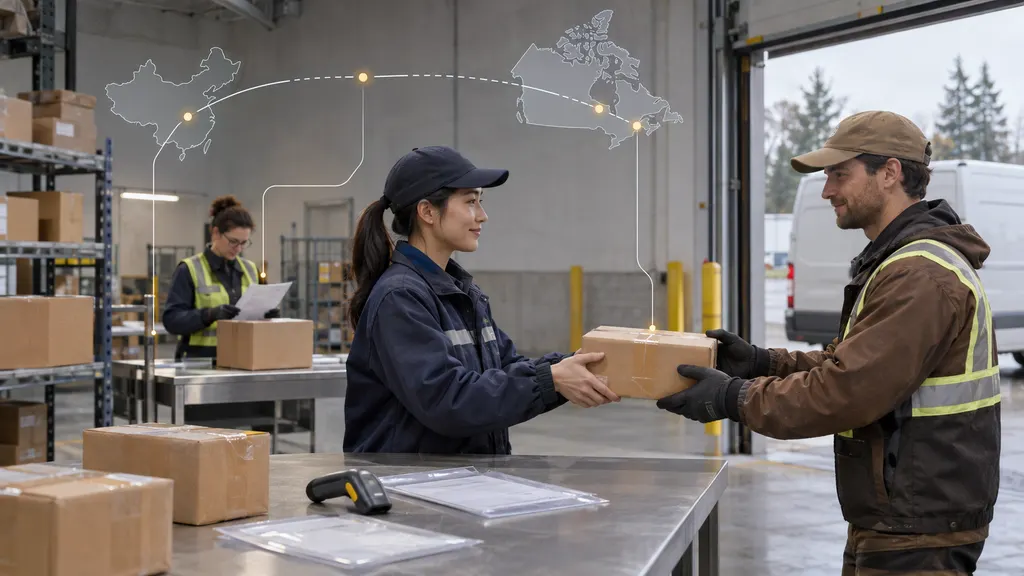
With ship to store, the retailer arranges for merchandise to reach your chosen branch before you collect it. The item may come from a warehouse, a distribution center, another location, or a supplier. The route depends on the retailer and the item; shoppers should not assume that every order travels through the same network.
Retailers sometimes place several fulfillment options under a broad label such as “store pickup.” Check the item-level availability message rather than relying on the name of the service.
- Ship to store: Merchandise needs to travel to the selected store before collection.
- Pickup from local stock: Merchandise is already listed as available at that location, although staff still need to locate and prepare it.
- Curbside pickup: This describes how the store hands over the order, not necessarily where the merchandise originated.
- Carrier collection point: A parcel is held at an authorized collection location under the carrier’s process. This is not automatically the same as a retailer’s ship-to-store service.
- Ship from store: A store dispatches an order to another destination, such as the shopper’s home. The direction of fulfillment is different.
For a purchase needed urgently, confirmed local-stock pickup can remove the transport-to-store stage. It still does not mean you should arrive before the retailer confirms that the order is ready.
How long does ship to store take?
There is no reliable delivery range that applies to every retailer, location, and product. Use the estimate shown for your specific item and selected store at checkout, then check the order confirmation for any qualifications. A general shipping estimate elsewhere on the website may not describe that pickup order.
The timeline is easier to understand as three separate stages:
- Processing and allocation. The retailer confirms the order and arranges the merchandise. Payment questions, stock discrepancies, customization, or supplier availability can affect this stage.
- Transport to the store. The merchandise moves through the retailer’s fulfillment network or a delivery service. Whether this stage produces customer-visible tracking depends on the service used.
- Store receiving and pickup preparation. Staff receive the shipment, reconcile it with the order, and make it available for collection.
An arrival estimate may describe arrival at the store or expected pickup availability. Those are not necessarily interchangeable. Look for wording such as “arrives by,” “available for pickup,” or “ready on,” and ask the retailer if the distinction affects a time-sensitive purchase.
What can change the estimate?
Possible causes include stock allocation problems, transport disruption, holidays, store closures, and receiving backlogs. Orders containing several items can also progress at different speeds. These are possible explanations, not a diagnosis of your particular order.
If the retailer quotes business days, check its definition and any order cutoff. Do not assume weekends or holidays count. Likewise, do not add an unofficial processing allowance to a promised date unless the retailer says that its estimate excludes processing.
For a deadline that cannot move, ask whether the displayed date is an estimate or a commitment and what alternatives are available if it slips. A different pickup location or home-delivery option is useful only if the retailer confirms availability and the change will not create a longer delay.
How to track a ship-to-store order
Start with the retailer’s order-details page or app. It connects the purchase to the selected store, individual items, pickup instructions, and any collection deadline. A carrier page, when one is available, describes transport events rather than the store’s complete collection process.
An order number identifies your purchase in the retailer’s system. A tracking number identifies a shipment in a transport network. They serve different purposes, and entering an order number into a parcel tracker will not necessarily return a result.
| Status or message | How to interpret it | Your next step |
|---|---|---|
| Order received or processing | The order is recorded, but it may not have entered transport. | Check the estimated pickup date and any request for action. |
| Shipped or in transit | The merchandise is moving toward its destination; the exact meaning depends on the retailer’s status definitions. | Follow any supplied tracking link and monitor the retailer’s order page. |
| Delivered or arrived at store | A transport or arrival milestone has been recorded. Pickup preparation may remain. | Look for a separate ready-for-pickup confirmation. |
| Ready for pickup | The retailer says the specified items can be collected. | Review the location, collection deadline, and identification requirements. |
| Exception, delayed, or action required | Progress has changed or the order needs attention. | Read the full message and contact the retailer if the next step is unclear. |
Some transfers do not expose a public parcel-tracking number. Its absence alone does not establish that the order is stalled or lost. In that situation, the retailer’s order status and support team are the practical sources of information.
Why “delivered” is not always “ready for pickup”
A delivery scan can record a handover to a store’s receiving area. It does not necessarily confirm that staff have matched the item to your purchase, checked the shipment, and placed it in the customer pickup area. The pickup notification communicates a different milestone.
For a concrete retailer example, Apple’s Shipping & Pickup help page describes pickup notifications and tells customers to wait until their order is ready before visiting. That guidance supports the practical rule: follow the retailer’s collection confirmation, not just the movement of the parcel.
If tracking shows delivery but the retailer has not confirmed readiness, check whether the order page gives a receiving or preparation update. If the promised pickup date has passed, or you need to avoid a wasted trip, ask the retailer whether the shipment has been received and whether the order is actually available for handover. There is no universal waiting period between those two events.
Pickup notifications: what to check before leaving
Depending on the retailer and your communication settings, pickup instructions may arrive by email, text, app notification, or through the order page. Do not assume every channel is available or that a missing text means the order is not ready.
Before traveling, confirm the following:
- The exact store: Check the address, not just the city or branch nickname.
- The items available: A notification may apply to only part of the purchase.
- The collection deadline: Use the date in your order instructions rather than a general policy remembered from another purchase.
- Pickup hours and location: The collection desk or service may have arrangements different from ordinary shopping.
- Required documents: Bring the confirmation, barcode, identification, or payment card if the retailer requests them.
- The authorized collector: If someone else is collecting, complete the retailer’s authorization process first.
- Transport needs: Check whether a large or heavy purchase will fit safely in your vehicle and whether assistance is available.
Apple’s Viewing & Changing Orders help page provides an example of retailer-specific order management and pickup-contact instructions. Do not assume that another retailer permits the same changes or allows them at the same stage.
If the pickup message never arrives
Open your account or use the retailer’s guest-order lookup directly. Check spam folders and confirm that the order has the correct email address and phone number. Read the status of each item, especially if the purchase contains multiple products.
If the order page explicitly confirms readiness and supplies pickup instructions, follow those instructions. If the page is ambiguous, contact the retailer before traveling. Avoid treating an estimated date, a promotional message, or an order acknowledgment as collection authorization.
What to do when an order is late or something changes
For the shopper, the retailer is usually the best first contact because it manages the purchase and collection arrangement. A carrier may explain a transport scan, but it cannot necessarily authorize store pickup, change the order, or resolve a payment issue.
- Compare the current status with the promised milestone. Establish whether the missed date concerned dispatch, store arrival, or pickup readiness.
- Gather the order details. Have your order number, selected store, affected items, original estimate, and any tracking number available.
- Ask a precise question. For example: “Has this shipment reached the store, and what still needs to happen before I can collect it?”
- Request an actionable next step. Ask for an updated estimate, confirmation of a receiving check, or the point at which support will investigate again.
- Confirm alternatives before changing anything. Ask whether cancellation, another store, or another delivery method is possible and how that affects availability and payment.
For partial orders, check whether separate collections are permitted and whether each item has its own deadline. If you cannot collect on time, request an extension before the stated deadline; do not assume the store will automatically hold the merchandise longer.
If the order says “collected” but neither you nor an authorized person picked it up, contact the retailer promptly. Save the notification and ask it to investigate the handover record. That is a different problem from a shipment simply arriving late.
FAQ
Is ship to store free?
Not universally. Check the checkout total and the terms for your item, location, and service. A retailer offering free pickup does not establish that every shipment to every branch is free.
Can I collect my order before the estimated pickup date?
You may be able to collect earlier if the retailer confirms that the order is ready. An early transport arrival is not enough on its own. Use the actual pickup confirmation rather than the original estimate.
Can someone else pick up my order?
That depends on the retailer, the purchase, and its identity checks. Some retailers provide a way to name a pickup contact. Confirm authorization and required identification before sending someone; forwarding a barcode alone may not meet the rules.
What happens if I miss the collection deadline?
The retailer’s policy determines what happens next. The order may be canceled or the merchandise released, but hold periods and refund handling vary. Contact support before the deadline if you need more time.
Can I change the pickup store after ordering?
Do not assume so. A change may depend on order status and stock availability, and it may require cancellation and a new purchase. Check with the retailer before canceling, particularly if the item is scarce or its price has changed.
Sources
- Apple — Shipping & Pickup. Retailer-specific guidance on shipping, pickup notifications, and collection preparation. These policies should not be generalized to other retailers.
- Apple — Viewing & Changing Orders. Retailer-specific guidance on checking order status and managing eligible order details.