How to Contact Walmart about a Delivery Order: Chat, Phone, and Seller Help
To get help with a Walmart delivery order, open the order in your Walmart account and use its help or contact option. Walmart’s Contact Us page can guide you to chat or other available support options. If the order was sold by a Marketplace seller, check the order details for a way to contact that seller. You can also call Walmart at 1-800-925-6278. Have the order number and a clear description of the problem ready, whichever route you choose.
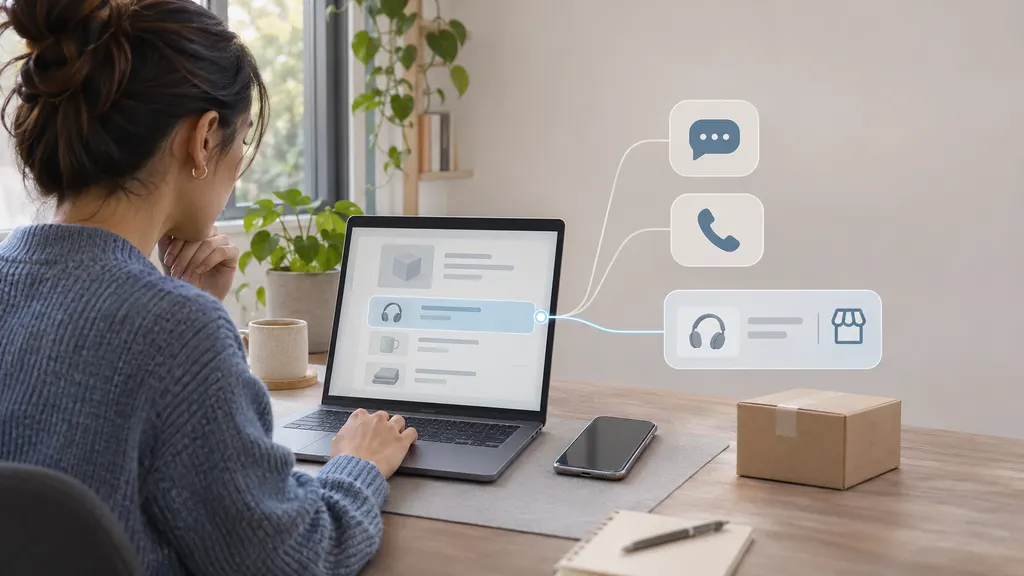
The best contact route depends on what the order says happened: a delayed delivery, a package marked delivered but missing, an incorrect item, or a problem with an item sold by a third-party seller may need different details. Start with the order itself rather than a general search result, so the support request is tied to the right purchase.
Start with your order details
Sign in to the Walmart account used for the purchase and open Purchase History. Select the affected order and check its delivery status, address, items, and any tracking or delivery information shown. On a phone, you can do the same through your account in the Walmart app. Look for an option to get help with that order; the wording and choices may vary by order and issue.
Before contacting anyone, identify whether you are looking at a local delivery order, a shipped package, or an item sold by a Marketplace seller. These distinctions matter. A tracking event for a shipped package is not the same as confirmation that a local delivery driver left an order at your door. Likewise, the seller named on a Marketplace listing may be the appropriate first contact for a question about that item, while Walmart support can help you navigate an unresolved order issue.
If the order does not appear, check that you are signed in with the email address or account used at checkout. Search your email for the order confirmation and keep its order number handy. For an order placed without the account you are viewing, use the information in the confirmation and Walmart’s help options rather than assuming the purchase has disappeared.
Contact Walmart by chat or online help
For a delivery problem, the most direct online starting point is the help option on the specific order. You can also go to Walmart’s Contact Us page and choose the topic that matches your issue. The page may ask questions before presenting a chat or another contact method. Follow the prompts as they appear; a particular contact option should not be assumed to be available for every issue at every moment.
Describe the problem in one or two factual sentences. For example: “Order [number] shows delivered, but I have not found it at the delivery address. I checked the entrance and asked household members.” If the order is late rather than marked delivered, say when the expected window passed and what the latest order status shows. If only one item is affected, name that item so the request is not mistaken for a problem with the entire order.
Save the chat transcript or case reference if one is provided. If you need to follow up, the previous conversation and order number will help you explain what has already been checked. Do not send payment-card details, passwords, or verification codes through an unexpected link or to someone who contacts you out of the blue claiming to be support.
Call Walmart about a delivery order
Walmart lists 1-800-WALMART (1-800-925-6278) on its corporate contact page. If you prefer speaking to someone, call and explain that your question concerns an online delivery order. Have the order number ready so the representative can direct your request appropriately. For an order-specific issue, the help flow in your account is also useful because it starts with the purchase you need to discuss.
Tell the representative what resolution you are seeking, but distinguish your request from a promised outcome. You might ask them to investigate a missing delivery, clarify an order status, explain the available refund or replacement options, or help with a seller-related issue. The available remedy depends on the order and the circumstances; a delivery scan alone does not establish what happened after the item reached the address.
Be cautious with phone numbers found in advertisements, unsolicited messages, or search snippets. If you want to verify a number before calling, use Walmart’s own contact page. Never provide an account password or one-time sign-in code to a caller who says they are handling your order.
When to contact a Marketplace seller
If an item was sold by a Marketplace seller, open that item’s order details and check whether a seller contact option is available. State the item name, the order number, and the specific issue. A seller message is most useful when the question concerns that seller’s item, such as what was shipped or a problem with the item received. Keep the conversation within the order’s official messaging or help flow so there is a record attached to the purchase.
Do not assume that every delivery problem belongs with the seller. If you cannot find a seller contact option, are unsure who handled the delivery, or cannot resolve the issue through the order page, use Walmart’s official help flow. If you have already contacted the seller, tell Walmart support when you did so and what response you received. That gives the next person a useful starting point without requiring you to repeat the entire exchange.
Check the “sold by” information carefully if an order contains several items. Different items in one purchase can have different sellers or fulfillment arrangements. Contacting the seller of an unaffected item is unlikely to help with a missing or damaged item elsewhere in the order.
What to do for common delivery problems
Delivery is late or the status has stopped changing
First compare the current order status with the expected delivery information shown in your account. If the order has tracking, open the tracking details and note the latest event. A label created or a shipment in transit does not mean the package has been delivered. If the expected delivery has passed or the status needs clarification, use the order’s help option and report the last update you can see. Avoid filing multiple contradictory requests while an earlier case is still being reviewed.
Order says delivered, but you cannot find it
Confirm the delivery address and check any delivery details shown with the order. Look at the usual drop-off spots, including an alternate entrance, mailroom, reception desk, or sheltered area, if those apply to your address. Ask other people at the address whether they brought the order inside. Then contact Walmart through the affected order and say exactly what you checked. If a delivery photo or note is available, mention whether it matches your location. Do not share a public photo of your address or order label when seeking help.
Only part of the order arrived
Review the order item by item before reporting a missing product. Items may have separate status information, so an order-level update can be less informative than the details for each item. Tell support which items you received and which are missing, including quantities. If the missing item is sold by a Marketplace seller, check that item’s seller information before choosing a contact route.
Something arrived damaged or incorrect
Keep the packaging and take clear photos of the item, label, and damage or discrepancy if you can do so safely. Open the affected item in your order and use the available help or return options. Explain what arrived rather than simply writing “wrong order”: include the product name, quantity, and the difference between the item ordered and the item received. Follow the instructions given for your specific order before sending anything back.
Make your support request easy to act on
A useful delivery report contains the order number, the affected item, the delivery address as shown on the order, the status you see, and what you have already checked. Include the date or delivery window shown in your account when relevant. If you are contacting a seller or following up on an earlier case, add the message history or case reference. Share sensitive account information only through Walmart’s official sign-in and support channels, and provide no more personal information than the representative needs.
Ask for the next concrete step before ending the conversation. You can ask whether the issue has been submitted for review, whether you need to provide anything else, and how to follow up. If you are told a remedy is available, confirm what action you must take and where its status will appear. Keep the answer and any reference number with your order confirmation.
FAQ
Can I chat with Walmart about a delivery order?
Start from the affected order’s help option or Walmart’s Contact Us page. Follow the prompts to see the support methods offered for your issue. If chat is offered, include your order number and describe the delivery problem precisely.
What number should I call about my Walmart order?
Walmart’s corporate contact page lists 1-800-WALMART (1-800-925-6278). You can verify the number on Walmart’s official site before calling. Keep your order number nearby and explain that you need help with an online delivery order.
Should I contact Walmart or the seller if my Marketplace item is missing?
Check the affected item’s order details for its seller and any contact option. If you cannot find a way to reach the seller, do not know who is responsible for the delivery issue, or need further help after contacting the seller, use Walmart’s official order-help flow. Give support the history of any seller conversation.
What if I cannot find my order in my Walmart account?
Check that you are using the account associated with the purchase, then locate the order confirmation in your email. Use its order information when contacting Walmart through the official help page. Avoid creating a second account merely to look for an order placed under different sign-in details.
Does a “delivered” status mean Walmart cannot help?
No. A delivered status is a reason to check the address and drop-off details, not a reason to abandon the request. If you still cannot locate the order, report it through the affected order’s help option and explain the checks you made. Walmart can advise you on the next step for that purchase.