DHL Ecommerce Tracking Status Updates: What each Means and Why It Stalls
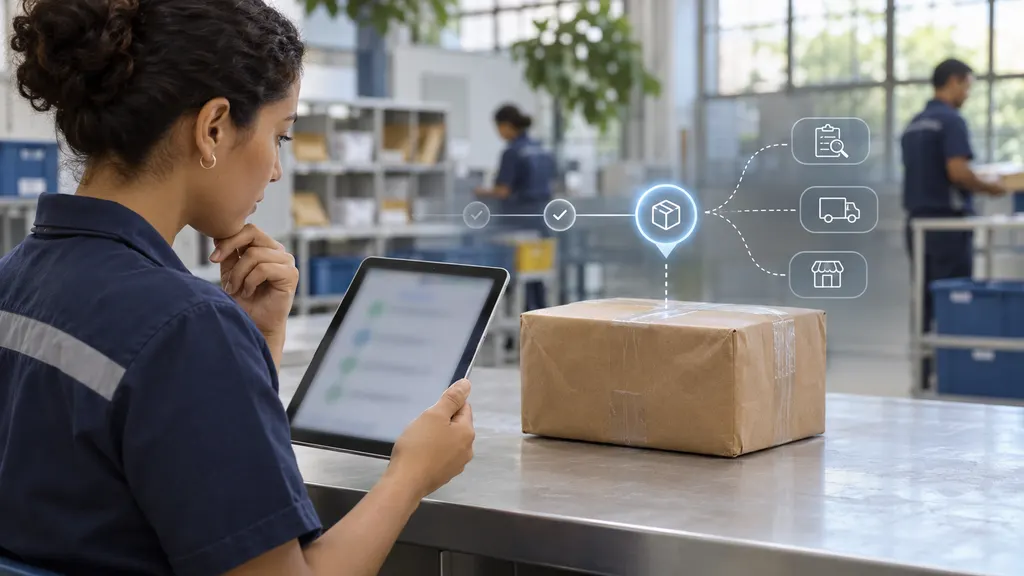
DHL eCommerce tracking updates show the last recorded step in a parcel’s journey, not its continuous location. A status that appears to stall may reflect time between scans, a transfer to a local delivery partner, or a delay before the next event is shared. Read the latest status together with its date, location, and surrounding updates before deciding whether the shipment needs attention.
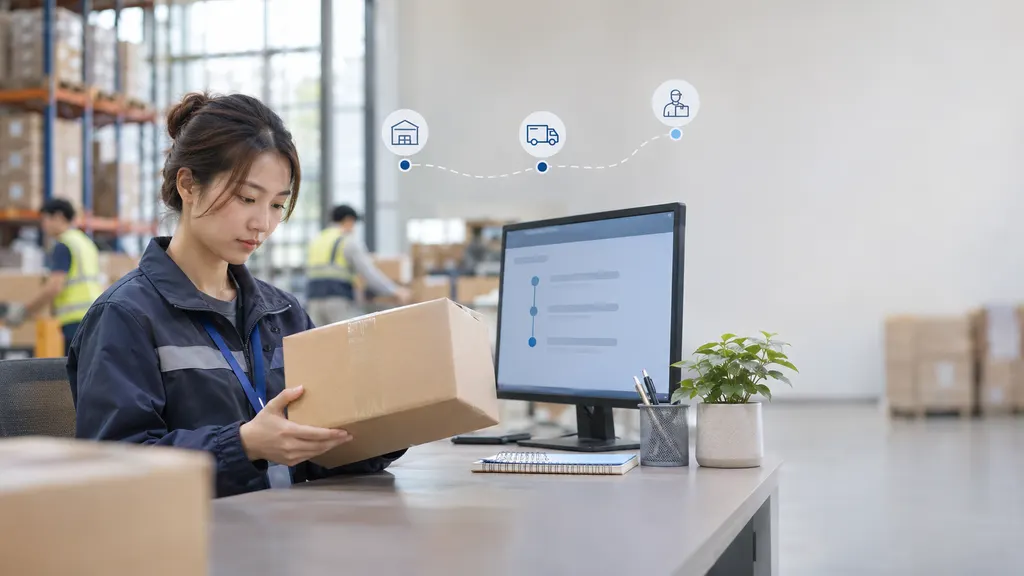
The exact wording can vary by DHL eCommerce service, destination, and tracking interface. Treat the descriptions below as a guide to common event types, rather than a promise that every parcel will display the same sequence.
What the main DHL eCommerce tracking statuses mean
Start with a distinction: a shipping label and a parcel are not the same thing. A merchant may create a label and send shipment details before DHL has received the physical package. Later, a parcel can move through a facility or across a border without generating a new customer-visible update at every step.
- Shipment information received, label created, or pre-advice received: Shipment details have been submitted, but this status alone does not establish that DHL has the parcel. If it remains unchanged, ask the seller whether the package has been handed over and whether the tracking number is correct.
- Accepted, received, or processed at a facility: An event indicates that the parcel has entered or moved through a handling point. Check the location and timestamp. A facility scan does not necessarily mean the parcel will leave that location the same day.
- In transit, departed facility, or en route: The shipment is progressing between processing points. “In transit” can cover several activities; it is not a live map showing where the parcel is at that moment.
- Arrived in destination country or destination region: The parcel has reached a later stage of the route, but may still need processing, a handover, or final-mile delivery. Arrival in the country is not the same as arrival at the delivery address.
- Customs processing or clearance-related update: The parcel is associated with a border-control step. The wording alone may not tell you whether documents, duties, or a recipient response are required. Follow any specific instruction shown by the carrier, seller, or relevant authority rather than assuming every customs scan signals a problem.
- Handed over to a delivery partner or local carrier: Another operator may now handle the next part of the journey. Look for a partner name or additional tracking number. An apparent pause on one tracking page does not, by itself, mean the parcel has stopped moving.
- Out for delivery: The parcel has reached the delivery stage indicated by the tracking system. It is a stronger sign of imminent delivery than “in transit,” but it is not proof that delivery has occurred.
- Delivery attempted or exception: Something prevented the expected delivery or requires a change in the usual process. The useful detail is the accompanying note: it may identify an address issue, an unsuccessful attempt, or an instruction for the recipient.
- Delivered: The tracking system records delivery. If the parcel is not where you expected, check the delivery details, any designated safe place, and whether someone at the address accepted it before reporting it missing.
These are interpretations of common wording, not a universal DHL eCommerce status dictionary. If an update contains a specific instruction, that instruction matters more than a broad label such as “exception” or “in transit.”
Why tracking can appear to stall
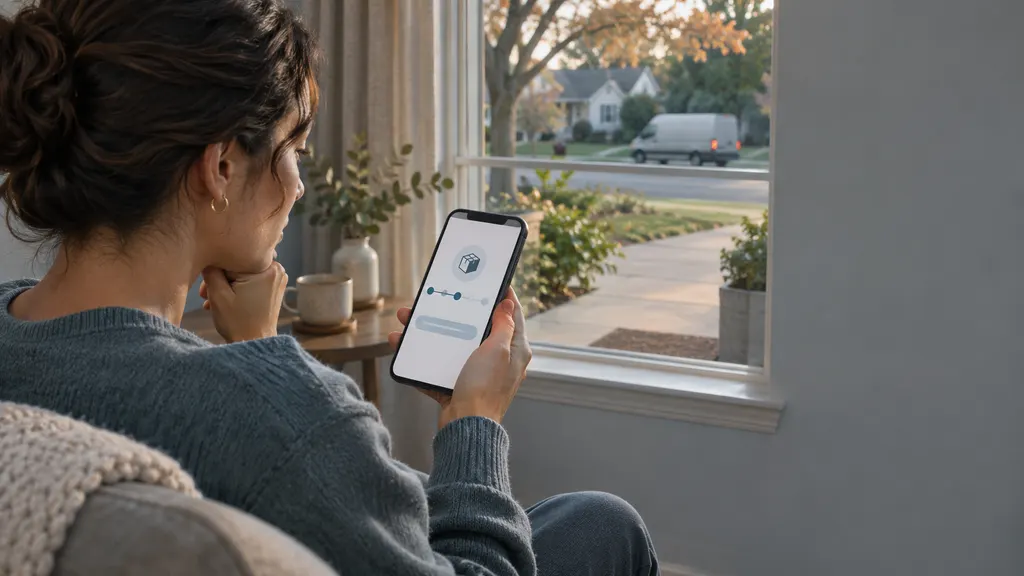
The most common misunderstanding is to treat a tracking page as a continuous feed. Tracking generally advances when an event is recorded and made available to the system you are viewing. A gap between events does not establish that the parcel is lost, but neither does it guarantee that delivery is on schedule.
The seller has created a label but has not confirmed handover
If the only visible update concerns shipment information, first check the order confirmation and any dispatch message. “Shipped” on a store page can describe the seller’s order workflow; it does not always identify a physical acceptance scan. The seller is usually the best first contact for confirming whether the parcel was packed, handed over, or assigned a different tracking number.
The parcel is between scan points
After a departure event, the next update may depend on arrival or processing at another facility. During that interval, repeatedly refreshing the page will not create a new scan. Compare the last event with the seller’s stated delivery estimate, if one was provided, and watch for a change in location or a new handling event.
A transfer has changed where updates appear
DHL eCommerce shipments can involve a delivery partner for a later leg. When the tracking history mentions a handover, check whether it also names the partner or provides a second identifier. A local carrier’s page may show final-mile details that have not yet appeared on the original page. Use the partner information supplied in the shipment record rather than guessing which operator has the parcel.
A border or address issue needs closer reading
An international shipment may show a customs-related event before moving on. That is not automatically a request for payment or documents. Likewise, “exception” is a category, not a diagnosis. Read the complete message for an action request, verify that the delivery address matches the order, and use official channels before responding to any payment demand. A tracking update that specifically asks for action deserves more attention than an unchanged transit scan.
The tracking view has not caught up with the latest event
The merchant’s order page, DHL’s tracking page, and a local delivery partner’s page may display different amounts of detail or update at different times. If two views disagree, compare timestamps and event descriptions rather than assuming the page with the most recent-looking layout has the newest information. A delivered scan and an earlier in-transit scan on separate pages should prompt a check of delivery details, not an assumption that the parcel has reversed direction.
How to check a stalled shipment without guessing
- Confirm the identifier. Copy the tracking number from the seller’s dispatch message and check it for typing errors. If the seller supplied more than one number, determine which belongs to the parcel in question.
- Read the full event history. Record the latest status, timestamp, location, and any note attached to it. A label-only history calls for a different question than a shipment that has already reached the destination region.
- Use the relevant tracking page. Check the shipment on DHL’s official tracking page. If the record identifies a delivery partner, check that partner’s official page using the identifier provided for the handover.
- Compare the history with the delivery promise. Use the estimate supplied for your particular order, if available. Avoid applying a delivery window from another DHL product, country, or seller to this parcel.
- Choose the contact based on the stage. For a label-only record, ask the seller to verify physical handover. For a named local-carrier handover, follow the partner information in the tracking record. For a delivery exception or a missing parcel marked delivered, contact the party identified in the tracking instructions and notify the seller when appropriate.
A multi-carrier tracking page can be useful when a shipment crosses operators. For example, 17TRACK Tracking offers a place to check a tracking number, but it cannot create an event that a carrier has not reported. When an update requires action, rely on the carrier’s or seller’s instructions for that shipment.
When to contact the seller or carrier
There is no single waiting period that fits every DHL eCommerce shipment. The sensible trigger depends on what the last event actually says and on the delivery estimate for the order.
- Contact the seller about a prolonged label-only status if they have said the parcel was dispatched but tracking still does not show a physical handling event. Ask for confirmation of handover and the correct tracking number.
- Act on an explicit instruction promptly. If the tracking record requests address clarification or another recipient action, follow the official instructions rather than waiting for another routine scan.
- Follow up when the order’s delivery estimate has passed and there is no useful new information. Give the seller or carrier the tracking number, last event, and the date shown for that event.
- Report a missing delivery after basic checks. If tracking says “delivered” but you cannot find the parcel, check the stated delivery location and household or building receipt arrangements, then raise the issue through the appropriate support channel.
When you write to support, ask a question they can investigate: “Can you confirm whether this parcel was physically handed to DHL?” or “Which operator received it after the handover scan?” That is more useful than asking why tracking has not changed without providing the last event.
FAQ
Does “shipment information received” mean DHL has my package?
Not necessarily. It indicates that shipment information has been created or sent. Look for a later acceptance or processing event, or ask the seller to confirm that the physical parcel was handed over.
Why does my DHL eCommerce parcel say “in transit” for several updates?
“In transit” is a broad description of movement through the delivery network. Check the dates, locations, and event notes to see whether the parcel is progressing. If the order’s delivery estimate has passed, contact the seller or the party named in the tracking instructions.
Why did DHL eCommerce tracking stop after a handover?
A handover may mean another operator is handling the next leg. Look for a local carrier name or another tracking number in the event details, then check that operator’s official tracking page. Do not assume a lack of new events on the original page means the parcel is lost.
Does “arrived in destination country” mean delivery is next?
No. The parcel may still need processing, a carrier transfer, or final-mile transport. Wait for an update that specifically indicates the delivery stage, and use your order’s estimate for context.
What should I do if tracking says “delivered” but I have no parcel?
Review any delivery location or recipient details, check with people who could have accepted the package, and then report the discrepancy through the relevant carrier and seller support channels. Keep the tracking number and delivery event details available.
Sources
- DHL: Official shipment tracking. Use the shipment’s own event history and instructions for status-specific details.
- DHL: DHL eCommerce division. Background on the DHL eCommerce service.
- 17TRACK: Package tracking. Reference for the optional multi-carrier tracking tool mentioned above.