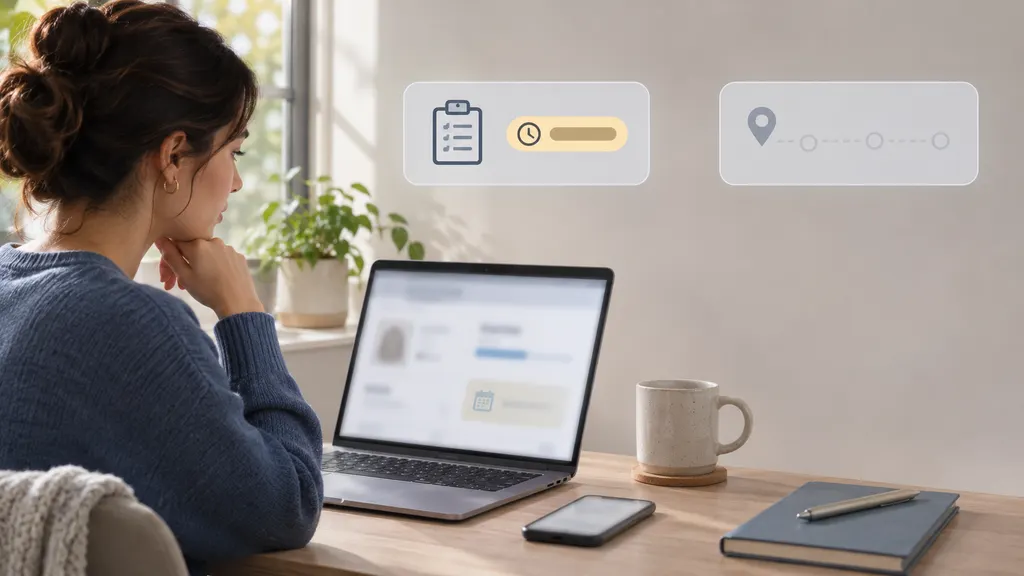
How Often Does Package Tracking Update between Carrier Scans?
Package tracking usually updates when a carrier records a new event and makes it available, not on a fixed schedule between scans. A shipment can keep moving while its tracking page stays unchanged. The time between updates varies with the route, the carrier’s handling process, handoffs, and when scan data reaches the tracking system.
If your package has not shown a new event, the most useful question is not simply how many hours have passed. It is whether the last status fits the shipment’s current stage and whether the carrier’s expected delivery window has changed.
What happens between tracking updates?
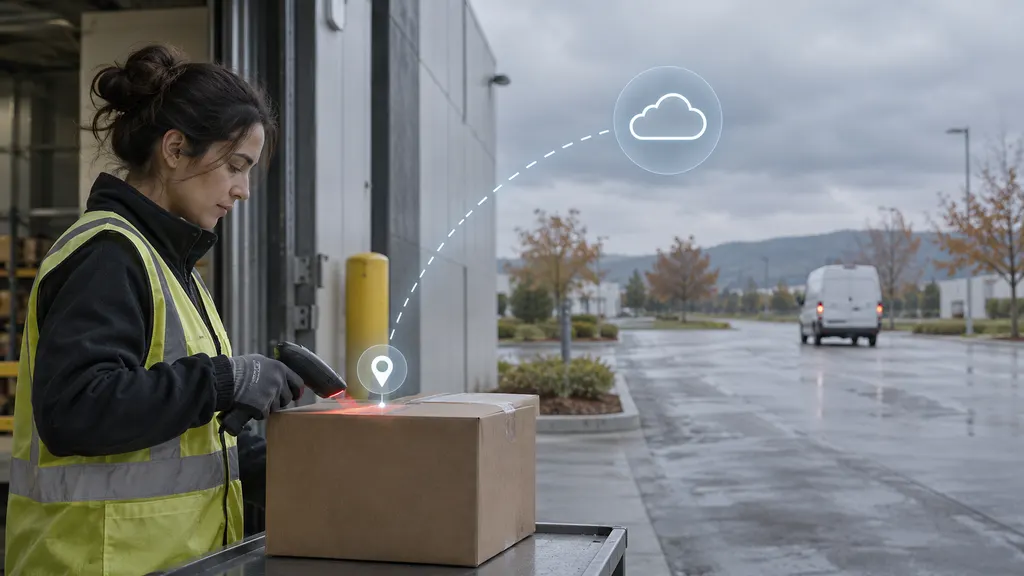
A tracking event is a record of something the carrier knows about a shipment. It might show that shipping information was received, a parcel was accepted, it reached a facility, it departed a facility, or it was delivered. These events describe recorded checkpoints; they do not provide a continuous, live map of the package.
Between checkpoints, a parcel may be traveling in a vehicle, waiting to be sorted, moving through a processing facility, or awaiting a handoff. None of those steps necessarily produces a public-facing update. Even when an event is recorded, it may take time to appear on a carrier’s website or in a tracking service that displays carrier information.
That is why there is no reliable universal answer such as “tracking updates every few hours.” Some shipments show several events close together, followed by a long stretch with no visible change. Others show only a few milestones before delivery. The gap alone cannot tell you whether the parcel is moving normally.
Why can a package move without a new scan?
Several ordinary parts of shipping can create a quiet period in the tracking history:
- Transport between facilities: A package can spend time on the road or in another transport stage before the next recorded checkpoint.
- Consolidated processing: A facility may handle many parcels as part of a larger movement. The public tracking history may not reflect every internal handling step.
- Carrier handoffs: One organization may pass a shipment to another, especially on international or multi-leg routes. The next meaningful update may come from the receiving organization.
- Data timing: A physical scan and its appearance on a tracking page are related but not always simultaneous. A later update may also add context to an earlier stage of the journey.
- Limited event visibility: The events displayed to customers may be fewer than the steps involved in moving the shipment.
These explanations describe why a gap can be normal. They do not prove that a particular package is still in motion. If an expected delivery date passes or the carrier displays an exception, use that specific information rather than assuming the gap is harmless.
Read the last status before judging the gap
The wording of the most recent event matters more than the age of the event by itself. Different statuses call for different next steps.
Shipping information received
This often means the carrier has received shipment details, such as an electronic label record. It does not, by itself, confirm that the carrier has the parcel. If this is the only status and you want to know whether the item was handed over, ask the sender or seller. They are generally best placed to confirm when they physically gave the package to the carrier.
Accepted or received by the carrier
An acceptance event is stronger evidence that the carrier has the shipment. Later scans may be separated by transport and processing time. Check the carrier’s delivery estimate, if one is provided, before treating the absence of another event as a problem.
In transit or departed a facility
These statuses indicate a recorded movement or processing milestone, not a promise that a new scan will appear within a particular number of hours. A parcel may travel through part of its route without another public update. If the shipment is international, a handoff or border-related stage may also affect when the next event becomes visible.
Out for delivery
This status calls for closer attention to the carrier’s stated delivery information because it describes a later stage of the journey. It still does not guarantee delivery at a particular hour. If the day ends without a delivery event, check for a revised status, attempted-delivery notice, or carrier instructions before taking further action.
Exception, attempted delivery, or delivered
These are not ordinary scan gaps. Read the carrier’s explanation and instructions. An exception may identify an issue that needs action; an attempted delivery may require collection or a new delivery arrangement. If tracking says delivered but you cannot find the parcel, check the delivery details, the stated delivery location, and any available proof of delivery, then contact the carrier or sender as appropriate.
When should you follow up?
There is no single number of hours without a scan that works for every carrier, service, and route. Use the shipment’s stage and the carrier’s own delivery information to decide what to do:
- Check the original carrier tracking page. Confirm the tracking number, latest event, delivery estimate, and any alerts. If another service shows a different view, the carrier’s record is the appropriate place to check for carrier-specific instructions.
- Check what the last event actually confirms. A label record does not establish carrier possession. An acceptance scan does. This distinction determines whether your first question belongs with the sender or the carrier.
- Look for an updated estimate or an exception. A changed delivery window or an action-required message is more informative than the scan gap on its own.
- Contact the party who can investigate the current stage. For a shipment that has not been handed over, ask the sender. For a package the carrier has accepted, use the carrier’s support or missing-package process where appropriate. If you bought an item, keep the seller informed; the seller may need to help resolve an order that does not arrive.
Keep the tracking number, order details, latest status, and any relevant delivery notices handy when you contact support. This makes it easier to describe the problem precisely. Avoid repeatedly interpreting the same unchanged event as a new signal: refreshing a page can reveal newly published information, but it cannot produce a carrier scan.
Can a tracking tool show more than the carrier does?
A multi-carrier tool can make it easier to check shipments in one place and follow available tracking events, particularly when you have packages associated with different carriers. For example, 17TRACK package tracking offers a place to look up a shipment by tracking number. It can help you review the events that are available, but it cannot make a carrier scan a package between checkpoints.
If a shipment appears unchanged in one interface, compare it with the carrier’s own tracking page. Differences in status wording, event presentation, or when information becomes visible should not be treated as proof that the parcel stopped moving. When a status calls for action, follow the instructions from the carrier or contact the sender rather than relying on repeated checks alone.
What a quiet tracking history does—and does not—tell you
A long gap tells you that no newer event is visible to you. It does not tell you exactly where the package is, whether it is still on schedule, or when the next scan will appear. Those questions require more context: the last confirmed event, the route, the delivery estimate, and any exception notices.
For someone waiting on a purchase, the practical approach is to distinguish an unscanned parcel from an accepted one, then watch for a missed estimate or a status that requires action. For a seller answering a customer, the same distinction helps avoid both false reassurance and unnecessary alarm. Say what the latest scan confirms, acknowledge what it does not confirm, and explain who will follow up if the expected delivery window is missed.
The bottom line is simple: tracking is a record of reported events, not a timer. Judge a pause against the carrier’s latest information and the shipment’s stage, not against an assumed scan frequency.
FAQ
Does “in transit” mean my package is moving right now?
Not necessarily. It describes a reported stage in the shipment’s journey, not a live reading of its current motion. The parcel could be traveling or waiting for its next handling step. Check the event details and the carrier’s delivery estimate for more context.
Why did my tracking number stop updating after a label was created?
A label or shipping-information event may be generated before the parcel is handed to the carrier. If there is no acceptance event, ask the sender whether and when the package was handed over. Do not assume that the carrier has it solely because a tracking number exists.
Can a package be delivered without every transit step appearing in tracking?
Yes. Public tracking histories do not necessarily display every handling step. A later milestone can appear even if the journey between two visible events was not documented in detail on the tracking page.
Should I worry if there has been no scan since yesterday?
Not based on that fact alone. Check the last event, the carrier’s expected delivery information, and any alerts. A missed delivery estimate, an exception, or a shipment that has never shown carrier acceptance gives you a more useful reason to follow up than the number of hours since the last scan.
Who should I contact about a package with no new update?
If tracking only shows that shipping information was received, start with the sender. If the carrier has accepted the parcel, check its tracking page and support guidance. For a purchase, you can also contact the seller, especially if the expected delivery window has passed.
Sources
- USPS, USPS Tracking — carrier information on tracking and shipment status.
- USPS, USPS Tracking: The Basics — guidance on tracking information and status interpretation.
- 17TRACK, Tracking — information about its shipment-tracking interface.