How Long Do Temu Orders Take to Arrive? Processing, Shipping, and Delivery Estimates
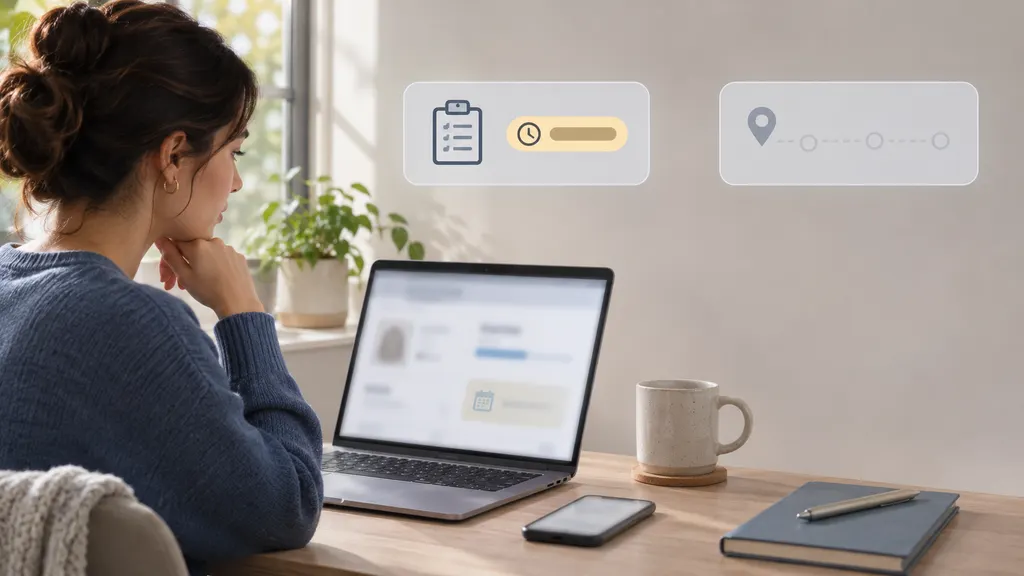
Temu orders do not have one reliable delivery time for every buyer. The best estimate is the delivery window shown for your specific order at checkout and in its order details. That window accounts for more than travel time: your items must be processed before the package can be shipped, and the final delivery date can change if there is a delay. If you have already ordered, check the latest estimate and tracking updates in Temu rather than relying on a general number of days.

The practical question is not only how long shipping takes. It is when the order will be ready to ship, whether its parcels are moving, and whether the current estimate still leaves enough time for a deadline. Here is how to read each stage and decide when to follow up.
How to find the most useful delivery estimate
Before paying, review the estimated delivery information shown for the items and at checkout. After placing an order, open its details in Temu to check the current estimated delivery window and shipment status. Use the estimate attached to that order as your starting point: a delivery time quoted in an article, an older order, or another buyer’s experience may not apply to your address or items.
Pay attention to whether the estimate covers the whole order or an individual package. If an order is divided into separate shipments, one parcel may arrive while another remains in transit. A tracking update for the first parcel does not establish the arrival date of the second.
If you need something for an event, treat the end of the displayed window as an estimate, not a guarantee that the item will arrive before your deadline. Check the order details again after it ships. The carrier’s progress can help you judge whether the original window still looks plausible, although tracking alone cannot promise a delivery date.
Processing time is not the same as shipping time
Order processing begins after you place an order and precedes the package’s journey through the shipping network. During this stage, the seller or fulfillment operation must prepare the items for dispatch. An order can therefore be confirmed without having entered a carrier’s network.
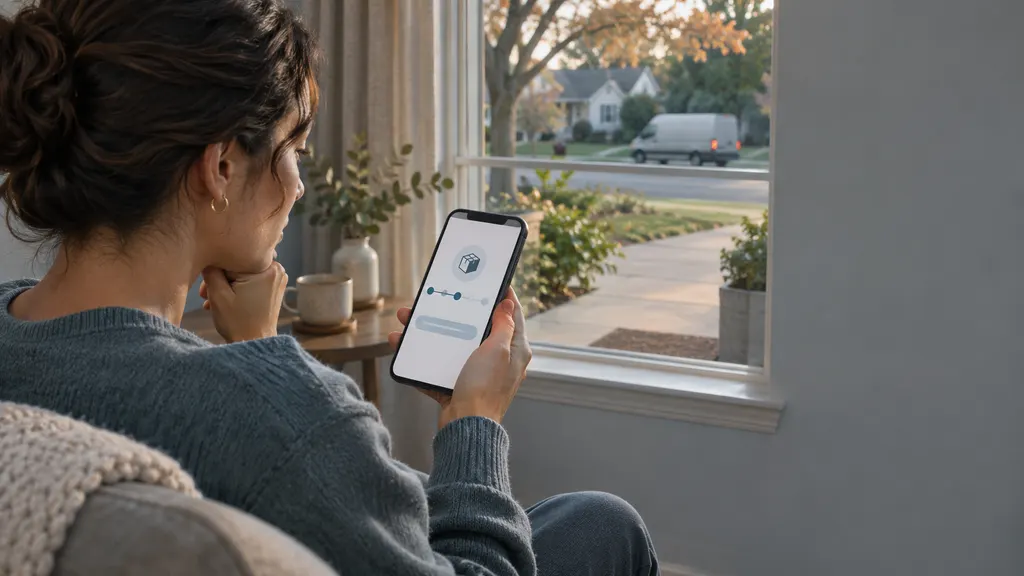
Shipping begins when the package is handed into the delivery process, but the first visible carrier scan may not appear immediately. A tracking number can be created before a carrier records physical possession of the parcel. If Temu shows that an order has shipped but a carrier page says that information was received electronically, look for a later acceptance or movement scan before concluding that the package is traveling.
Delivery is the final stage: the parcel reaches the address, pickup point, or other delivery location associated with the shipment. These stages matter because a delay during processing cannot be diagnosed from carrier scans, while a parcel already with a carrier calls for a different kind of follow-up.
Why an order may take longer than expected
- Item preparation: Items in the same purchase may not all be ready for dispatch at the same time.
- Multiple shipments: Separate parcels may follow different routes and reach you on different days.
- Transit and handoffs: A parcel may move through more than one logistics network before local delivery.
- Destination and local conditions: The delivery address, carrier operations, holidays, weather, and other disruptions can affect progress.
- Address or delivery problems: An incomplete address, an unsuccessful delivery attempt, or a pickup requirement can add time near the end of the journey.
These are possible explanations, not a diagnosis of a particular order. The most useful evidence is the order’s current status, its parcel-level tracking, and any notice from Temu or the delivering carrier.
What common tracking statuses tell you
Status wording varies by carrier, so read the event details and location where available. A status describes the latest reported event; it is not necessarily a live view of the parcel.
- Order placed or processing: The purchase is recorded, but that alone does not mean the package has been handed to a carrier. Check the order details for changes to its expected dispatch or delivery information.
- Tracking number created or shipment information received: Shipping data exists. Wait for an acceptance or movement scan before assuming the carrier has the parcel.
- Accepted, picked up, or in transit: The carrier has recorded a shipment event. Later scans may be separated by periods without public updates, particularly around handoffs.
- Out for delivery: The parcel is in a local delivery stage. Follow any carrier instructions, but do not assume delivery is complete until a delivered event or receipt confirms it.
- Delivery attempted or exception: Read the event carefully. You may need to correct delivery information, arrange pickup, or contact the carrier or Temu.
- Delivered: Check the delivery location, household members, reception desk, or designated safe place if the package is not immediately visible. If it is still missing, report the problem through the order’s support options.
For a package that has entered carrier transit, 17TRACK’s tracking page can be an additional place to check shipment events using a tracking number. It does not replace Temu’s order details for purchase-level information, estimated delivery windows, or help with an order problem.
What to do when your Temu order appears late
Start by identifying what is late. An order still being prepared needs a different response from a parcel that has reached a local carrier but has stopped updating.
- Confirm the estimate for your order. Check the current delivery window in Temu and make sure you are looking at the correct item or parcel. A delay feels different when the estimated window has not yet ended.
- Check whether the order has shipped. If it remains in processing, look for any notice about the item or order. Temu’s order support is the appropriate place to ask about a preparation delay; a carrier generally cannot locate a parcel it has not received.
- Read the latest carrier event. Note the event date, location, and any action requested. A newly issued tracking number with no acceptance scan is different from a package that has stopped moving after several transit events.
- Look for an actionable delivery issue. An attempted delivery, address problem, or pickup notice may require a response from you. Follow the instructions associated with that shipment rather than waiting for the status to change on its own.
- Contact support when the window has passed or the status indicates a problem. Use the order’s help options in Temu, and retain the order number, parcel tracking number, relevant status messages, and any delivery notice. If the issue concerns a carrier’s immediate delivery instructions, contact the carrier using its official channel as well.
If a shipment has no new scan, do not infer from that fact alone that it is lost. Public tracking may be updated at specific checkpoints rather than continuously. Conversely, do not keep waiting without action when a delivery exception asks you to respond or the order’s estimated window has passed. The status and the deadline together provide a better basis for deciding what to do.
How to plan when arrival time matters
If you have not ordered yet, check the estimate for your destination before buying. Review each time-sensitive item rather than assuming everything in one cart will arrive together. If the displayed window runs close to your event, consider a more predictable option; an estimate is not a substitute for a firm deadline.
If you have already ordered, save the order details and watch for the first carrier acceptance event. Once the parcel is moving, focus on whether scans show progress toward your destination and whether the estimated window remains open. For a split order, track each parcel separately and avoid marking the entire purchase as resolved when only one package arrives.
The clearest rule is to use the information closest to your shipment. Temu’s order page tells you what the marketplace currently estimates for your purchase. Parcel tracking tells you what the carrier has reported about physical movement. Neither should be mistaken for a guaranteed arrival time, but together they provide a practical way to judge whether to wait, respond to an exception, or ask for help.
FAQ
Does Temu’s delivery estimate include processing?
Use the delivery window displayed for your specific order as the estimate for arrival, rather than adding a generic processing period to a generic shipping period. Processing and carrier transit are separate stages, so check the order status to see which stage is currently affecting progress.
Why does my Temu order say shipped when the carrier has no update?
A tracking number or electronic shipment information can appear before the carrier posts its first physical scan. Check again for an acceptance event and review Temu’s order details. If the estimated delivery window has passed or the order shows a problem, use Temu’s support options.
Can items from the same Temu order arrive on different days?
Yes, if the order is sent in more than one parcel. Check whether the order details show separate shipments or tracking numbers, and evaluate each package against its own updates.
What should I do if tracking says delivered but I cannot find my package?
Confirm the address and any delivery notes, then check likely drop-off locations and whether someone else accepted it. If it remains missing, report the issue through the affected Temu order. Keep the tracking number and delivered status available when you contact support.
When should I contact Temu about a late order?
Contact Temu when the order’s estimated delivery window has passed, an order notice asks you to act, or tracking reports an unresolved delivery problem. If you are responding to a local carrier’s pickup or delivery instruction, use the carrier’s official contact channel promptly too.
Sources
- Temu, Shipping Information. Official shipping and delivery information; check the order itself for its applicable estimate.
- Temu, Support Center. Official starting point for order and delivery assistance.
- 17TRACK, Package Tracking. Tracking-number lookup referenced as an additional way to review shipment events.