How Late Does Speedx Deliver? Evening Deliveries and When to Check Tracking
SpeedX may deliver in the evening, but there is no single cutoff time you can safely apply to every package. If your tracking says “out for delivery,” check for a new scan later in the evening before treating the package as late. If it still has not arrived, the next useful check is after tracking has had time to update, followed by a review of any delivery attempt or exception notice.
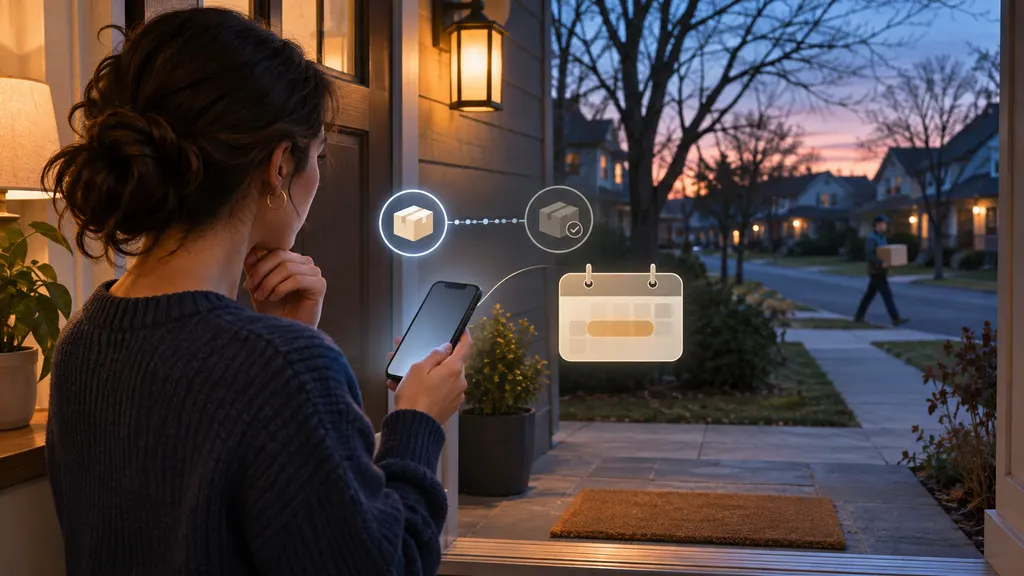
The practical question is not just what time a driver might arrive. It is whether your package is on a delivery route today, whether the estimated date has passed, and whether a new scan changes what you should do next. A late-night delivery is possible in some circumstances, but an “out for delivery” scan is not a promise that a driver will reach your address before midnight.
Is there a standard SpeedX delivery cutoff?
Do not rely on a universal SpeedX cutoff unless the carrier gives you a specific delivery window for your shipment. A package’s arrival time can vary with its route, local conditions, access to the building, and how the delivery progresses that day. A general statement about evening delivery would not tell you when your particular parcel will arrive.
Instead, separate three pieces of information that are easy to confuse:
- Estimated delivery date: A forecast of when the shipment may arrive. It is not necessarily a scheduled appointment.
- Out-for-delivery status: An indication that the parcel has entered the delivery stage. It does not provide a precise arrival time on its own.
- Confirmed delivery window: A narrower time range, if one is explicitly shown for your shipment. Do not assume you have one merely because a date appears in tracking.
If the retailer gave you a promised arrival date, keep that separate from the carrier’s latest tracking estimate. The retailer’s order page may be the best place to review what was promised at checkout; the carrier’s tracking page is the better place to see the parcel’s most recent reported movement.
When should you check tracking during an evening delivery?
Start with the latest scan, not the time of day alone. Check the shipment on SpeedX’s official site using the tracking number supplied with your order. Read the status, its timestamp, and any delivery instructions or exception details shown. If you are following several shipments, a tracking service such as 17TRACK can be a convenient additional place to check for updates. For a question about a delivery attempt, an address issue, or a carrier-specific instruction, verify the details with SpeedX and the retailer.
Use the following approach rather than refreshing the page repeatedly:
- Before the expected delivery date: Check occasionally for movement, but do not interpret the absence of an “out for delivery” scan as proof that the package is lost.
- On the expected date: Look for an “out for delivery” update and read the most recent timestamp. If no delivery-stage scan appears, keep an eye on the estimate rather than assuming a late evening arrival.
- During the evening: Check again if the package is still marked “out for delivery.” A new delivery, attempt, or exception scan is more informative than the fact that the clock has passed a particular hour.
- After the expected date passes: Review tracking for a revised estimate or explanation. If the status has not clarified what happened, contact the appropriate support channel with your tracking number and order details.
Tracking updates are records of reported events, not a live view of the driver’s location. An unchanged page does not establish that a parcel is stationary. Equally, a package that was “out for delivery” earlier should not be treated as delivered until tracking or a physical check confirms it.
What common evening statuses actually mean
“Out for delivery” late in the day
This is the strongest tracking clue that delivery may still happen that day, but it is not a guaranteed evening appointment. Keep the delivery location accessible if you can do so safely and within your building’s rules. Check for any instructions in the tracking details, then watch for a subsequent scan. If the status remains unchanged overnight, check again for a revised update before concluding that a delivery attempt occurred.
“Delivered,” but you cannot find the package
First check the address and any delivery details shown in tracking. Then look in the places where a parcel could have been left safely, such as an approved mailroom, parcel area, or location specified in your delivery instructions. Ask household members or building staff if that is relevant. Do not assume a package was stolen solely because you did not see it at the front door.
If you still cannot locate it, save the tracking status and contact the retailer or SpeedX through their official support channels. Report what you have checked and ask for any available delivery details. The seller may also need the information to investigate your order.
“Delivery attempted” or an exception
Read the accompanying detail before waiting for another driver. An attempt or exception can require a different response from an ordinary delay. For example, the next step may depend on access to the address or a delivery instruction. The tracking message, rather than a general rule about evening hours, should guide what you do. If the message is unclear or asks you to take action, confirm the instructions through the carrier’s official site or the retailer.
No new scan on the expected date
A missing scan does not, by itself, identify the cause. The parcel may not yet have entered the delivery stage, or the available tracking may simply not answer the question. Compare the latest scan with the estimated date. If that date has passed and the information remains unchanged, ask for an update instead of assuming that delivery will occur later that night.
Who should you contact if the package does not arrive?
Choose the contact based on the problem you need resolved. For a question about a current scan, delivery attempt, or reported delivery, start with SpeedX’s official tracking and support options. Have the tracking number, delivery address, and relevant scan details ready. Avoid posting your full address or tracking information in a public comment or social media thread.
For a missed promise made at checkout, an order correction, or a refund or replacement request, contact the retailer. The seller manages your purchase and can explain its order policies; the carrier’s tracking page cannot decide what remedy the seller owes you. If you contact both, keep the facts consistent: provide the order number to the seller, the tracking number to the carrier, and the date and wording of the latest relevant status.
Before contacting anyone, make one focused check. Confirm that the tracking number belongs to this order, review the full tracking history rather than only the headline status, and look for messages from the retailer about a changed estimate. This can prevent a confusing exchange about an old scan or a different parcel. If the shipment is marked delivered but is missing, say so explicitly; that is a different issue from a parcel still marked out for delivery.
A practical rule for waiting versus taking action
If your SpeedX package is marked out for delivery and the expected date has not passed, an evening check is reasonable. You do not need to keep refreshing tracking every few minutes. Look for a meaningful status change, then check again if the delivery day ends without a clear result.
Take action sooner when tracking reports an exception, gives instructions, or says “delivered” and you cannot find the parcel. If the expected date passes with no delivery and no useful update, contact the carrier about the shipment’s status and the retailer about the order if needed. There is no need to guess at an unofficial delivery cutoff: the latest shipment-specific information is what determines your next step.
FAQ
Does “out for delivery” mean my SpeedX package will arrive tonight?
Not necessarily. It means the shipment has reached a delivery stage, but the status alone does not guarantee arrival by a particular hour. Check for a later delivery, attempt, or exception update. If the day ends without one, review tracking again for a revised estimate.
Should I stay up waiting for an evening delivery?
Unless you have been given a specific delivery window or need to follow an access instruction, tracking usually cannot tell you exactly when to wait at the door. Make sure any permitted delivery instructions are clear, then check for a new status at a sensible interval. Do not compromise your safety or building rules in an attempt to meet a driver.
Why has tracking not changed even though the delivery date is today?
A delivery date and a tracking scan convey different information. The date is an estimate; a scan records a reported shipment event. An unchanged status does not explain the cause of the gap. Review the full tracking history, then seek an update if the estimated date passes without delivery or a useful explanation.
What if SpeedX says “delivered” late at night but nothing is there?
Check the address, the delivery details, and any approved parcel locations first. Ask other people at the address or building staff if appropriate. If you still cannot find the package, preserve the tracking details and report the missing parcel through official carrier or retailer support. Be clear that tracking says “delivered,” rather than describing it as merely delayed.
Sources
- SpeedX official website — official starting point for carrier tracking and support information.
- 17TRACK tracking — parcel-tracking service referenced as an additional way to check shipment updates.