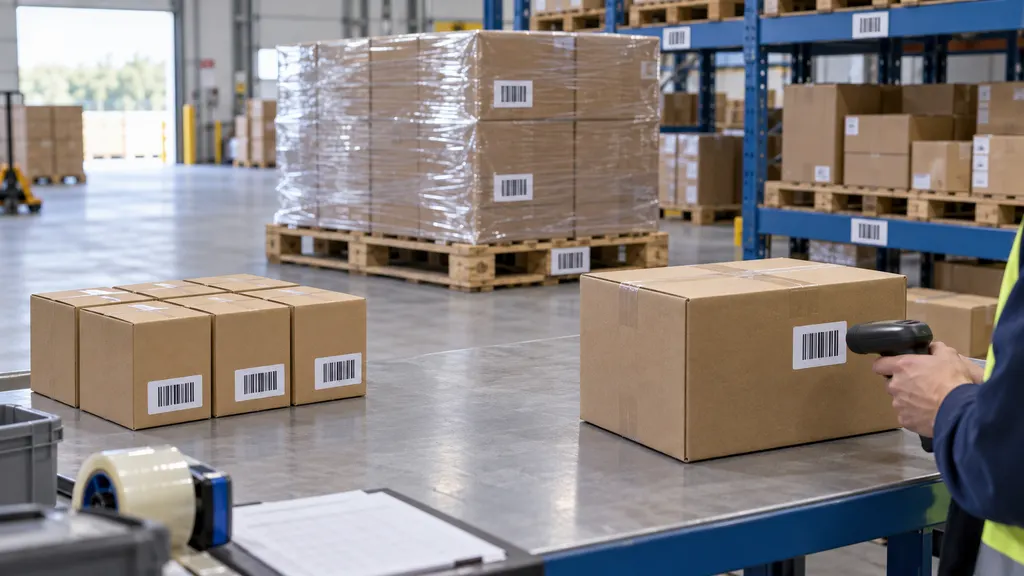
Amazon Out for Delivery: What It Means and What If It’S Late
“Out for delivery” on an Amazon order usually means the package has entered the final delivery stage and is assigned to a delivery route. It often arrives the same day, but the status is not a guaranteed delivery appointment. Traffic, route changes, weather, access problems, vehicle issues, or an earlier delivery backlog can push the delivery later than expected. If the package is still missing by the end of the promised delivery date, check the order details, look for a delivery attempt or exception, and contact Amazon when the order becomes eligible for help.
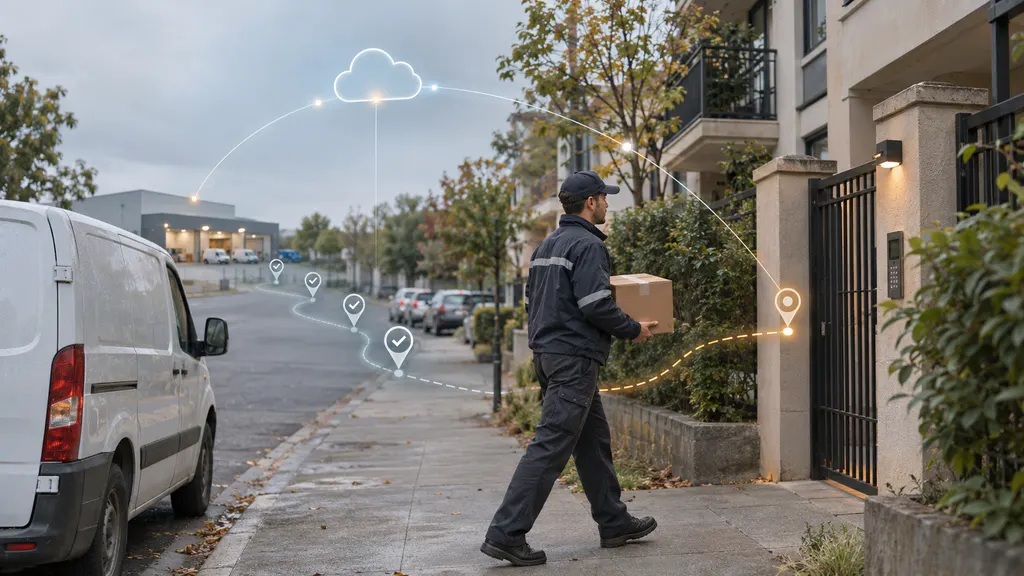
This guide explains what the status means, how long it may remain unchanged, what to check when the parcel is late, and when a missing package should be reported.
What does “out for delivery” mean on Amazon?
The status indicates that the shipment has moved beyond normal transportation and is in the final delivery process. In practical terms, the package has generally been handed to a delivery driver or delivery operation serving the destination address. The parcel may be traveling in a van, waiting for a route departure, or moving through a local delivery process.
“Out for delivery” is different from “shipped” or “arriving soon.” A shipped order is still moving through the carrier network. An arriving-soon message is a prediction or reminder. Out for delivery is a more specific operational scan, but it still does not identify an exact arrival time unless Amazon provides a separate delivery window.
The status can appear for packages delivered by Amazon Logistics, national carriers, postal services, or other delivery partners. The exact wording and scan frequency may vary by carrier. Some shipments receive frequent location updates, while others may show the same status until delivery is completed.
Does “out for delivery” mean it will arrive today?
Usually, the status means the package is intended for delivery on that day. It does not create an absolute promise that the parcel will arrive before midnight or within a particular hour. Delivery routes are dynamic, and a driver may not be able to complete every stop.
Treat the promised delivery date and any displayed delivery window as the main commitment shown for the order. The out-for-delivery scan is useful evidence that the parcel has reached the final stage, but it should not be read as a guaranteed appointment. If Amazon shows a specific time window, use that window for planning; if it shows only a date, allow for variation during that date.
Why an Amazon package may be out for delivery but arrive late
A late delivery after an out-for-delivery scan does not necessarily mean the package is lost. Common explanations include:
- Route delays: The driver may have more stops than expected or may be delayed by traffic, road closures, or building access.
- Weather and local conditions: Severe weather, flooding, snow, heat, or other unsafe conditions can slow or suspend delivery activity.
- Address or access problems: A gated property, incomplete address, locked building, missing access code, or restricted business entrance can prevent a successful attempt.
- Delivery attempt issues: The driver may have attempted delivery, left the parcel in a secure location, or recorded that a signature or recipient was unavailable.
- Scan timing: The scan may be posted before the vehicle reaches the address, or it may remain visible after the route has been delayed.
- Carrier handoff: A package can be processed by one delivery network while the final route is handled by another partner. Updates may not appear at the same speed across systems.
- Incorrect or incomplete tracking data: A delayed scan, duplicate event, or system synchronization problem can make the online status look more certain than the physical movement of the parcel.
What to do when Amazon says “out for delivery” but the package is late
1. Check the promised delivery date and time window
Open Amazon’s order history and select the affected order. Check whether the order is still within its promised date or delivery window. A package that has not arrived at noon is not necessarily late if the displayed commitment is later that day.
Also check whether the page shows a revised estimate. The most recent estimate should guide your next action, because delivery information can change after a route exception or failed attempt.
2. Read the complete tracking timeline
Do not rely only on the headline status. Expand the tracking details and look for messages such as “delivery attempted,” “customer unavailable,” “access problem,” “held at location,” “undeliverable,” or “delayed.” These messages can explain why a parcel did not arrive even though the previous scan said out for delivery.
Compare the latest scan with the shipping address, delivery instructions, and any safe-place information. If the tracking page names a carrier, you can also enter the tracking number on that carrier’s official tracking page. Carrier systems may display a more detailed exception, although they may not always show more information than Amazon.
3. Check likely delivery locations
Before reporting a missing delivery, check the front door, side entrance, garage area, mailbox, parcel locker, reception desk, leasing office, and other locations permitted by the delivery instructions. Ask household members, neighbors, or building staff whether they accepted the parcel.
Look for a delivery photo or note if one is available. A photo can show that the package was placed at a different entrance or behind an object. Avoid assuming that a photo proves the parcel is still at that location; packages can be moved or taken after delivery.
4. Allow a reasonable delay after the estimated time
If the parcel is still marked out for delivery late in the day, a short delay may resolve without any action. Delivery routes can finish later than expected, and tracking events may be posted after the driver completes the stop.
There is no universal number of minutes or hours that applies to every Amazon shipment. The appropriate waiting period depends on the promised date, the delivery window, the carrier, the local situation, and whether the tracking page shows an exception. Avoid treating a lack of movement for a few hours as proof that the parcel is lost.
5. Contact Amazon if the promised date has passed
If the delivery date has passed and the package has not arrived, use the order’s help or customer service option. Provide the order number, the latest tracking status, the delivery address, and any relevant delivery attempt information. Amazon may ask you to verify that you checked the normal delivery locations.
The available resolution can depend on the order, seller, carrier, destination, and tracking history. Possible next steps may include continued tracking, a replacement or refund process where applicable, or instructions to contact the seller or carrier. Do not assume that every late shipment qualifies for the same remedy.
When should you consider an Amazon package missing?
Consider escalating the issue when the promised delivery date has passed, the tracking history has stopped changing, a delivery scan conflicts with your actual situation, or the order shows a delivery exception that you cannot resolve. A package marked delivered but not found should be treated differently from a package still marked out for delivery.
For a package marked delivered, first check the delivery photo, surrounding locations, household members, neighbors, and building management. If it remains missing, report the problem through the order page as soon as practical. For a package still marked out for delivery, wait for the displayed delivery date to pass unless the tracking page gives a clear exception or Amazon directs you to act earlier.
Keep screenshots of the tracking timeline, delivery estimate, delivery photo, and any messages from the carrier. These records can make a customer service conversation more efficient, especially when the status changes after the expected delivery date.
Can you track an Amazon package outside Amazon?
Yes, when the order provides a recognized carrier and tracking number, you may be able to enter that number on the carrier’s official tracking website or a multi-carrier tracking service. This can help when an order contains limited information in the Amazon app, but it does not guarantee more frequent or more accurate updates.
For personal tracking across carriers, 17TRACK’s tracking page can be used to look up shipments with a tracking number. Its usefulness depends on whether the carrier and tracking event are supported. Amazon’s own order page remains the primary place to check order-specific delivery commitments, help options, and resolutions.
How to reduce problems with future Amazon deliveries
- Use a complete address, including apartment, unit, building, and access details.
- Add delivery instructions that are clear, safe, and permitted for the property.
- Use a secure pickup location or parcel locker when available.
- Monitor the order on the promised delivery day rather than relying only on the out-for-delivery label.
- Keep contact information current if the carrier may need delivery clarification.
- For time-sensitive goods, avoid assuming that an estimated delivery date functions as a guaranteed appointment.
- Report repeated delivery failures with the specific order numbers and exception messages rather than describing the issue only as “late.”
Key takeaway
Amazon’s “out for delivery” status normally means the package has entered the final delivery route and is expected to arrive that day. It is a strong progress signal, not an exact-time guarantee. Check the delivery window, review the full tracking timeline, inspect likely drop-off locations, and wait for the promised date to pass before escalating unless the order shows a clear exception. If the parcel remains late or is marked delivered but cannot be found, use the order’s help option and keep the tracking evidence available.
FAQ
How long can an Amazon package stay out for delivery?
It can remain in that status for part or all of the expected delivery day. There is no single delay limit that applies to every shipment. The carrier, route, address, weather, delivery window, and tracking system can all affect how long the status remains unchanged. If the promised date passes, review the order for an exception and contact Amazon if necessary.
Does out for delivery mean the package is nearby?
Not necessarily. The status indicates that the shipment has reached the final delivery stage, but it does not always reveal the driver’s current location or position in the route. A package can still be several stops away or delayed before reaching the address.
What should I do if Amazon says delivered but I cannot find the package?
Check the delivery photo and all usual drop-off locations, then ask household members, neighbors, reception staff, or building management. Review the tracking details for an access or location note. If the package is still missing, report it through the order’s customer service or help option rather than placing a second order immediately.
Can an Amazon package be delivered after the estimated date?
Yes. An estimated date can change when a shipment experiences a route delay, failed attempt, weather problem, or another exception. If the date has passed, the order page should be the first place to check for a revised estimate and available resolution options.
Should I contact the carrier or Amazon about a late package?
Start with the Amazon order page because it contains the order-specific estimate and support path. If a named carrier provides a clear exception or asks the recipient to contact it, the carrier may also be relevant. Use the tracking number and the exact exception message when contacting either party.
Sources
- Amazon Order History — used for the order-level tracking and support workflow described in this guide.
- Amazon Shipping Tracking — used as an official Amazon tracking reference.
- 17TRACK Tracking — used for the multi-carrier tracking option discussed in the article.
- UPS Tracking — referenced as an example of an official carrier tracking page.
- FedEx Tracking — referenced as an example of an official carrier tracking page.
- USPS Tracking — referenced as an example of an official carrier tracking page.