Stockx Shipping and Tracking: Follow Your Order through Verification and Delivery
StockX shipping and tracking usually involves more than one delivery leg: the seller ships the item to StockX for verification, StockX processes it, and the verified order is then sent to the buyer. To follow the order accurately, use the tracking information in your StockX account first, then check the carrier’s tracking page when a carrier scan is available. A tracking number alone does not mean the item has completed verification or is already moving to the buyer.

The most useful way to read a StockX order is by separating the transaction into stages. Seller shipment, receipt at a StockX facility, authentication or verification, outbound shipment, and final delivery can each produce different status messages. A period without a new scan may reflect handoff, processing, or a carrier delay rather than a lost package.
How StockX shipping works
StockX uses a marketplace model in which the item is normally sent to StockX before it reaches the buyer. This intermediate step is central to the delivery experience. It means the seller’s tracking number may show movement toward a StockX facility, while the buyer is still waiting for the separate shipment that follows verification.
The exact route can vary by product, seller location, buyer location, carrier, and the order’s applicable terms. Some items or transactions may follow different operational rules. For that reason, the order page and StockX support instructions should take priority over a generic estimate found elsewhere.
The main stages to expect
- Order confirmation: StockX confirms the transaction and provides the relevant order details in the buyer’s account.
- Seller shipment: The seller prepares the item and sends it to the StockX facility specified for the transaction. A carrier label may be created before the first physical scan appears.
- Arrival at StockX: The shipment is received and enters the facility workflow. Carrier tracking may show delivery even though the item has not yet been dispatched to the buyer.
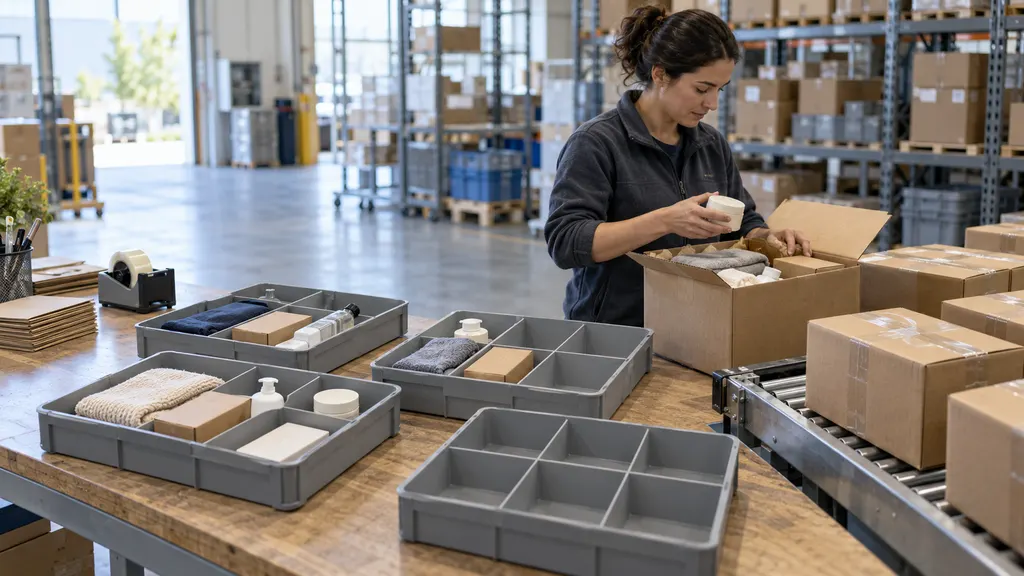
- Verification: StockX checks the item under its applicable process. This is a processing stage, not a normal last-mile delivery scan.
- Shipment to the buyer: After the item clears the applicable checks, a new outbound shipment may be created. The buyer may receive a new tracking number or a new carrier event in the order view.
- Final delivery: The carrier delivers the package to the address and service level associated with the order.
Where to find your StockX tracking information
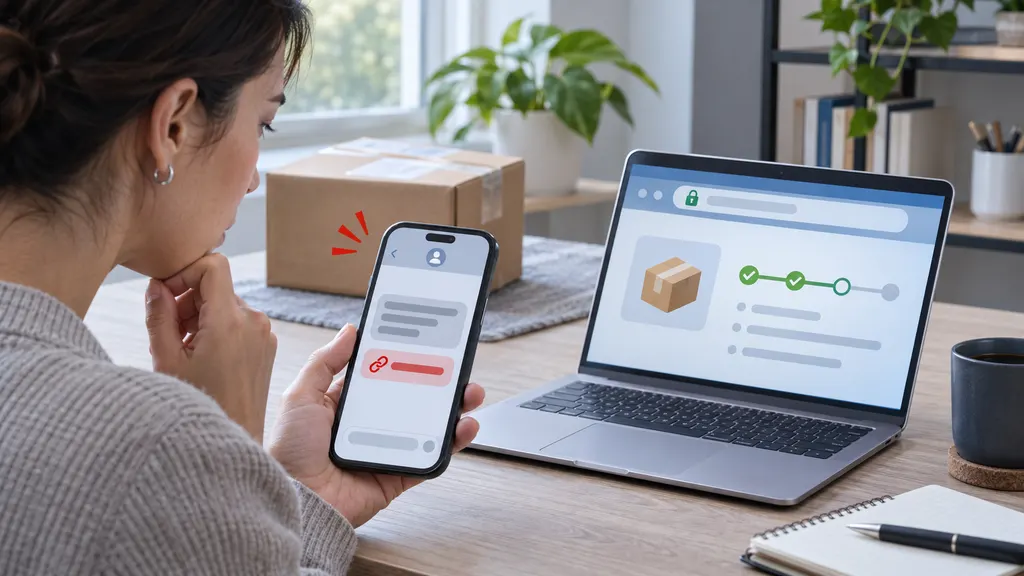
Start with the StockX website or app and open the order details. Look for the order status, shipping information, carrier name, and tracking number. If the number is present but the carrier page shows no movement, wait for the first acceptance or origin scan before treating the shipment as delayed.
Tracking data can take time to synchronize between a marketplace, a fulfillment facility, and a carrier. A label-created event generally indicates that shipping information has been submitted; it does not by itself confirm that the parcel has been physically accepted by the carrier. The most useful evidence is a sequence of carrier scans showing acceptance, movement, and delivery.
For a second view, you can paste a valid tracking number into the carrier’s own tracking tool. A multi-carrier service such as 17TRACK tracking can also help when the carrier is international, changes during transit, or is not immediately clear from the order page. Use the marketplace account as the source of order-specific instructions, and use third-party tracking as a visibility aid rather than as a replacement for StockX support.
How to interpret common tracking statuses
| Status pattern | What it usually means | What to do |
|---|---|---|
| Label created | Shipping details have been generated, but the carrier may not have recorded physical possession. | Allow time for an acceptance scan. Check whether the seller-shipping deadline shown in the order has passed. |
| In transit to StockX | The seller’s shipment is moving toward a StockX facility. | Follow the carrier events and wait for receipt confirmation or the next order update. |
| Delivered to StockX | The first shipping leg may be complete. Verification can still be pending. | Do not assume final delivery is imminent until StockX confirms the next stage. |
| Verification or processing | The item is being handled within the StockX workflow. | Use the order page for the applicable update. A carrier page may not show useful events during this stage. |
| Shipped to buyer | The outbound delivery leg has been created or dispatched. | Check the newest tracking number and the carrier’s estimated delivery information. |
| Exception, delay, or address issue | The carrier or marketplace has identified a problem requiring attention. | Read the detailed event, check the delivery address, and contact the responsible party through the official support channel. |
Why StockX tracking may appear stuck
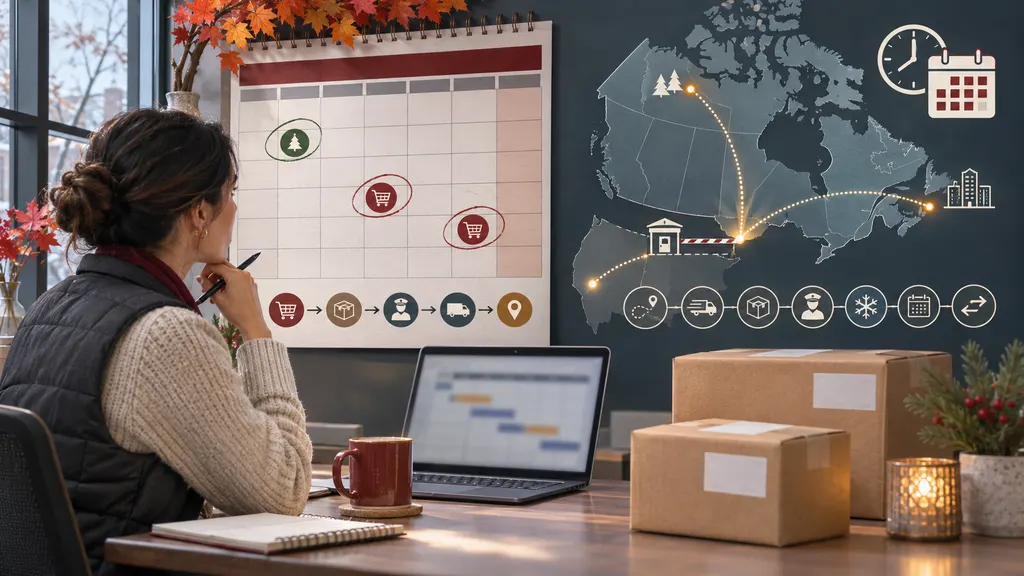
A tracking page can remain unchanged for several legitimate reasons. The seller may have created a label but not yet handed over the parcel. A carrier may have accepted the package without recording a scan at every facility. The item may have reached StockX and moved into verification, where updates are controlled by StockX rather than the original carrier. International shipments may also pass between postal or delivery partners, creating gaps or differently worded events.
The right response depends on the stage. If there is no carrier acceptance scan, review the seller-shipping status and the order’s stated deadline. If the package is marked delivered to StockX, look for a verification update rather than repeatedly refreshing the first carrier number. If the outbound package has a carrier scan but no movement, compare the last event date, destination, service area, and any exception message.
A lack of a new scan is not enough to conclude that an order is lost. Escalate when the order-specific deadline has passed, the carrier reports an exception, the tracking shows delivery to the wrong address, or StockX asks you to provide additional information.
What to do when the package is late
- Save the order reference: Record the order number, current StockX status, tracking number, carrier, and last scan.
- Identify the delivery leg: Decide whether the package is traveling from the seller to StockX or from StockX to you.
- Read the full carrier event: “Delay,” “held,” “address issue,” and “delivery attempted” require different actions.
- Check the address and delivery instructions: Confirm that the order details match the intended destination and that no carrier action is pending.
- Contact StockX through its official help channel: This is especially important when the order is still in verification, the marketplace status conflicts with carrier data, or the applicable deadline has passed.
Keep screenshots and carrier event history if the status changes, disappears, or conflicts across systems. Avoid opening a carrier claim for a shipment that is still moving to StockX when the issue concerns verification or marketplace processing; the correct owner may be StockX rather than the first-leg carrier.
How to improve the post-purchase tracking experience
For buyers, the simplest routine is to check the StockX order page for the overall transaction stage and the carrier page for physical movement. For ecommerce operators and marketplace teams, the same distinction matters at a larger scale: customer messages should identify whether an order is awaiting seller dispatch, facility processing, verification, or final-mile delivery.
Multi-carrier tracking tools can consolidate events when different carriers handle different legs. They are most useful when an order contains several tracking numbers or when international handoffs make the carrier relationship unclear. They cannot verify the item, change StockX’s processing status, or override the marketplace’s order policy. Their role is shipment visibility.
Before contacting support, gather the order number, the latest status, every available tracking number, the last scan time, and the exact problem. This gives the support team a clearer timeline and reduces the risk of confusing seller-to-facility transit with buyer delivery.
FAQ
Does StockX tracking show the whole delivery process?
It can show the main order stages, but the amount of detail depends on the transaction and available carrier data. Seller-to-StockX movement, verification, and buyer delivery may not appear as one continuous carrier history.
Why does my tracking say delivered but I have not received the item?
Check whether “delivered” refers to delivery to a StockX facility rather than delivery to your address. If the outbound shipment is marked delivered to your address and cannot be located, review the carrier’s delivery details and contact StockX through its official support process.
Can I track a StockX order without a tracking number?
You can usually review the order status from the StockX account associated with the purchase. A third-party tracking service generally requires a tracking number, so it cannot replace the StockX order page when no carrier number has been issued.
How long does StockX verification take?
There is no single duration that applies to every order. Processing can depend on the item, facility, shipping route, and applicable service terms. Use the estimate or status shown for your specific order rather than relying on a general timeframe.
Should I contact the carrier or StockX about a delay?
Contact the carrier for a clear transportation exception, address issue, or delivery attempt. Contact StockX when the item is awaiting verification, the order status conflicts with carrier information, the marketplace deadline has passed, or the issue concerns the transaction itself.
Sources
- StockX official website — marketplace and order context.
- StockX Help Center — official support entry point for order, shipping, and verification questions.
- 17TRACK tracking — multi-carrier shipment visibility tool.
- USPS tracking — official carrier tracking reference.
- UPS tracking — official carrier tracking reference.
- FedEx tracking — official carrier tracking reference.