Shipping Label Created but Not Moving? What It Means & What to Do Next
“Shipping label created” usually means the sender has generated a label and submitted shipment details, but tracking does not yet show that the carrier has received the package. It is not proof that your order is moving—or that it is lost. Check the carrier’s tracking page, compare the status with the seller’s promised dispatch date, and contact the seller if that date has passed without a carrier acceptance update.
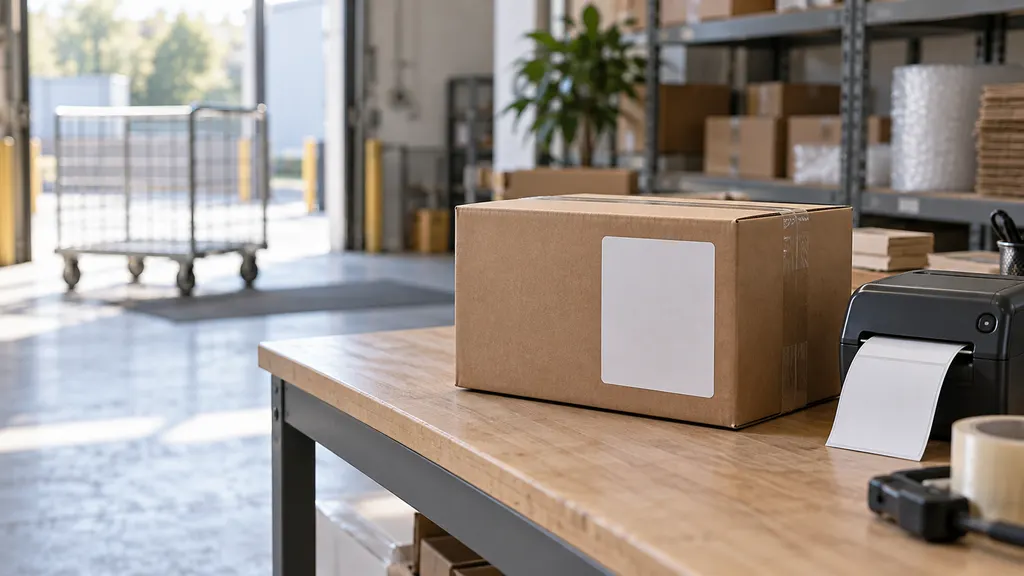
The most useful question is not simply how long the status has been unchanged. It is whether the seller can confirm a physical handoff, which carrier currently has the parcel, and whether the order is still within its promised delivery window.
What “label created” actually tells you
A shipping label contains information needed to route a parcel, including its destination, service details, and tracking number. Creating that label produces an electronic record. Packing the order, collecting it, and scanning it into the carrier’s network are separate events.
UPS describes its “Label Created” status as receipt of shipment details and billing information from the sender. The status changes once UPS has possession and the shipment is moving within its network. USPS similarly distinguishes pre-shipment information from possession of the package. These distinctions matter because an order confirmation, shipping notification, or active tracking number does not independently establish carrier custody.
There is also a limit to what tracking can prove: the absence of an acceptance scan does not conclusively prove that the package is still with the seller. A collection may have happened without an individual scan appearing yet. Treat the status as a gap in confirmed movement, then ask for evidence that resolves that gap.
Similar messages can describe different stages
- “Label created,” “pre-shipment,” or “shipment information received”: An electronic shipment record exists; carrier possession may not yet be confirmed.
- “Accepted,” “picked up,” or an origin-facility scan: These are stronger indications of physical handling. Read the event description to identify which company handled the parcel.
- “Shipping partner … USPS awaiting item”: A shipping partner may be handling the package while USPS is still awaiting its handoff. This is different from a shipment with no physical events anywhere.
- “In transit”: The shipment has progressed beyond label creation, although it may not receive a new public scan at every step.
Carrier wording varies. Always read the full event history rather than relying only on a store’s simplified progress bar.
Why a label can exist before the package moves
Several situations can produce the same tracking message. The status alone cannot tell you which explanation applies to your order.
The seller is still preparing the shipment
A warehouse may create labels before picking and packing are complete. A seller may also be waiting for stock, resolving an order issue, or preparing a batch of orders for collection. In these cases, the label is real, but the shipment may not yet have left the fulfillment location.
The relevant benchmark is the seller’s processing commitment. An order placed with a stated preparation period should be assessed against that period, not against the moment the tracking number appeared.
The parcel is waiting for collection or its first visible scan
A package can be packed and ready but still awaiting a scheduled pickup. A label created after a collection cutoff, over a weekend, or during a holiday may precede the next available collection. Alternatively, the sender may report a handoff before an individual acceptance event becomes visible.
These are possible explanations, not reasons to wait indefinitely. If the seller says the carrier already collected the parcel, ask for the handoff date and supporting collection or acceptance information.
An international shipment has more than one tracking leg
In cross-border shipping, a destination delivery label may be generated before the parcel reaches that delivery carrier. Another logistics provider may handle collection, consolidation, or international transport first.
The destination carrier’s page can therefore show an awaiting-item status while an earlier shipping leg has activity. Ask the seller for the origin carrier and any separate tracking number. Do not assume that a label-only status means customs is holding the parcel; customs involvement requires additional evidence.
What to do next: a practical checking sequence
- Open the carrier’s official tracking page. Copy the tracking number from your order details and confirm that it matches the shipping email. Read the complete history, including the event dates and location details.
- Check the order’s actual commitments. Find the promised processing period, dispatch date, and delivery window. These are different milestones. Save a copy of the terms shown when you ordered.
- Look for evidence beyond label creation. An acceptance event or facility scan is more informative than a “shipped” badge in the store account. For international orders, check whether a shipping partner or origin carrier is named.
- Contact the seller when dispatch is overdue. Ask whether the parcel has physically left the warehouse, when it was handed over, and which carrier received it. Request a revised date if it has not shipped.
- Set a specific follow-up point. If the seller asks you to wait, agree on when they will provide an update and what they will do if no acceptance event appears.
- Protect any refund or dispute deadline. Check the rules of the store, marketplace, and payment provider. A request to keep waiting should not cause you to miss an applicable deadline.
For a multi-carrier or international order, a tracking tool such as 17TRACK can provide another place to check tracking information. Use it alongside the relevant carrier’s event history, especially when several providers are involved. A tracking tool cannot create a missing acceptance scan, arrange a pickup, or make the seller release an order.
How long should you wait before contacting someone?
There is no universal deadline after which a label-created shipment becomes lost. Carrier services, seller handling commitments, collection schedules, and international handoffs differ. A fixed “wait this many hours” rule can be misleading.
Use the order’s commitments and the evidence available instead:
- The stated processing period has not ended: Check the next relevant business-day update unless the order is urgent or something else looks wrong.
- The promised dispatch date has passed: Contact the seller and request confirmation of physical handoff, not just confirmation that a label was printed.
- The delivery window has passed: Ask the seller to resolve the missed delivery through its applicable process, which may involve an investigation, replacement, or refund.
- A purchase-protection deadline is approaching: Review and use the applicable support or dispute process before that deadline expires.
- The seller cannot explain an extended label-only period: Ask for a concrete resolution rather than accepting repeated, open-ended requests to wait.
If no dispatch commitment was provided, ask for one now. You do not need to accuse the seller of wrongdoing to request a clear shipment date.
Should you contact the seller or the carrier?
Start with the seller when tracking shows only label creation and there is no confirmed carrier acceptance. The seller can check packing records, warehouse exceptions, collection arrangements, and whether the tracking number was replaced. A carrier may have little shipment-specific information beyond the electronic record at that stage.
Contacting the carrier becomes more useful when there is an acceptance scan, a facility event, or a documented handoff that needs investigation. Even then, the sender may need to initiate a trace or claim under the applicable service rules. Ask who will open the case and when you should expect the next update.
A message you can send to the seller
My order [order number] still shows “label created” under tracking number [tracking number]. The stated dispatch date was [date]. Please confirm whether the parcel has physically been handed to the carrier, the handoff date, and any available acceptance or collection confirmation. If it has not shipped, please provide the revised dispatch date and explain my cancellation or refund options. Please also confirm when you will follow up if tracking does not update.
Keep the reply, your order confirmation, and screenshots of the tracking history. These records help you avoid repeating the same explanation if the issue requires escalation.
Does “label created” mean the seller is scamming you?
No. Label creation is a normal shipping step and, by itself, is not evidence of fraud. Concern becomes more reasonable when the status is combined with missed commitments, inconsistent explanations, an unrelated tracking destination, or refusal to provide a meaningful resolution.
Verify information through your original order account and the carrier’s website. Be cautious about unexpected messages asking for additional payment or personal information to “activate” tracking. Do not treat a payment request as legitimate merely because it includes your tracking number.
If you are the seller: investigate the handoff, not just the label
For ecommerce fulfillment teams, a label-only shipment is an operational exception to investigate. Check whether the order was picked and packed, whether it was included in the intended collection, and whether an order edit or label replacement left the customer with an old tracking number.
If the parcel remains in the warehouse, tell the customer directly and provide a realistic dispatch date. If it was handed over, gather the relevant collection record and contact the carrier through the appropriate support channel. An electronic manifest or pickup booking should not automatically be treated as proof that a particular parcel was physically accepted.
Customer communication should distinguish “label generated” from “carrier received.” That distinction improves the delivery experience by explaining what is confirmed, what is being checked, and who owns the next action. Give the customer a follow-up date rather than sending the same tracking link repeatedly.
FAQ
Can my package arrive while tracking still says “label created”?
It is possible for public tracking to lag behind physical handling, so the message does not rule out movement. However, you should not assume delivery is imminent without supporting events. Ask the seller to verify handoff if the dispatch commitment has passed.
Why did the store email me that my order shipped?
Some stores trigger a shipping notification when they create a label or mark an order fulfilled. That notification may come before carrier collection. Compare the store’s notification with the carrier’s event history to determine what has actually been confirmed.
Does a delivery estimate prove the carrier has my parcel?
No. An estimated date is not the same as a possession event. Check whether the history includes an acceptance, pickup, or facility scan, and be prepared for an early estimate to change as tracking develops.
Can I cancel an order after a shipping label is created?
Possibly. Label creation alone does not establish that cancellation is available or unavailable. The answer depends on the order’s physical stage, the seller’s terms, and applicable consumer protections. Contact the seller promptly and ask whether the parcel can still be stopped before handoff.
What if the seller gives me a new tracking number?
Ask why it changed and which number is now active. Labels can be replaced, but the replacement number still needs its own tracking evidence. Keep both numbers and check that the new one relates to your order rather than assuming the change resolves the delay.
Sources
- UPS: Understanding Tracking Status — explains the distinction between “Label Created” and subsequent shipment progress.
- USPS: Where Is My Package? — explains tracking statuses, including pre-shipment and shipping-partner events.
- 17TRACK: Package Tracking — tracking resource referenced for checking shipments involving different carriers.