How to Return a Tiktok Shop Order: App Steps, Eligibility, and Refunds
To return a TikTok Shop order, open TikTok, find the purchase in your orders, select the item, and look for a return or refund option. Choose the reason, provide any requested photos, and follow the instructions shown for that order. Check the order’s displayed return deadline and refund terms before you submit: eligibility and the steps available can vary by item, seller, location, and the reason for the request.
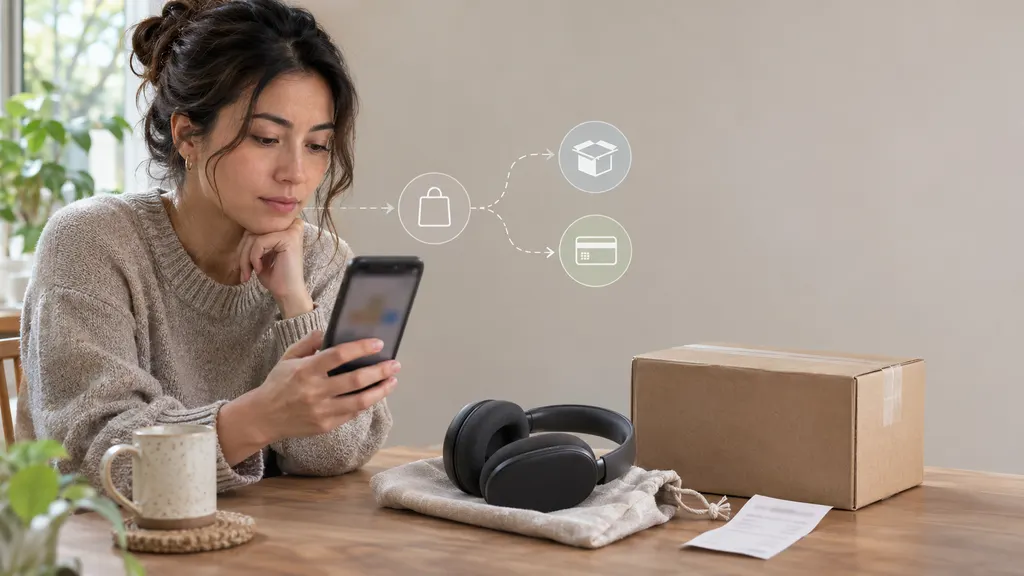
If the item has not shipped, check whether you can cancel it instead. If it arrived damaged, is the wrong item, or never arrived, describe that specific problem rather than selecting a general change-of-mind reason. The path through the app and the evidence requested may differ.
How to start a return in the TikTok app
- Open your orders. In TikTok, go to your Shop or profile area and find your orders or order history. The location of this menu can vary with the app version and region.
- Select the purchase. Open the order details, then choose the item you want to return. If an order contains multiple items, check that you have selected the correct one.
- Look for the relevant request option. Depending on the order’s status and the options shown, this may be labeled Return, Refund, or Return/Refund. Follow the wording in your app rather than assuming every order has the same button.
- Choose an accurate reason. Explain whether the item is unwanted, defective, damaged, incorrect, or missing. Add photos or other evidence if the form requests them, especially when the issue is visible or the delivered item differs from the listing.
- Review the proposed resolution. Read any instructions about approval, packaging, a return label or code, drop-off, and shipping costs. Do not mail the item to an address taken from an unrelated message or the outside of a parcel.
- Submit and monitor the request. Return to the order details to check its status and respond to any requests for more information. If you are instructed to send the item back, keep the drop-off receipt and any tracking details until the case is resolved.
These are navigation guidelines, not a promise that every screen or option will appear. Your order page is the place to check the instructions and deadlines that apply to your purchase. If the return option is missing, use the help or support route available from the order rather than starting a separate, unrecorded return with the seller.
Check eligibility before sending anything back
The question is not simply whether TikTok Shop accepts returns in general. It is whether this particular item, at its current order stage, qualifies for the resolution you are requesting. Open the order and review the return information shown there, along with any applicable policy information displayed during the request.
- Request deadline: Check the last date to start a request. Do not assume the deadline is the same for every purchase or that it begins at checkout rather than delivery.
- Item category and condition: Some products may have different return conditions. Check the item’s information and the order-specific instructions before opening, using, or repackaging it further.
- Reason for the request: A change of mind may be handled differently from a damaged, defective, or incorrect item. Select the reason that matches what happened and provide evidence where appropriate.
- Order and delivery status: An unshipped order may offer a cancellation route, while a delivered item may require a return request. A missing delivery calls for a delivery-related report, not a claim that you have an item to send back.
- Return method: Check whether the app requires approval before shipping and whether it supplies a label, code, or other instructions. A return sent outside the instructed process may be difficult to associate with your request.
If the item is damaged or incorrect, take clear photographs of the product, packaging, shipping label, and the problem before disposing of any materials. For an item that does not work, a short video may help explain the issue if the request form permits it. Evidence should be relevant and truthful; more uploads are not necessarily better than a clear account of the problem.
What happens after you submit a request?
Submitting a request is not the same as receiving a refund. The next step depends on the resolution displayed in the app. You may need to wait for a decision, provide more information, or return the item using the supplied instructions. In some cases, the resolution offered may not require a physical return. Do not assume that outcome in advance or discard the item while your request is open.
If you must ship the item, confirm exactly which item or items are covered. Keep accessories, components, and packaging together when the instructions call for them. Use the label or return method provided for that request, and send the parcel by the deadline shown. If a carrier accepts the parcel, retain proof of acceptance: a generated label alone does not show that the carrier received the package.
After drop-off, check the request in TikTok for updates. Carrier tracking can help you confirm that a parcel moved, but delivery of the return does not necessarily mean the refund has already been approved or issued. The order’s return and refund status is the more relevant record for the case. If tracking stops updating or the app does not reflect a completed drop-off, use your receipt and tracking information when contacting support through the order.
When and how will the refund arrive?
Check the refund details shown in your request for the approved amount, destination, and status. A refund may depend on the type of resolution and, when a return is required, the progress of that return. The time for funds to appear can also differ from the time a refund is marked as issued. Your payment provider may take additional time to post the credit.
Before assuming the amount is wrong, compare the refund record with the original order: item price, shipping charges, discounts, and any other amounts shown. Do not assume every charge is refundable or that a promotional discount will reappear as cash. If the amount differs from what the app said you would receive, save screenshots of both the original order and the refund details, then raise the discrepancy through the order’s support route.
If the app says a refund was issued but you cannot find it, check the payment method used for the purchase and its transaction history. Allow for any processing information shown by TikTok and your payment provider. If it remains missing, contact support with the order number, refund status, amount, and payment date. Avoid posting payment details or account credentials in public comments or messages.
If you cannot find the return option
First, make sure you are signed in to the account that placed the order and have opened the correct item. Then check whether the purchase is still processing, has shipped, or is marked delivered; those states may present different actions. If there is no return button, look for a help, support, or problem-reporting option in the order details.
Explain the issue in one short, specific message. Include what you ordered, what happened, when you received it if applicable, and the resolution you are seeking. Attach relevant evidence and keep your communication inside the app where possible. If the app displays a deadline, act before it passes even if you are still gathering additional photos.
Be cautious if someone asks you to withdraw your request, ship to an address not provided through the return process, or accept a refund through a separate payment app. Confirm the next step within TikTok’s order and support flow before acting. Keeping the request, instructions, and messages together gives you a clearer record if the issue needs further review.
FAQ
Can I return a TikTok Shop item because I changed my mind?
Check the return information for that item and the options shown on its order page. Change-of-mind requests may have different conditions from requests for damaged, defective, or incorrect items. Do not select a fault-related reason if nothing is wrong with the product.
Should I cancel the order or request a return?
If the order has not shipped, check whether a cancellation option is available in the order details. If it has already shipped or arrived, follow the return or refund options shown for its current status. Starting the wrong type of request can delay a resolution.
Do I have to pay for return shipping?
Do not assume return shipping is always free or always at your expense. Review the cost and method displayed for your specific request before you accept instructions or pay for postage. The reason for the return may matter.
What if my order says delivered but I did not receive it?
Check the delivery details and any safe place or household member who may have received the parcel. If it is still missing, report a delivery problem through the order. Do not initiate a physical return for an item you do not have.
Can I get a refund without returning the item?
Follow the resolution shown in your request. If it says a return is required, do not keep or dispose of the item while expecting a refund. If the app offers a refund without a return, retain a record of that decision.
What should I do if my returned parcel is delivered but I have no refund?
Check the return case for its latest status and any outstanding request for information. Keep the carrier’s acceptance receipt and tracking details, then contact support through the order if the refund has not progressed as the app indicates it should.
Sources
- TikTok Help Center. For the applicable return rules, available actions, and refund details, consult the help information and instructions linked to your specific TikTok Shop order in the app.