Backorder Meaning: How Backorders Work in Ecommerce, from Checkout to Delivery
A backorder is an order for an item that a customer can buy even though the seller does not currently have the product ready to ship. Instead of cancelling the sale, the retailer accepts the order and fulfills it when new inventory arrives. The customer may pay at checkout, authorize payment, or receive another payment instruction depending on the store’s process. A backorder is therefore different from an ordinary out-of-stock item: the product is unavailable now, but the seller expects to obtain or produce it later.

For an ecommerce business, managing a backorder means coordinating inventory, purchasing, payment, customer communication, fulfillment, and delivery. A clear promise about timing matters as much as the inventory itself. If the expected date changes, the seller must update the customer and provide any rights or options required by the applicable law and selling channel.
What does backorder mean?
“Backorder” describes a purchase that has been accepted before the seller has enough available stock to ship it. The order remains open while the seller waits for replenishment from a manufacturer, supplier, warehouse, or production line.
The term can describe either the inventory status or the customer order. For example, a retailer may label a product “available on backorder,” while an operations team may say that an order is backordered because one line item is waiting for stock.
A backorder should not be confused with several related situations:
- Out of stock: The product cannot currently be purchased, or the seller has not made a future supply commitment.
- Preorder: Customers buy before a product’s planned release or first general availability. A backorder usually concerns an item that has already been offered or sold but needs replenishment.
- Drop shipment: The seller accepts an order and a supplier ships it directly. This does not necessarily mean the product is unavailable.
- Backlog: A backlog is a broader queue of work or orders. A backordered item is one specific reason an order may remain unfulfilled.
How backorders work from checkout to delivery
1. The seller decides whether to accept orders
A retailer first needs a deliberate inventory policy. It may stop sales when available stock reaches zero, or it may continue accepting orders when there is a reasonable replenishment expectation. The decision should account for supplier reliability, manufacturing lead time, demand uncertainty, payment rules, and the cost of disappointing customers.
The product page and checkout should make the status easy to understand. Labels such as “backordered,” “ships after replenishment,” or “estimated dispatch: [date]” are more useful than a generic “available” message. If the date is not reliable, a seller should avoid presenting an exact delivery promise as if it were guaranteed.
2. The customer places the order
At checkout, the customer should be able to see that the item will not ship immediately. The store should explain whether the order can be cancelled, whether payment is taken immediately, and how a backordered item affects other products in the same cart.
Mixed carts create a common operational problem. If one item is ready and another is backordered, the seller needs a stated fulfillment rule. It may hold the complete order, split the shipment, or ask the customer to select a shipping preference. Each option affects delivery cost, warehouse work, and customer expectations.
3. The seller creates a replenishment plan
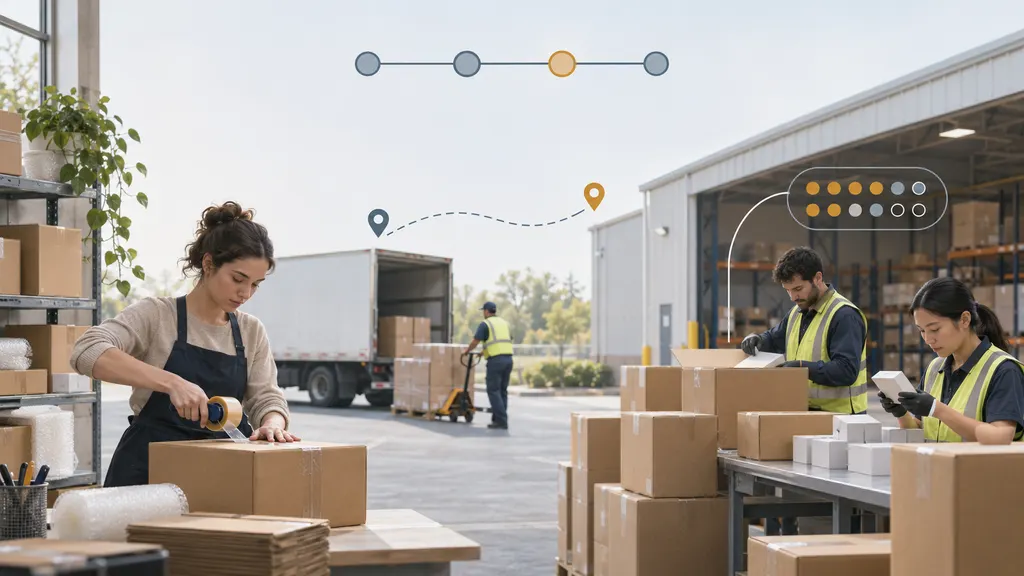
After accepting the order, the business should connect the demand to a purchase order, production schedule, transfer between facilities, or other supply action. The plan should record the quantity needed, the expected arrival date, the supplier or source, and the orders that will be allocated first.
A forecast is not the same as a confirmed supply date. Supplier delays, quality checks, transport disruption, customs processing, and receiving capacity can all move the date. Good operations teams therefore track the replenishment milestone rather than treating the original estimate as permanent.
4. The inventory is received and allocated
When the shipment or production lot arrives, the warehouse should receive and inspect it before promising dispatch. The business then allocates sellable units to open backorders according to its stated policy. Possible policies include first ordered, first fulfilled; priority customers; subscription commitments; or a manual exception process.
Inventory records need to distinguish available stock from units already reserved for backordered orders. Otherwise, the website may sell the same units twice, or the warehouse may pick an order that has not actually been covered by received inventory.
5. The order moves to fulfillment
Once the product is available, the order can enter normal fulfillment: picking, packing, label creation, carrier handoff, and shipment confirmation. The customer should receive a dispatch notification with the tracking information when the parcel has actually been handed to the carrier or is otherwise moving through the delivery network.
Tracking does not replace backorder communication. A tracking number may not show meaningful movement immediately, and it cannot explain why the order was delayed before dispatch. A store can use a multi-carrier tracking service such as 17TRACK tracking after shipment to give customers a clearer view of carrier events, but the backorder status must still be managed in the store or order system.
Why do ecommerce businesses use backorders?
Backorders can help a business preserve demand when replenishment is realistic. They may reduce the risk of losing a customer to a competing product, provide an early signal of demand, and help the seller plan purchasing or production. For made-to-order or specialized products, accepting orders before the next batch is available may be a normal part of the commercial model.
The approach also carries risk. A long or uncertain wait can lead to cancellations, refunds, support contacts, negative reviews, and additional shipping work. If customers believe an item is ready to ship when it is not, the retailer may also create compliance problems. In the United States, the Federal Trade Commission’s Mail, Internet, or Telephone Order Merchandise Rule addresses shipment timing and what sellers must do when they cannot ship within the promised time. Its requirements should be reviewed for the seller’s business and sales channel rather than generalized to every country.
Backorder versus preorder: the practical difference
| Factor | Backorder | Preorder |
|---|---|---|
| Typical product status | Previously available or currently sold, but replenishment is pending | Not yet generally released or produced for regular sale |
| Customer expectation | The item should ship after the next supply arrives | The item should ship around a planned launch or production date |
| Main operational risk | Supplier or replenishment delay | Launch, production, or release-date uncertainty |
The labels overlap in everyday commerce, so the customer-facing explanation matters more than the internal term. A business should describe what will happen, when shipment is expected, and what the customer can do if the date changes.
How to manage backorders well
- Set a visible status. Show the backorder condition on the product page, cart, checkout, confirmation email, and order-status page where appropriate.
- Use a realistic estimate. Base the estimate on supplier or production information, receiving time, and fulfillment capacity. If the date is uncertain, use a range or explain the uncertainty.
- Separate confirmed and estimated events. A confirmed purchase order is not the same as stock received, and stock received is not the same as carrier acceptance.
- Define split-shipment rules. Tell customers whether ready items ship first, whether extra shipping charges apply, and whether the complete order is held.
- Monitor aging orders. Review how long each backorder has been open, whether the expected date has passed, and whether the customer has received a status update.
- Offer a clear remedy when plans change. Depending on the store policy and applicable law, options may include waiting, cancelling, changing the item, or receiving a refund.
- Keep inventory synchronized. The ecommerce storefront, warehouse, purchasing records, and customer-service view should use consistent quantities and statuses.
What should a backorder notification include?
A useful notification answers the customer’s practical questions without overstating certainty. It should identify the affected product and order, explain that the item is awaiting replenishment, give the current estimated ship date or date range, and state whether other items will ship separately.
It should also provide a way to contact support and explain the available options if the customer does not want to wait. When the estimate changes, the message should say what changed rather than simply repeating a new date. This reduces avoidable contacts and gives customers a basis for deciding whether to keep the order.
When should a seller stop accepting backorders?
A seller should reconsider accepting more orders when the replenishment date becomes highly uncertain, supplier information is no longer reliable, demand exceeds the planned supply, or the open queue is too large to serve within a reasonable period. Continuing to collect orders may create more revenue in the short term, but it also increases cancellation and service risk.
A practical review can compare open backorder quantity with confirmed incoming supply, expected lead time, historical cancellation behavior, available cash, and customer-service capacity. The right decision may be to pause sales, limit quantities, change the product message, or accept orders only with a clearly disclosed extended wait.
FAQ
Does a backordered item mean my order is cancelled?
No. A backordered item usually means the order remains open while the seller waits for inventory. The store’s confirmation or support team should explain whether the order is reserved, when it may ship, and what cancellation options are available.
Will I be charged immediately for a backorder?
Payment timing depends on the retailer, payment method, marketplace, and applicable rules. Some sellers charge at checkout, while others authorize or capture payment at a different stage. Check the store’s payment and cancellation terms before placing the order.
Can I cancel a backorder?
Many stores provide a cancellation process, but the exact right and procedure depend on the seller’s policy, sales channel, and local law. Contact the seller promptly and keep the order number and written confirmation of the request.
Can a backordered item ship separately?
Yes, a seller may split an order if some products are available before the backordered item. Whether it does so depends on its fulfillment system, shipping policy, and any extra cost. The customer should be told how the order will be handled.
What is the difference between backorder and out of stock?
An out-of-stock item is unavailable for immediate purchase. A backordered item is generally still available to order because the seller expects future supply. The distinction is meaningful only when the seller communicates a credible replenishment plan.